





Logitech at InfoComm 2026: Supporting Learning Everywhere It Happens on Campus
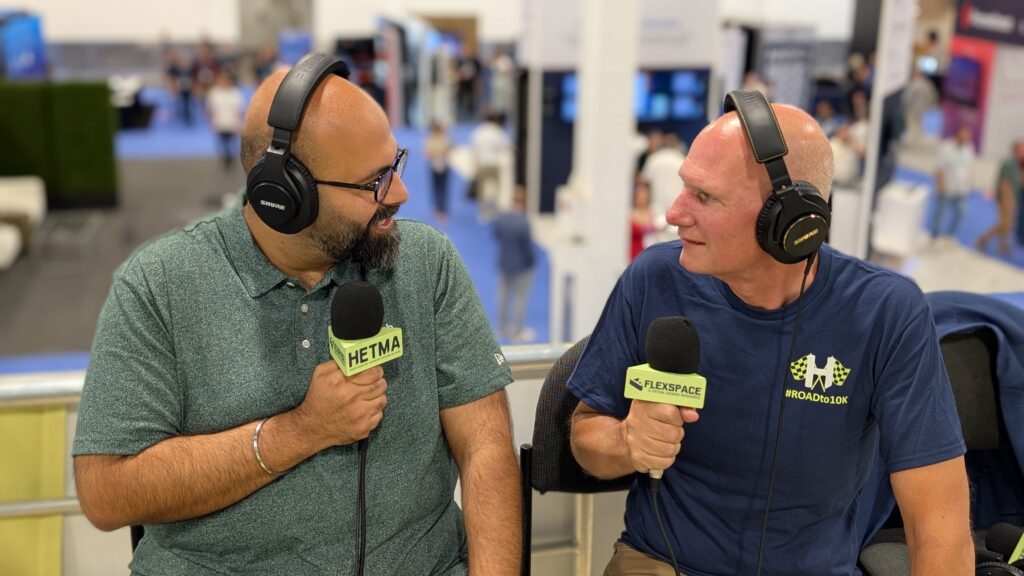
Some InfoComm booth conversations are less about discovering a single product and more about seeing how a company is thinking about the full campus. Logitech fits that category this year. The familiar name may still bring keyboards and mice to mind for some people, but the InfoComm 2026 conversation with Gaurav Bradoo centered on something much more relevant to higher ed AV/IT teams: how learning spaces, collaboration spaces, capture workflows, and support expectations are blending across campus.
Gaurav introduced his role simply.
“I’m responsible for product portfolio at Logitech, specifically around education and higher ed.”
That framing matters. Logitech is not just bringing a general collaboration portfolio to InfoComm and hoping it fits higher ed. The company is showing products and accessories that speak directly to common campus patterns: HyFlex classrooms, conference rooms used for instruction, faculty offices, open collaboration areas, content sharing, lecture capture, and the need for rooms that are easier to deploy and easier to support.
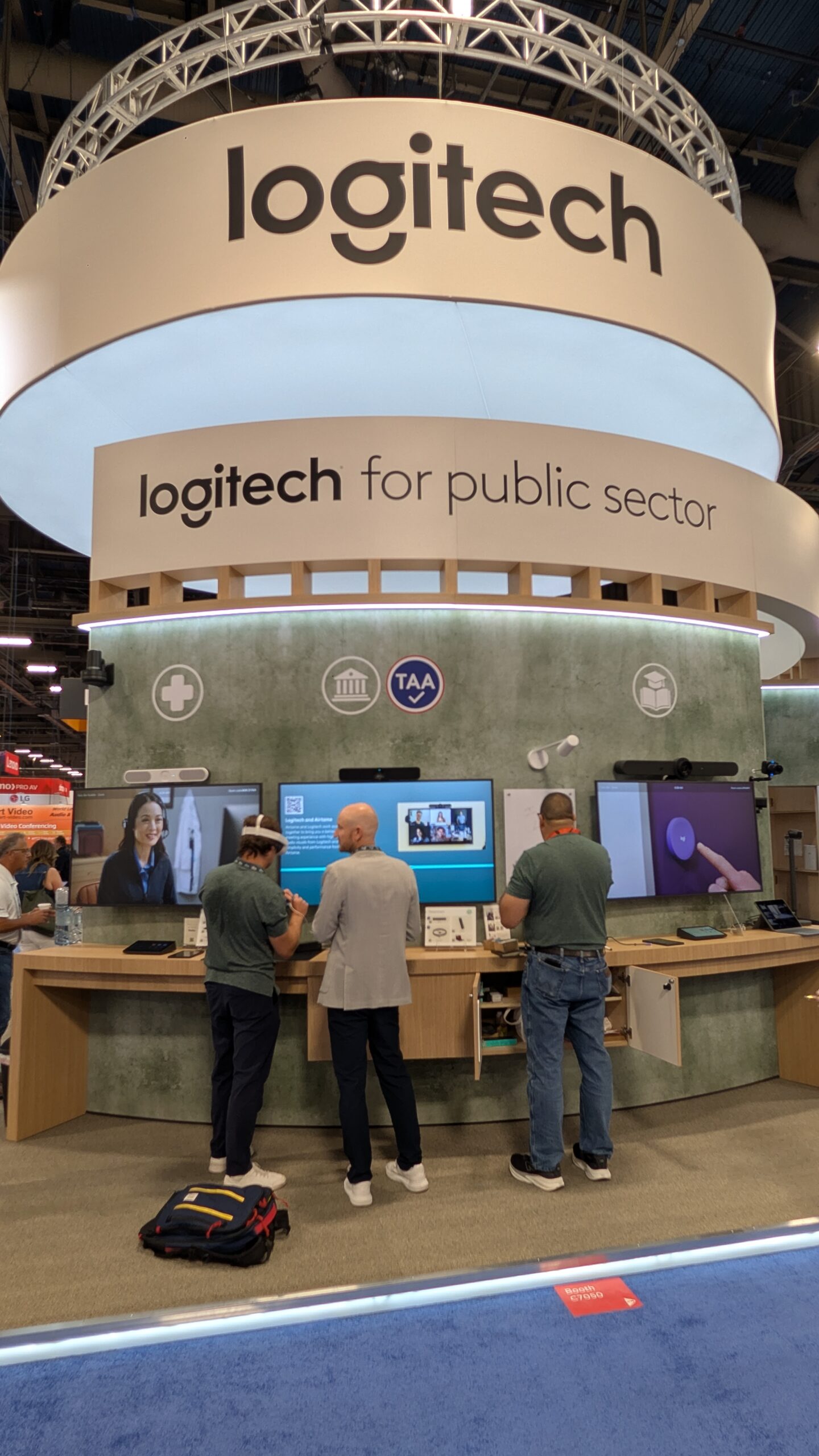
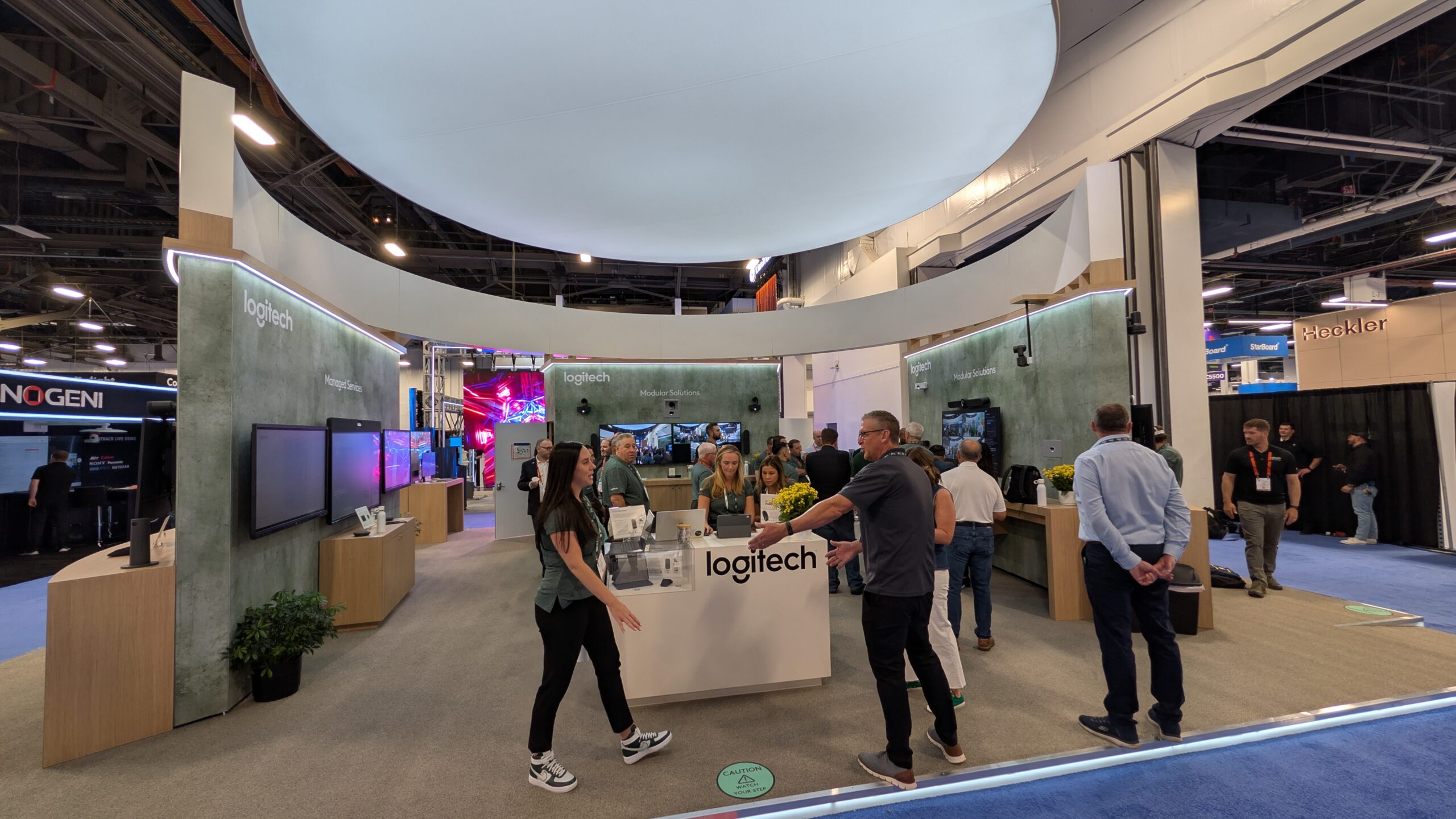
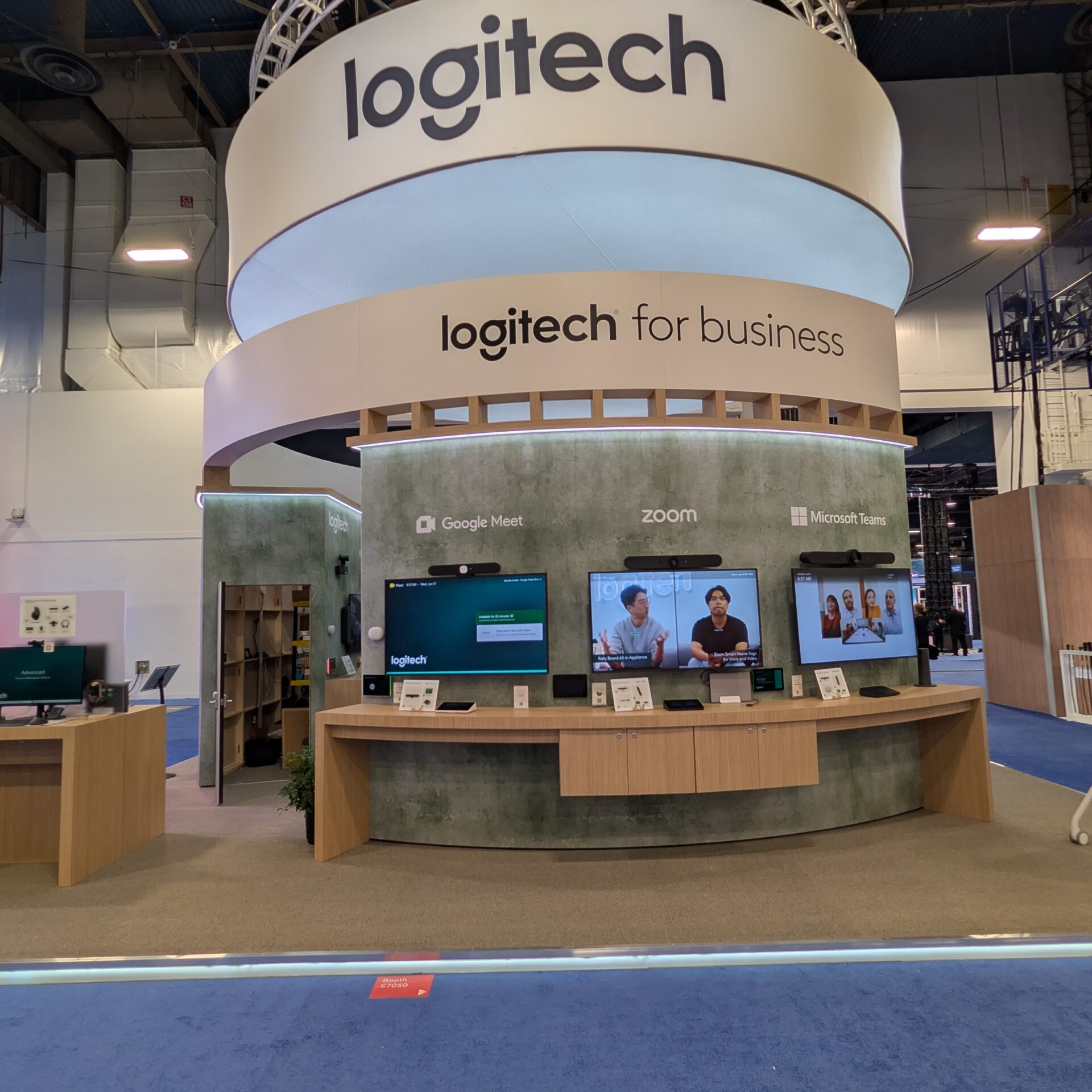
At InfoComm 2026, Logitech is at Booth C7050 with an education-focused lineup that includes Rally Board 65, Rally Camera Streamline Kit, Logitech Scribe, Logitech Reach, Mevo, Rally AI Camera Pro, and additional show-floor announcements including Spotlight 2 Presenter and microphone accessories for Rally Board 65.
Central Hall, Booth C7050
Logitech’s focus is built around the full range of spaces where learning and collaboration happen across campus. Rally Board 65 is positioned as an all-in-one video collaboration device with audio, video, and a 65-inch touchscreen display. Rally Camera Streamline Kit is a USB PTZ video solution for HyFlex learning and is HETMA Approved. Logitech Scribe brings AI whiteboard capture into video conferencing rooms and HyFlex spaces. Logitech Reach supports non-digital content sharing. Mevo brings wireless 1080p live streaming into the mix, and Rally AI Camera Pro is positioned for larger, more complex spaces.
The booth also gives Logitech room to show how those products connect into actual teaching and collaboration workflows. That is the part that should matter most to higher ed AV teams. The campus need is rarely one device in isolation. It is consistency across many different room types, with a user experience that does not require faculty, students, or staff to relearn the room every time they walk into a different building.
Learning Across the Campus
One of the strongest points from the conversation was Gaurav’s description of where learning is happening now.
“Learning is happening across the campus, in the classrooms, in the conference rooms, in open spaces.”
That is a useful way to read the Logitech portfolio. The traditional classroom is still important, but it is not the only place that needs to support teaching, collaboration, video, content sharing, and hybrid participation. A faculty meeting room may also become a remote defense space. A small collaboration room may become a group project studio. An office may become a advising or recording space. A large classroom may need to support local students, remote students, and recorded content at the same time.
For AV/IT teams, this creates a support challenge. The institution may want a range of room types, but the support model cannot become completely custom in every space. Logitech’s stated direction is simplicity, consistency, and scale. Gaurav connected that directly to the company’s approach.
“We want to bring that simplicity of our experience to education”
That is the operational question campuses should bring to Booth C7050. Does the solution make the room easier to use? Does it reduce the number of things that have to be explained? Can it scale across multiple buildings without creating a new support pattern every time?
Rally Board 65 and the Room Experience
Rally Board 65 is one of the central pieces of the Logitech booth story. The response form describes it as an easy-to-deploy, all-in-one collaboration device combining audio, video, and a 65-inch touchscreen display. During the Quick Hit, Gaurav also noted that Rally Board 65 had just won at the Higher Ed AV Awards, and he called out microphone accessories that extend how the system can be used in a room.
That accessory detail is worth noting. In higher ed, the board itself is only part of the room experience. Microphone placement, cabling, pickup, furniture layout, and room size all affect whether the space works. Category cable-based mic accessories may not be the flashiest thing on the show floor, but they can matter when a campus wants the room to be clean, repeatable, and serviceable.
The stronger story is not the board as a standalone display. It is the way Logitech is building around the full room experience: the front-of-room system, the microphone plan, the camera behavior, the content sharing, and the user experience.
HyFlex Is Not a Temporary Mode
The conversation also made clear that Logitech is treating HyFlex and hybrid learning as an ongoing part of campus life, not a leftover from emergency teaching.
Gaurav described the shift this way.
“It’s just a way forward.”
He also added:
“It’s here to stay and it’s growing”
That is the part higher ed teams will recognize. HyFlex may not look the same everywhere, and not every room needs the same level of capability, but the expectation that learning can move between in-person, remote, hybrid, and recorded formats has not gone away. Students may need to review content after class. Faculty may need to bring in a remote guest. Departments may use spaces differently across the semester. Campus events may need streaming or capture without turning every event into a full production.
The Logitech booth lineup maps to that variety. Rally Camera Streamline Kit supports USB PTZ video for HyFlex rooms. Scribe helps bring analog whiteboard work into the remote experience. Reach supports physical content sharing when the material is not already digital. Mevo gives campuses another path for live streaming. Rally AI Camera Pro addresses larger spaces where a basic webcam is not enough.
None of those tools solves the entire campus by itself. Together, they show a portfolio approach to rooms that need to support different kinds of teaching and collaboration without making every deployment feel like a one-off project.
Presentation, Content, and the Small Things That Shape Teaching
One show-floor addition Gaurav highlighted was Spotlight 2 Presenter. He described it as the second generation of Logitech’s presenter tool, designed around the experience of presenting itself. The education angle is not hard to see. Faculty and students both present. Some present comfortably. Some do not. The details of how a presenter advances slides, points to material, highlights content on a display, or handles physical objects can affect the flow of a session.
Gaurav described digital spotlighting as useful for display environments where a traditional laser does not work well, while still keeping a physical laser for analog presentation needs. That is a small example of a larger campus reality: teaching often moves between digital content, physical content, whiteboards, screens, cameras, and conversation. The best room designs do not force those modes to compete with each other.
This is also where Scribe and Reach fit into the broader story. Scribe helps make whiteboard content visible in video-enabled spaces. Reach helps instructors share non-digital materials without awkward workarounds. Those may sound like narrow use cases until you think about labs, design studios, math instruction, document review, physical objects, handwritten work, and faculty who teach better when they are not forced into a slide-only workflow.
Feedback From the People Running the Rooms
The closing part of the conversation moved from products to the relationship between Logitech and HETMA. Gaurav pointed to the value of hearing directly from higher ed AV/IT professionals living and breathing it day in, day out.
That kind of feedback loop matters. Higher ed spaces are not generic meeting rooms. They carry teaching expectations, semester schedules, accessibility considerations, mixed funding models, building constraints, and support teams that often manage large numbers of rooms with limited staff. A feature that looks clean in a demo still has to survive Monday morning.
Logitech’s message at InfoComm is that its education portfolio is built for that reality: simple setup, ease of use, and the ability to scale across an institution. The HETMA audience should hear that as an invitation to ask operational questions. How fast can this be deployed? What does support look like when there are hundreds of spaces? What happens when the room use changes? How consistent is the experience from classroom to conference room to open collaboration space?
The Higher Ed Takeaway
For higher ed AV/IT teams, Logitech at InfoComm 2026 is less about a single product launch and more about the shape of campus learning environments now. Learning is happening in more places, in more modes, with more expectations around video, content sharing, and collaboration. That does not mean every room should become complex. It means the technology has to be simple enough to use, consistent enough to support, and flexible enough to fit the different spaces campuses already have.
At Booth C7050, Logitech is showing a portfolio that speaks to that work: Rally Board 65 for all-in-one collaboration, Rally Camera Streamline Kit for HyFlex video, Scribe for whiteboard capture, Reach for non-digital content, Mevo for streaming, Rally AI Camera Pro for larger spaces, and new presentation and microphone tools that continue the same campus-wide thread.
Make sure to check out Logitech at Booth C7050 at InfoComm 2026, or visit Logitech to learn more.