





Huddly at InfoComm 2026: Multi-Camera Classrooms Without the Presets
Some InfoComm conversations are useful because they push past the default room model. Huddly’s conversation this year is about what happens when the camera system stops being a fixed view at the front of the room and starts understanding the space.
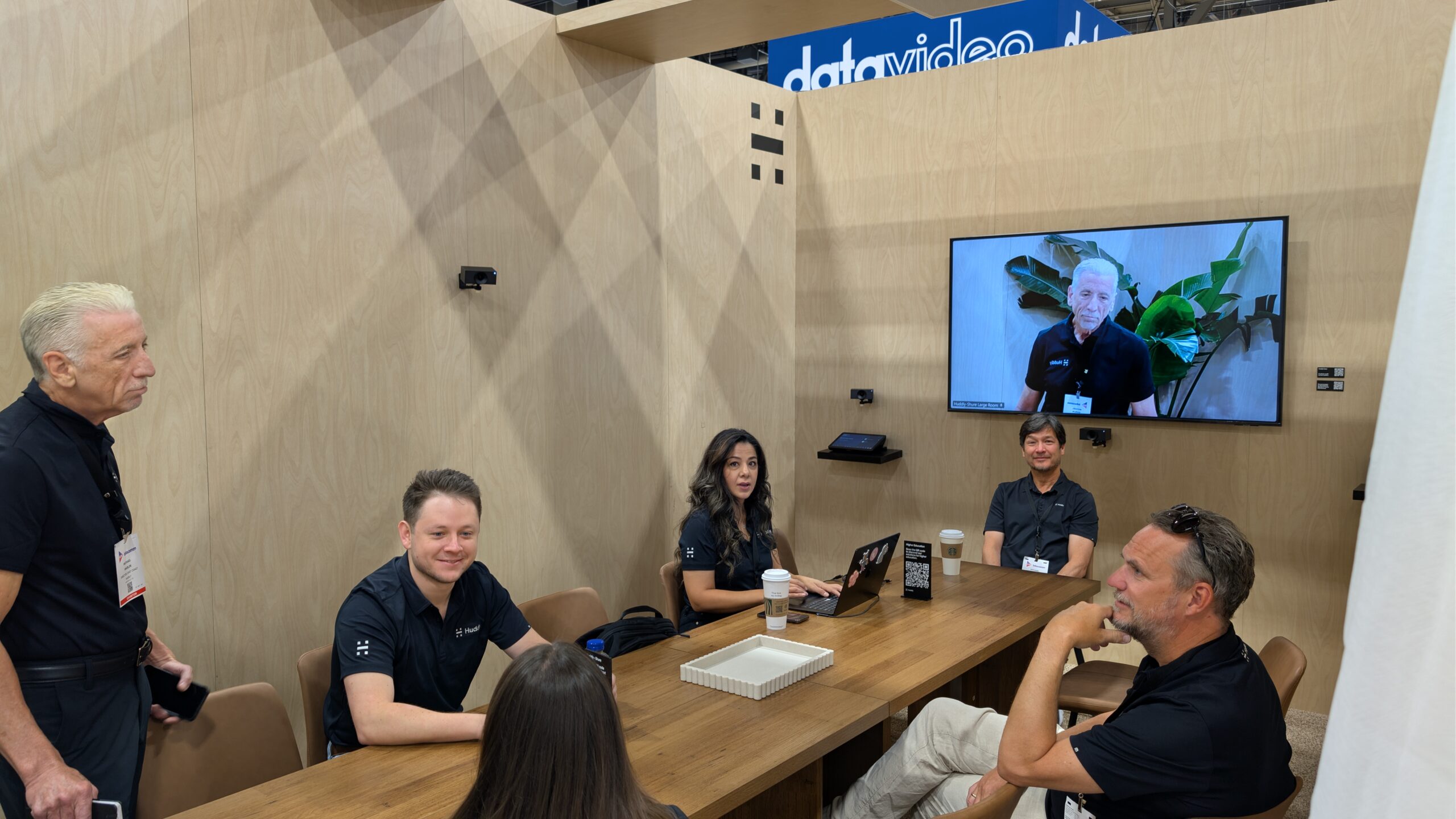
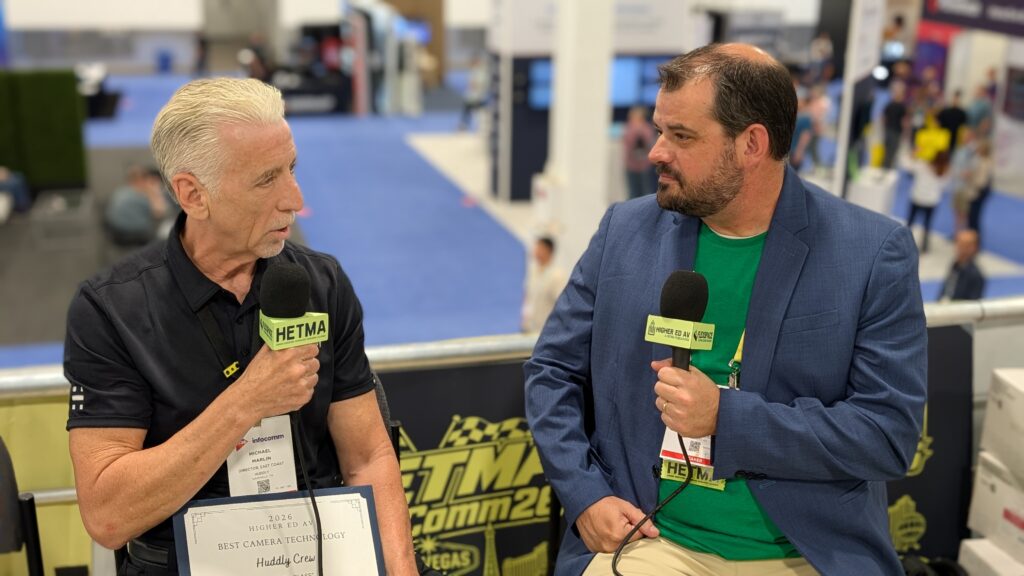
In the interview, Michael Marlin, East Coast Director at Huddly, talked about where Huddly Crew is going next: from meeting rooms into higher ed classrooms, lecture halls, boardrooms, student huddle rooms, and flexible collaboration spaces.
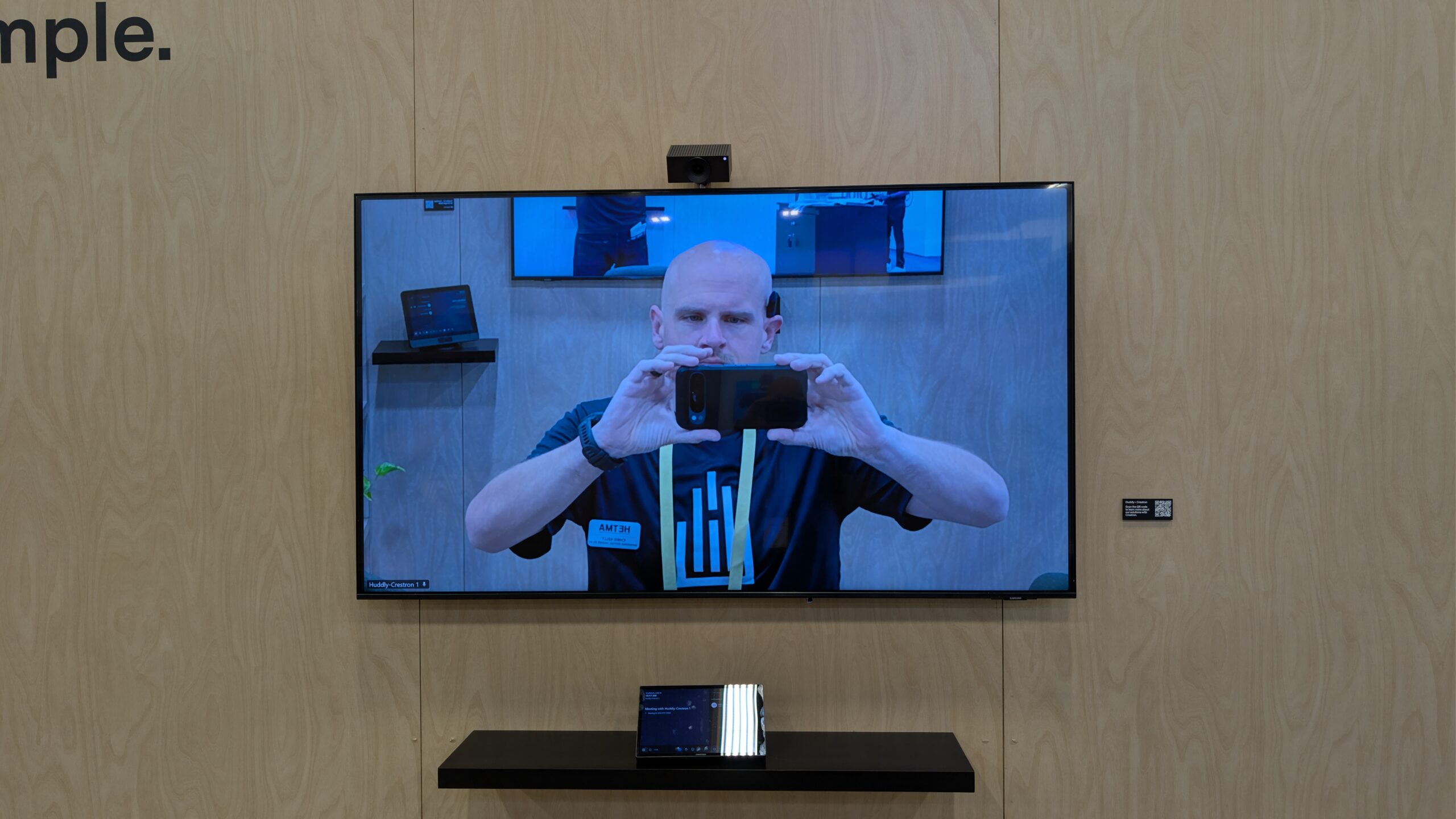
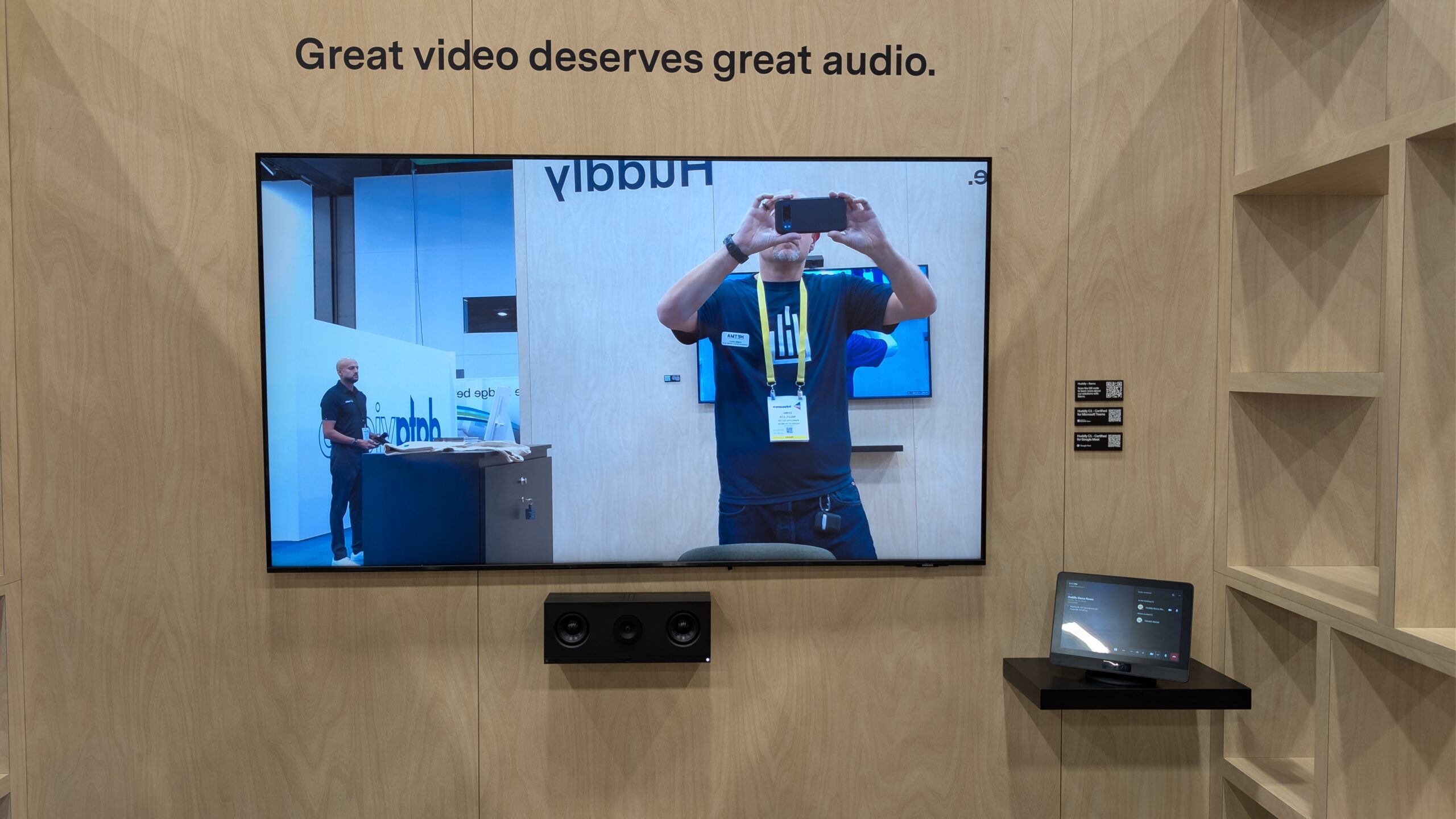
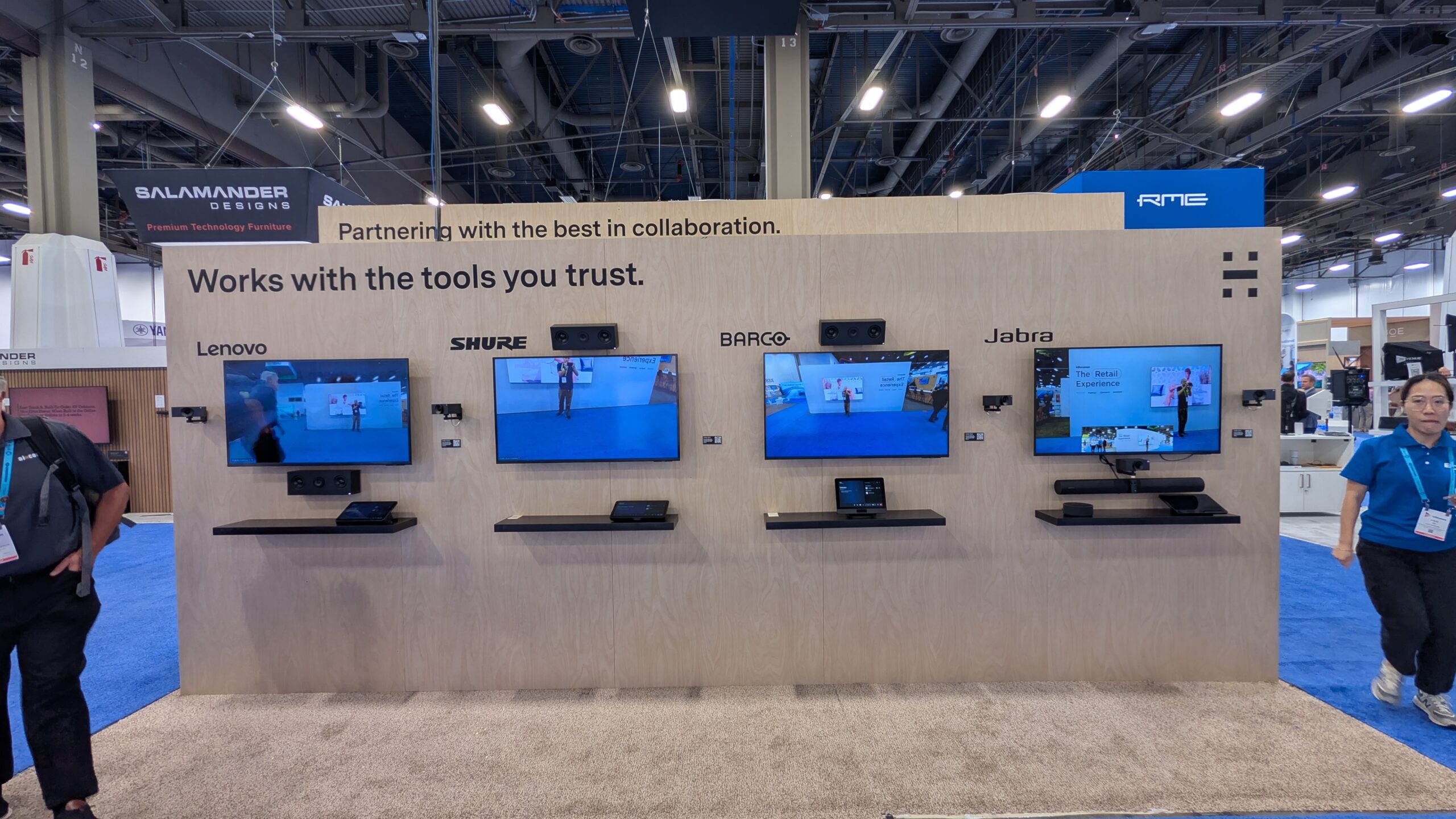
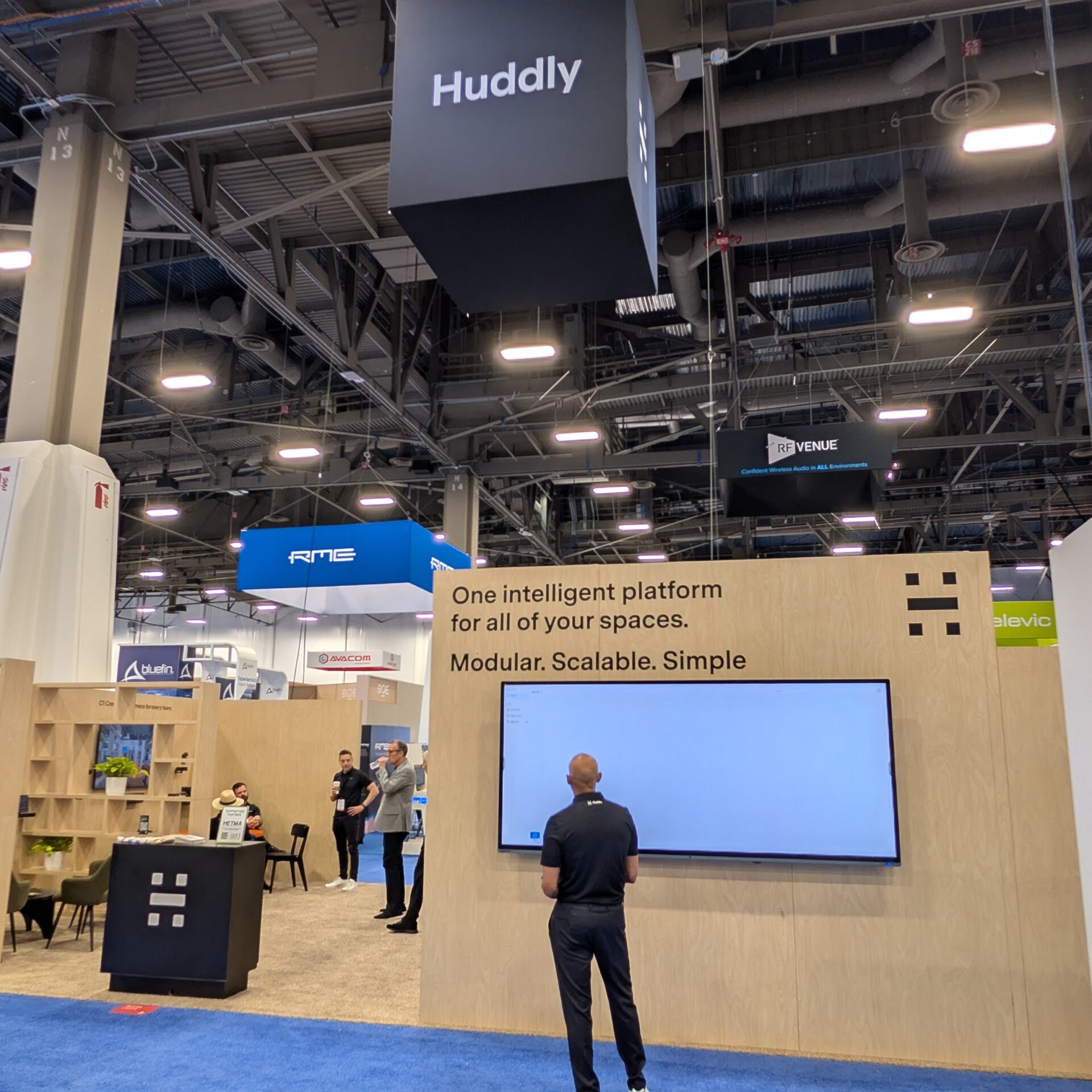
At InfoComm 2026, Huddly is showing the full Huddly Crew platform across multiple room types, including the five-camera Crew system for large spaces, Huddly C1 Crew for medium spaces, and Huddly C1 as a standalone option for smaller classrooms and team rooms. Huddly is also showing complete room solutions with partners including Lenovo, Shure, Barco, Jabra, and Crestron.
The higher-ed angle is not simply more cameras. It is multi-camera room coverage without asking campus teams to build every shot manually.
Michael described the problem directly.
“most universities and most HETMA members have not been able to afford multi-camera solutions, or it was so arduous with programming presets and zones”
That line captures the classroom reality. Multi-camera systems can create a better experience for remote students, recorded content, governing board meetings, hybrid classes, and large-room discussions. But they can also become expensive, programmer-heavy, and difficult to maintain. Once presets, zones, custom logic, and room-specific programming enter the workflow, the system may be powerful, but it may not be scalable.
Huddly is making the case that Crew changes that model.
From Meeting Rooms to Classrooms
Huddly Crew is already familiar to many people as a meeting room system, but Michael’s focus in the interview was clearly higher ed. Huddly has been working with universities, including Virginia, Florida State, and USC, through an advisory board to keep Crew’s classroom direction grounded in actual campus needs.
That matters because classrooms are not just larger meeting rooms. The use case is different. The instructor moves differently. Students ask questions from unpredictable places. Seating can change. Furniture can move. The room may support lecture, discussion, group work, remote participation, recording, and one-off events.
A fixed camera view can miss too much of that. A manual multi-camera system can capture more, but often at the cost of complexity. Huddly’s higher-ed pitch is that the system can bring the advantages of multiple cameras without making the room behave like a small broadcast studio.
Michael called it:
“plug and play intelligence”
That phrase works because it gets to the support model. Campus AV teams still have to design the room, run cable, mount cameras, and make good choices about placement. But the goal is to remove the need for constant programming, preset maintenance, and shot-by-shot management.
Remote Students Should Not Just Watch
The strongest part of the Huddly conversation was not about automation for its own sake. It was about what remote students experience when the system works.
Michael put it plainly.
“they’re not just watching a class. They’re actually participating in the class.”
That is the real classroom value. Remote students can technically attend a class and still feel outside the room. If they only see a wide shot, the front wall, or whoever happens to be near the instructor camera, they miss the shape of the discussion. They may hear a student question but not see the student. They may lose the flow of who is responding. They may be watching the class rather than joining it.
A multi-camera system can help with that, but only if it does not create a new workload for the instructor or support team. Huddly’s approach is to use distributed intelligence, spatial awareness, and AI-directed framing so the system follows the conversation and keeps people visible without asking the instructor to control the room.
Huddly’s own booth message describes Crew as replacing the fixed single-camera view with distributed intelligence that understands the room, follows the conversation, and makes remote participants feel like they are in it.
C1 Crew and the Video Bar Question
The Huddly C1 conversation is also important for higher ed because campuses have many room types between a small webcam room and a large lecture hall. Student huddle rooms, small classrooms, team rooms, advising spaces, seminar rooms, and conference rooms all need better collaboration experiences, but not all of them justify the same system design.
Michael was direct about the product category.
“the world doesn’t need another video bar.”
That is the right way to frame C1. A video bar by itself is not interesting just because it is another bar. Huddly’s point is that C1 becomes part of the Crew platform. It has integrated audio, sixteen microphones, AI audio, and the ability to add additional Crew cameras to get coverage across a meeting room or classroom.
That modularity matters. A room can start smaller and grow later. A campus can support different room types from the same general platform. A classroom with movable furniture does not have to be designed around a single table position. A meeting room can adapt if the use case changes.
Michael described the design principle behind that flexibility.
“We care about the people”
That is a clean higher-ed line. The system is not trying to preserve a fixed table layout or force the room into a single use pattern. It is trying to find and frame the people in the room so remote participants can follow the session.
No Presets, No Zones
The most operationally important Huddly message may be the simplest one: no programmers, no presets, no zones.
That does not mean every room will be effortless. Placement, acoustics, network, compute, platform integration, and room intent still matter. But removing the need to program every camera behavior changes who can support the room after installation.
Michael described adding cameras in the same practical terms: plug them in and they become part of the system. The interview also highlighted single-category-cable connection as part of the installation appeal.
For higher ed AV/IT teams, that matters because the support model is often the limiting factor. It is not hard to imagine a high-end multi-camera room. It is harder to imagine deploying and maintaining that experience across many classrooms, with limited staff, changing needs, and a semester schedule that does not pause for troubleshooting.
Huddly’s argument is that Crew makes multi-camera more repeatable.
Better Over Time
Another meaningful part of the conversation was Huddly’s approach to improvement after installation. The article opener mentioned a familiar idea about Huddly products: the worst they should be is the day they are installed, because firmware updates continue to add capabilities over time.
Michael tied that directly to avoiding major replacement cycles.
“we don’t like the forklift upgrade that most people don’t want.”
That line matters in higher ed. Campuses live with technology for years. A camera system that can gain new capabilities through firmware updates has a different lifecycle profile than one that becomes static on day one. That does not remove refresh planning, but it can change the value of the original investment.
Huddly is also positioning Crew as part of a broader AI-native platform, with distributed Edge AI, spatial awareness, Microsoft Teams initiatives, AI-powered workspaces, and Teams Rooms intelligence all part of the direction at InfoComm.
For campus AV/IT teams, the question is how much of that future direction can happen through the installed platform rather than through a rip-and-replace cycle.
The Higher Ed Takeaway
Huddly at InfoComm 2026 is a useful stop for campus teams thinking about hybrid learning, remote participation, flexible classrooms, student huddle rooms, and multi-camera coverage without the old support burden.
Huddly is showing Crew across room sizes: five-camera Crew systems for large spaces like lecture halls and boardrooms, Huddly C1 Crew for medium spaces, and Huddly C1 as a standalone solution for smaller classrooms and team rooms. The broader platform direction includes distributed intelligence, Edge AI, spatial awareness, integrated audio, partner room solutions, and a modular path that can scale across different campus spaces.
The higher-ed value is in reducing friction. Faculty should not have to think about camera controls. Remote students should not feel like spectators. AV teams should not have to program presets and zones for every room that needs better coverage.
Huddly’s message is that multi-camera classroom experiences can become easier to deploy, easier to support, and better aligned with flexible teaching spaces.
Make sure to check out Huddly at InfoComm 2026, or visit www.huddly.com to learn more.