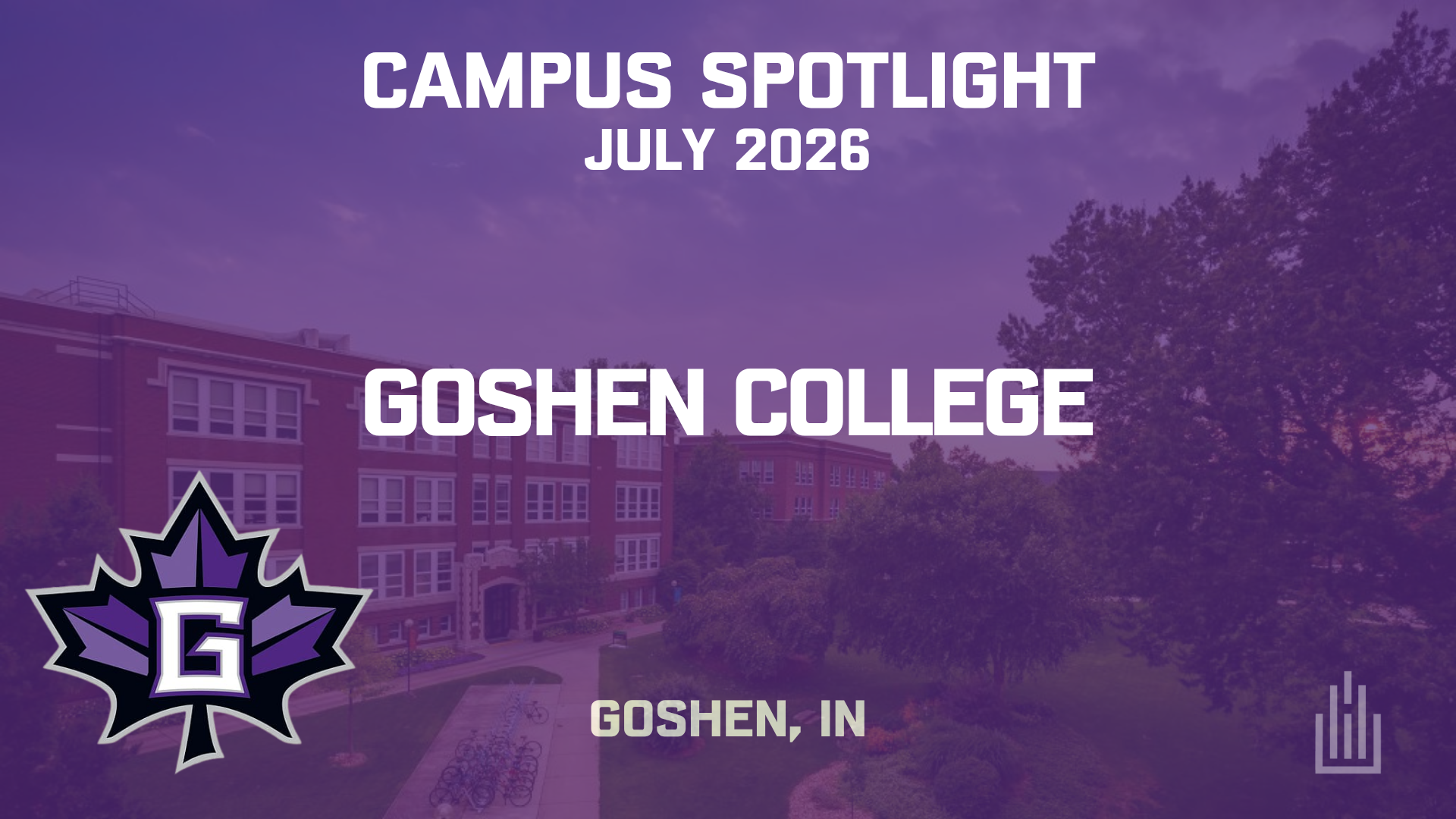

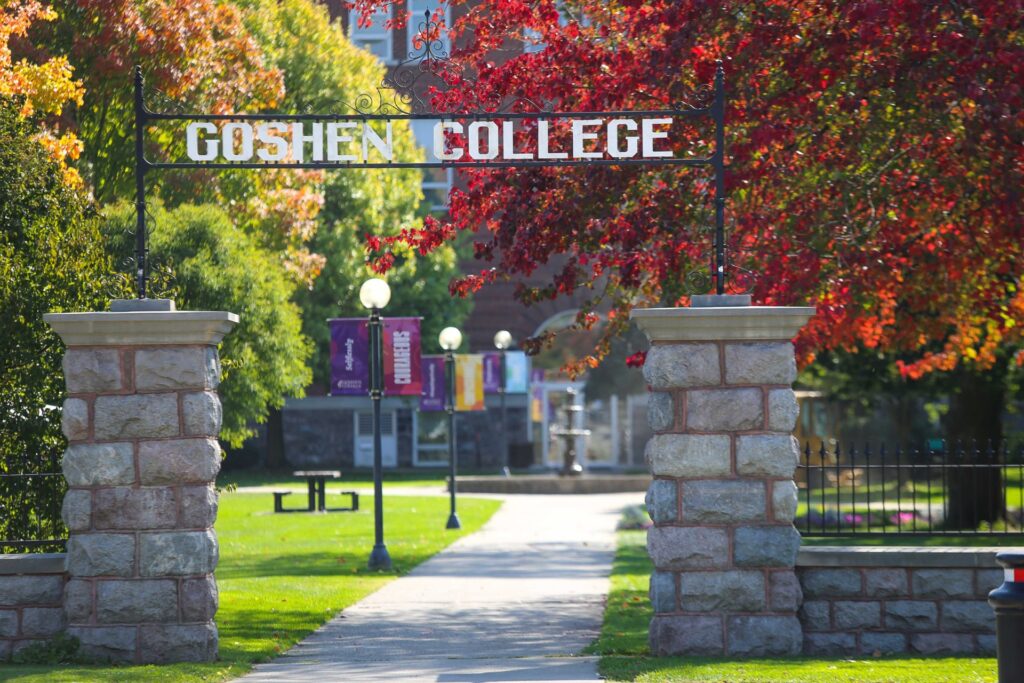
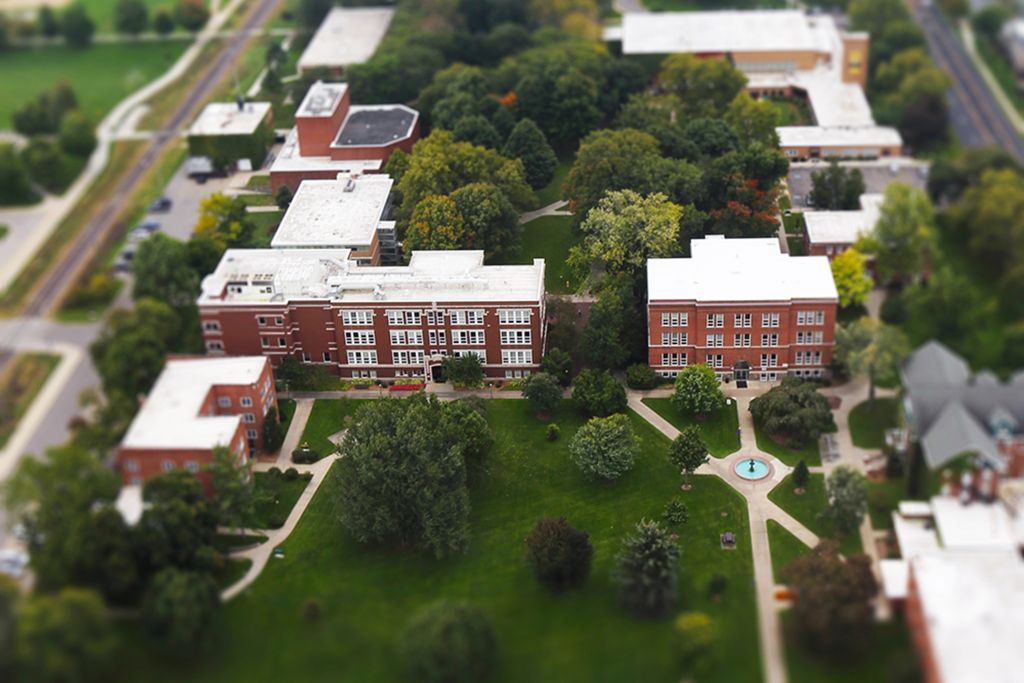
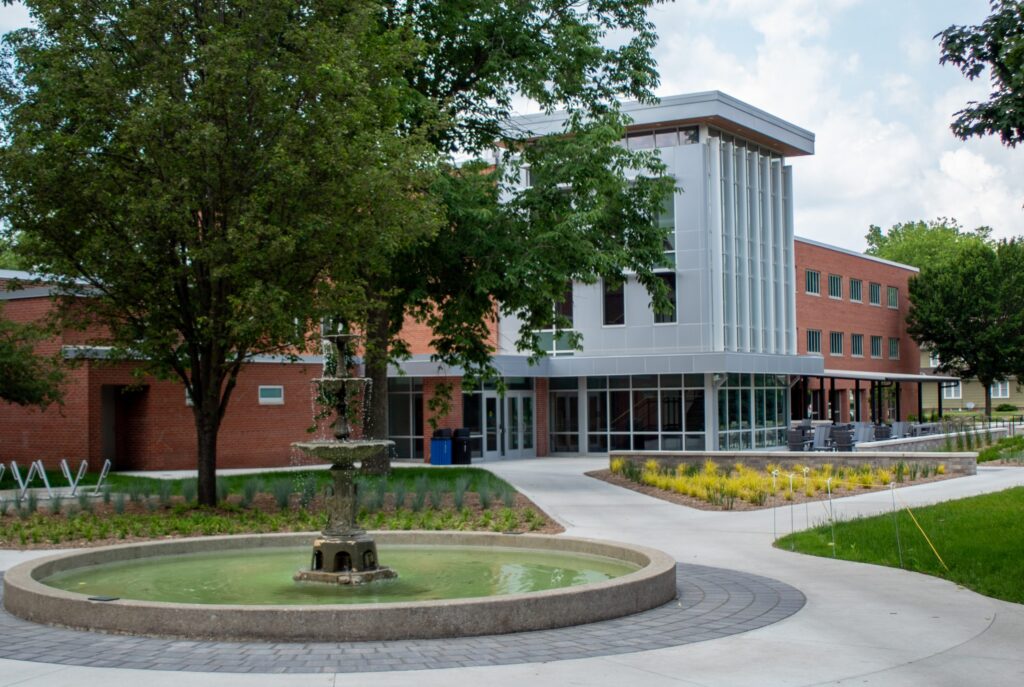
Goshen College is a private liberal arts college located in Goshen, Indiana. Founded in 1894, the college has roots in the Mennonite tradition and continues to integrate academic programs with a focus on service, global engagement, and community impact. It enrolls a little under 800 undergraduate students along with around 50 graduate students and operates primarily from a single main campus
We sat down with Mike McHugh to talk through how that environment is supported from a technology and AV standpoint, including classroom systems, event spaces, and the broader infrastructure that keeps it all running.
Intro & Context
What groups or organizations are you and/or your team a part of (i.e. ETC, MCUAV, etc.)
We have been members of Avixa and ETC for at least as long as I have been here, so for over 20 years. I joined HETMA for the 2020 virtual conference and have been slowly getting more involved since then. We are also members of NAB (our department supports the campus radio station), and I recently joined MCUAV but haven’t been very active with that yet.
Can you tell me about your role and your team’s scope within the university?
Our department, ITSMedia, supports all the campus audiovisual systems, which includes classrooms, conference rooms, event and performance spaces, and athletics. We also support the campus radio station, broadcast programs, AV equipment checkout, and campus post (mail and packages). We also install & support the campus security cameras and building access control systems. Basically, anything that falls under some kind of technology besides standard desktop computing is probably us! We are part of the Information Technology Services department, who handles desktop computing (or laptops) for employees and all the other IT infrastructure and data systems.
My primary responsibilities are to support the technology in classrooms, event spaces, etc., including design, installation, and control system programming. I also oversee our AV Operations Manager, who leads our team of 12-15 student technicians that support all our campus events (academic, athletics, internal, and external rentals). I teach two courses in our Core curriculum for first-year students as well, and this May I led a three-week off-campus community engaged learning course.
How many classrooms and learning spaces are under your team’s responsibility?
We have about 60 spaces in the classroom and learning space category and another 40 or so that are event spaces, performance venues, specialized labs, multipurpose rooms, etc. All spaces on campus fall under our team’s responsibility so I don’t often think about the numbers. There are very few spaces that have no technology of any kind!
Is support for user devices (laptops, tablets, etc.) part of your team’s responsibilities or handled elsewhere?
ITS handles user devices like laptops and desktop computing…usually. There are some exceptions to the rule where we are involved in office technology, such as when someone has a TV in their office for conferencing or something more custom. In those cases we work with ITS to do the installation and support.
Classroom Technology Overview
What does a “typical” classroom look like at your institution in terms of AV technology?
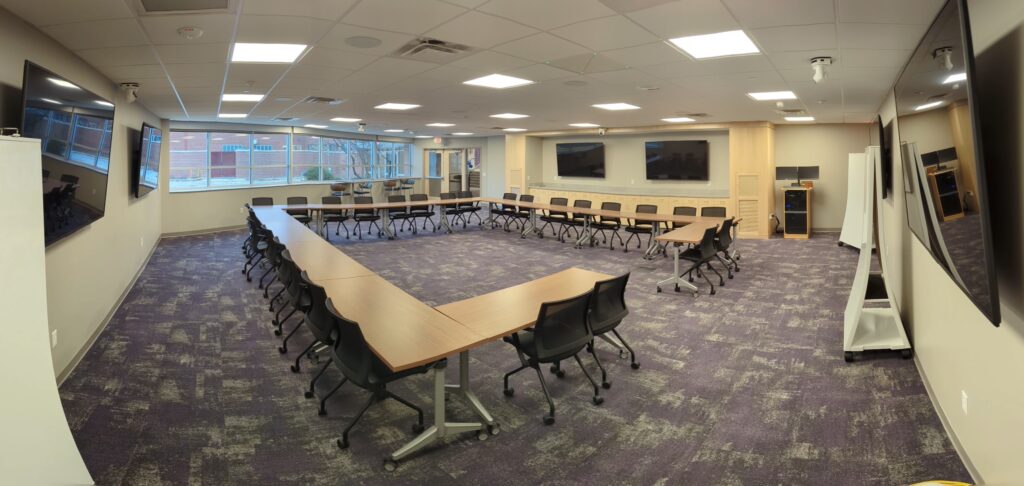
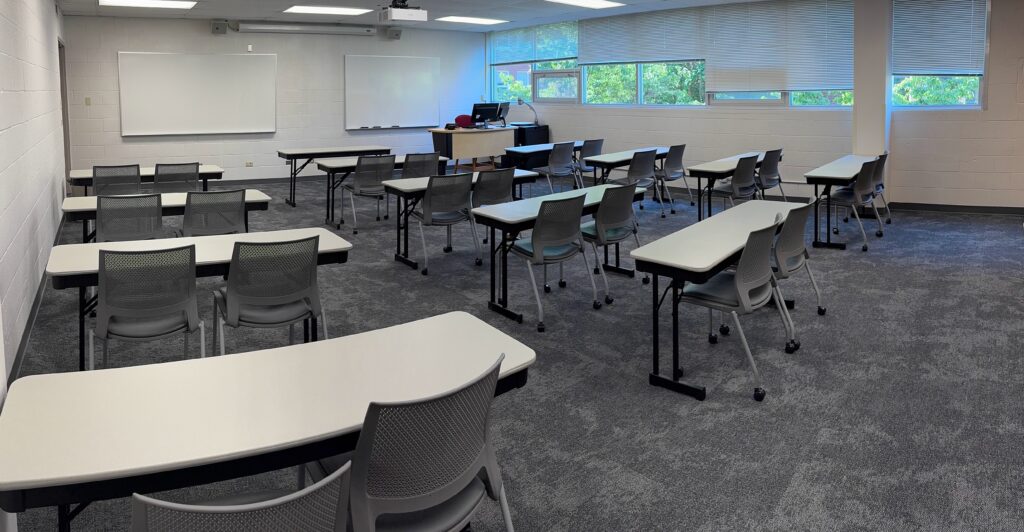
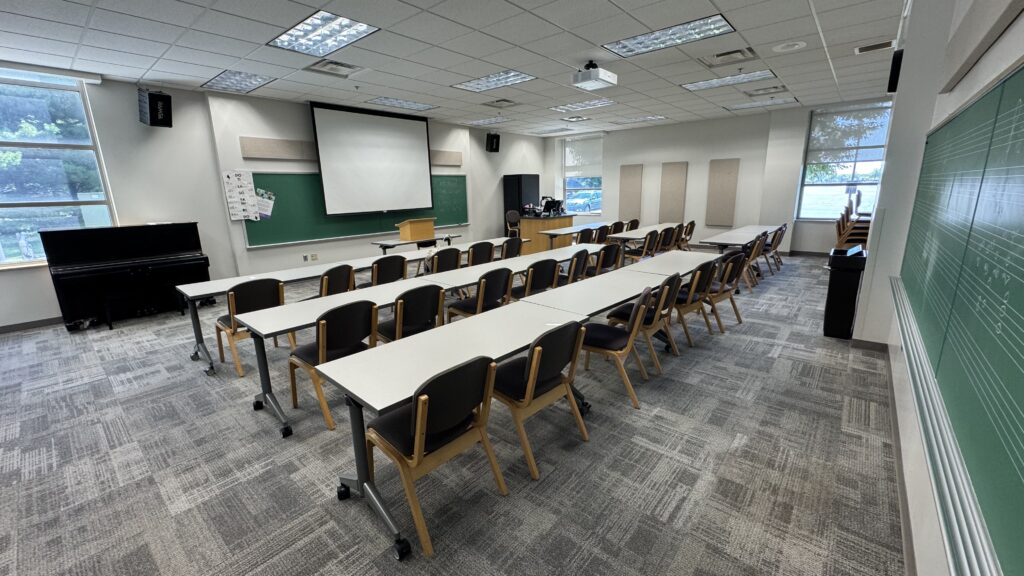
Currently our typical classrooms have a 7” Crestron touch panel and some kind of AV switcher (mostly the DMPS-100-C) with either a screen and WUXGA projector (we’re almost 100% laser!) or a large TV. All classrooms and most conference rooms have a desktop Windows computer in a teaching station, HDMI and USB-C aux inputs, and a document camera. A USB webcam or PTZ camera is in nearly all of the classrooms, and a few have ceiling mics or wireless mics that integrate with the desktop PC for Zoom conferencing or Kaltura recording.
Are your classrooms standardized, or do you have multiple tiers of setups (e.g., basic vs. advanced)?
We have a few tiers, with the 1st tier including the equipment above. The 2nd tier keeps getting upgraded to the 1st tier because it’s confusing to have so many tiers! For example, our computer labs are generally more tier 2 because they don’t have document cameras or conferencing capabilities, but I’m trying to add that tech to those rooms for more consistency.
Do you allow environmental controls (lighting, shades, HVAC) through the classroom tech interface?
We have only a couple of rooms that control room lighting, with no electronic shades or HVAC control.
Do you use single or multiple monitors at the lectern?
Our standard is to have dual monitors at the teaching stations. We are running them in extended desktop mode so only one monitor projects onto the TV or projector. Faculty can change the configuration, but upon logout it reverts back to extended for the next user.
Connectivity & User Experience
What’s your approach to device connectivity at the lectern?
We provide an HDMI and USB-C cable to connect aux devices to the display. We haven’t had much success with (or requests for) wireless presentation. The demo Crestron AirMedia 3200 in my office is probably the first reliable one I have tried extensively.
Do you support BYOD, built-in computers, or both?
We support both, especially because most teaching faculty now carry laptops. MacBooks continue to be the preference for them, but also the most difficult in the classrooms because USB-C still sometimes makes videos play at superspeed, and a few folks refuse to reboot, which usually fixes that temporarily!
How do you incorporate faculty and staff input into classroom technology standards?
It depends. Too much input makes design impossible! I chair our Learning Spaces committee, and we recently sent a survey to teaching faculty to gather feedback on their experience in learning spaces (including technology, furniture, lighting, everything). We hope to use that data to drive our next upgrade cycle and address some maintenance issues.
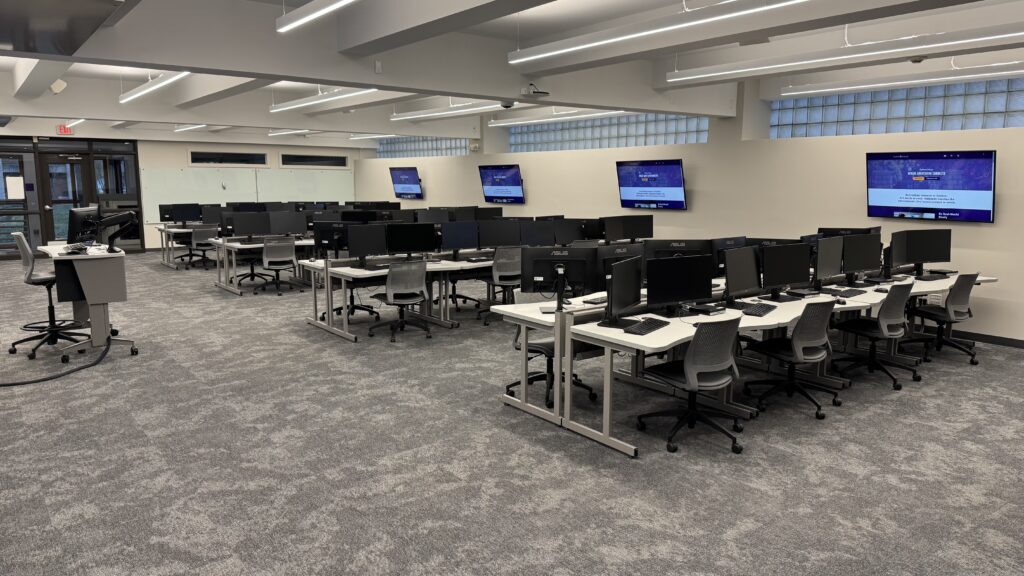
Generally, we reach out for targeted feedback when doing new installs or upgrades. For example, we built a computer lab this past year (which won awards in this year’s Higher Ed AV Awards contest) which is primarily used by the Business department, so we met with some of their faculty to learn how they would use the room, what their teaching styles and values were, etc. We provided them with several furniture and technology layout ideas for their approval. I also included (and had to push for) certain items they didn’t want or need, but given my experience here with rooms changing purpose over the years, I wanted to include them during construction. Those were network drops for future PTZ cameras and distributed ceiling speakers for content playback.
How do you handle accessibility features (captioning, assistive listening, etc.)?
We do live captioning for the livestream of our Commencement, and we have assisted listening devices in our largest event spaces. Any recorded lectures that are made accessible to students on Kaltura are auto-captioned and then human-verified for accuracy.
AV-over-IP & Network Integration
Where are you in your AV-over-IP journey?
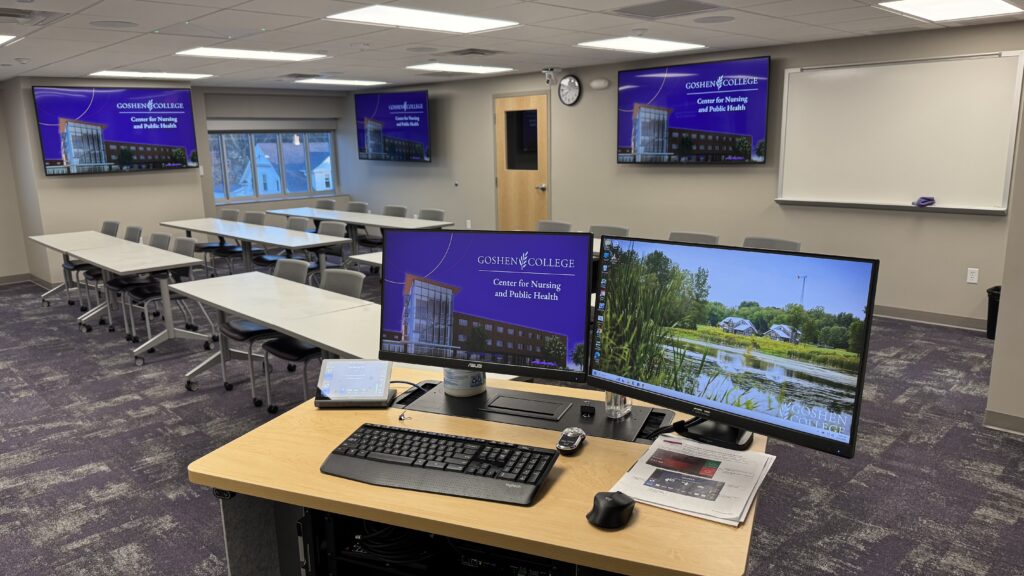
We are early on in that journey…we have Crestron NVX, Dante, and Q-SYS Core DSPs in the classrooms in our new Center for Nursing and Public Health facility that opened a year ago (which also won last year’s Best Small School Project award).
What AV signals are you sending over IP (audio, video, control)?
We are sending audio, video, and control over IP in the new nursing facility. We have a separate VLAN on the building HPE Aruba switches for that traffic. The rooms each have multiple displays, including a divisible room, and the Nursing faculty wanted the flexibility to send content between rooms. We’re still working out some NAX audio issues with that install but have been working with HP to address them.
For the new computer lab, we wanted to test an alternative to NVX, so we installed Visionary Solutions AVoIP hardware to send content to the six TVs, and that has worked great (but it’s not comparing apples to apples since we’re not doing the same kind of audio distribution in the computer lab). All other spaces still use HDBaseT or direct HDMI.
Which protocols are most common in your environment (Dante, NDI, SDI, HDBaseT, etc.)?
I would say that HDBaseT is still the most common because nearly all of our classrooms still use it from the DMPS-100-C directly to the projector. We are using NVX or Visionary for the new AVoIP rooms, and some also have Dante running from the ceiling microphones. We have NDI running in a few event spaces, and Dante in those as well. SDI is used in our broadcast environment, with some NDI as well.
Do you divide AV traffic into VLANs?
We have separate VLANs for AV, in each building and we can configure them or ask for help from our Network Admin. One of my colleagues in my department acts as a bridge between AV and IT, so he is a valuable resource when working on VLAN management for our devices.
How do you manage AV traffic with IT—any segmentation or security strategies?
Since we have VLANs on the campus switches, that’s the segmentation, and we also have QoS configuration on the switches.
Security Practices
What AV security practices can you share?
We have authentication enabled on as many AV devices as offer it, and we use LastPass to manage the passwords. We try to use SSO integration where we can, but most companies require a premium subscription for that level of integration, so it’s not as common on a lot of our AV gear/services. We do firmware updates as needed, not as soon as they’re released, but during breaks or if something is expected to fix a known issue.
Do you have policies for remote access or control of AV systems?
I’m not sure we have actual written policies specifically for remote access or control of AV systems.
Brands & Ecosystem
Which brands do you rely on (Crestron, Q-SYS, Biamp, Extron, etc.)?
We would traditionally call ourselves a Crestron shop since that has been our control system of choice since we built our first “multimedia rooms” in 1997. Since then we have generally stuck with them for our control and touch screens across campus, but we have often used an assortment of other brands behind the scenes. We recently changed one room from Atlona control (that room was designed during the Crestron shortage a few years ago) to Q-SYS control to learn more about their benefits/challenges. Generally though we’re pretty brand agnostic on other pieces of our designs, so we use what works for the space. We use Q-SYS core DSPs in various spaces, switchers by Atlona, Crestron, Extron, or Kramer; displays by BenQ, Epson, LG, Panasonic, Samsung, Sharp, or Sony; cameras by Lumens, Panasonic, or Vaddio; and microphones by Shure or Sennheiser.
What drives your decision-making—features, cost, support, or long-term strategy?
All of the above, but generally it comes down to cost, followed by features.
Lecture Capture & Recording
What lecture capture solution(s) do you use?
Zoom or Kaltura
How widespread is lecture capture across your campus?
Everyone has access to Kaltura in Moodle, our LMS, to record lectures and lessons. Since nearly every classroom has a camera, faculty can record whenever they want to. I don’t support Kaltura so I don’t know how widespread it’s used but I know a few faculty who use it regularly to capture their classes so students can review the content later, and at least one Science faculty member uses it for a flipped classroom style where he records lessons for the students to watch before class.
Is it automated, scheduled, or instructor-controlled?
All instructor-controlled.
Monitoring & Data
What monitoring platforms do you use for AV systems?
We have Crestron Fusion for classroom monitoring/control, plus Q-SYS Reflect, Sennheiser Control Cockpit, and Atlona Velocity. We add devices to Zabbix as well for general ping monitoring. We’re testing out Xyte.ai as a way to bring them all together into a single cloud platform, but so far the cost for the features don’t beat our free on-prem Fusion and Zabbix solutions.
Do you collect data from ticketing systems, monitoring tools, or end-user surveys?
I have done some data collection to track equipment usage and find trends to recommend changes or make improvement plans. For example, I have been trying to determine if we should upgrade our very aged pool of document cameras, so between usage data I can pull from Fusion and recent survey results, I can document if there’s still enough regular use to propose upgrading them. We pulled VGA aux cables out the other year after finding the opposite results.
Support Structure
How is your AV support team organized?
We’re a small school, so it’s all centralized in the IT department.
Do you have tiered support levels (e.g., Level 1, Level 2)?
Yes, the ITS Helpdesk provides Level 1 support for classroom emergencies and contacts our office if they need assistance beyond their capabilities, so we’re Level 2 support.
What ticketing system do you use?
We use Salesforce Service Console.
How do users request help during class?
There are phones in most rooms, but people more often use their cell phones. The touch panels have a help button that displays the helpdesk phone number and email address.
How many full-time staff (FTE) do you have versus student workers?
We have 4 full time staff in my department (ITSMedia), along with two groups of student workers: 12–15 AV technicians who support events and athletics, and another 8–10 students who staff our AV checkout desk and campus post office.
What training do you provide for new staff?
We have a checklist of hands-on training for all our spaces. We also have a lot of processes documented in shared docs and an online intranet site that they review with us.
Hardware Details
What display technology dominates your classrooms—projectors, flat panels, dvLED?
Projectors still dominate our installations, with flat panels becoming more standard, but many spaces require larger displays, so projectors won’t be gone anytime soon. No dvLED so far.
Are you moving toward dvLED or sticking with projection for large spaces?
So far, dvLED is not affordable for us anywhere, so large projection it is!
Do you still deploy Blu-ray/DVD players or other legacy media?
A few specific classrooms have Blu-ray, and everywhere else has DVD in the desktop computers.
What do you use for slide advancing—hardware clickers, software tools?
We have Interlink Remote Navigator in nearly all rooms—though they’re hard to find now! Logitech Spotlight devices are being tried out in a couple of rooms.
Conference Rooms & Special Spaces
What does a typical conference room look like at your institution?
A large TV with a Yamaha CS-700 soundbar and USB webcam, mini desktop computer, and aux HDMI and USB-C inputs with an Atlona presentation switcher is the current (but old) standard.
Do VIP or executive spaces differ significantly from standard rooms?
Yes, the latest conference room built for board meetings and VIPs has multiple displays, four PTZ cameras, and ceiling mics for a better Zoom experience. We’re also doing voice lift in that room from a designated area at the front where the president usually presents from.
How do you decide between in-house integration and external contractors?
It’s not usually a decision so much as “the usual way” which is that we do all the integration in-house unless it’s very large-scale, like a full building renovation. I’m a Crestron Certified Programmer and both myself and several colleagues have various AV certifications, like the CTS and Dante Level 1 & 2. We lean heavily into those certifications and our collective experiences to work with integrators on how to design and install our systems. We do use external contractors for access control installations, but even then we often do some work in-house, like network runs to the control boards.
Digital Signage
Is digital signage under your team’s responsibility or another department?
Yes, that’s in our department too!
What platform do you use for signage?
We are currently using RiseVision.
How integrated is signage with your AV ecosystem?
We don’t have many signs, maybe five or six. They either run on the Sony Bravia’s RiseVision app or a NUC behind a TV. We manage the central account, and then a specific department contact manages content for their sign.
Budget & Strategy
What is your annual budget for classroom technology?
We haven’t had a specific budget for classroom technology in several years. Even when we had an dedicated classroom budget it was meager, maybe $30,000, so it usually went to repairs. Without a dedicated classroom budget we have had to carefully plan and make proposals for replacement plans.
What trends or technologies are you planning to adopt in the next 2–3 years?
We are hoping to do a large classroom refresh next year to replace our 2019 era DMPS-100-C switchers, and then in the next couple of years replace the document cameras, conference room Yamaha bars, and older classroom Vaddio PTZ cameras, and add more ceiling mics to classrooms that use Zoom regularly. If someone releases a great classroom switcher box with AVoIP, maybe that will be adopted, but likely HDBaseT will still be more economical in rooms with a single display.
How do you approach sustainability in AV (refresh cycles, power management, e-waste)?
I wish we had better refresh cycles. We’ve had enough VP of Finance turnover in the last few years that just as we gain their trust and propose refresh plans, a new one comes along. That’s where we are again this summer. We work with a company to take away our electronic-waste and do some selling of used electronics. I use Crestron Fusion to monitor usage and shut down rooms that are not in use.
What’s your biggest challenge right now in classroom technology?
The biggest challenge is knowing what my next classroom will look like, assuming I am able to do a big refresh next summer. All the best AVoIP products that I’ve seen are still for either large-scale deployments or specialized deployments that don’t scale to the basic four-input classroom with one or two display outputs. Too many manufacturers are still not adopting interoperability like I was getting excited about seeing with HDBaseT. I saw a few products at InfoComm this year that look promising, so I’ll be watching them closely.
Have questions or want to connect? Feel free to reach out to Mike on LinkedIn.