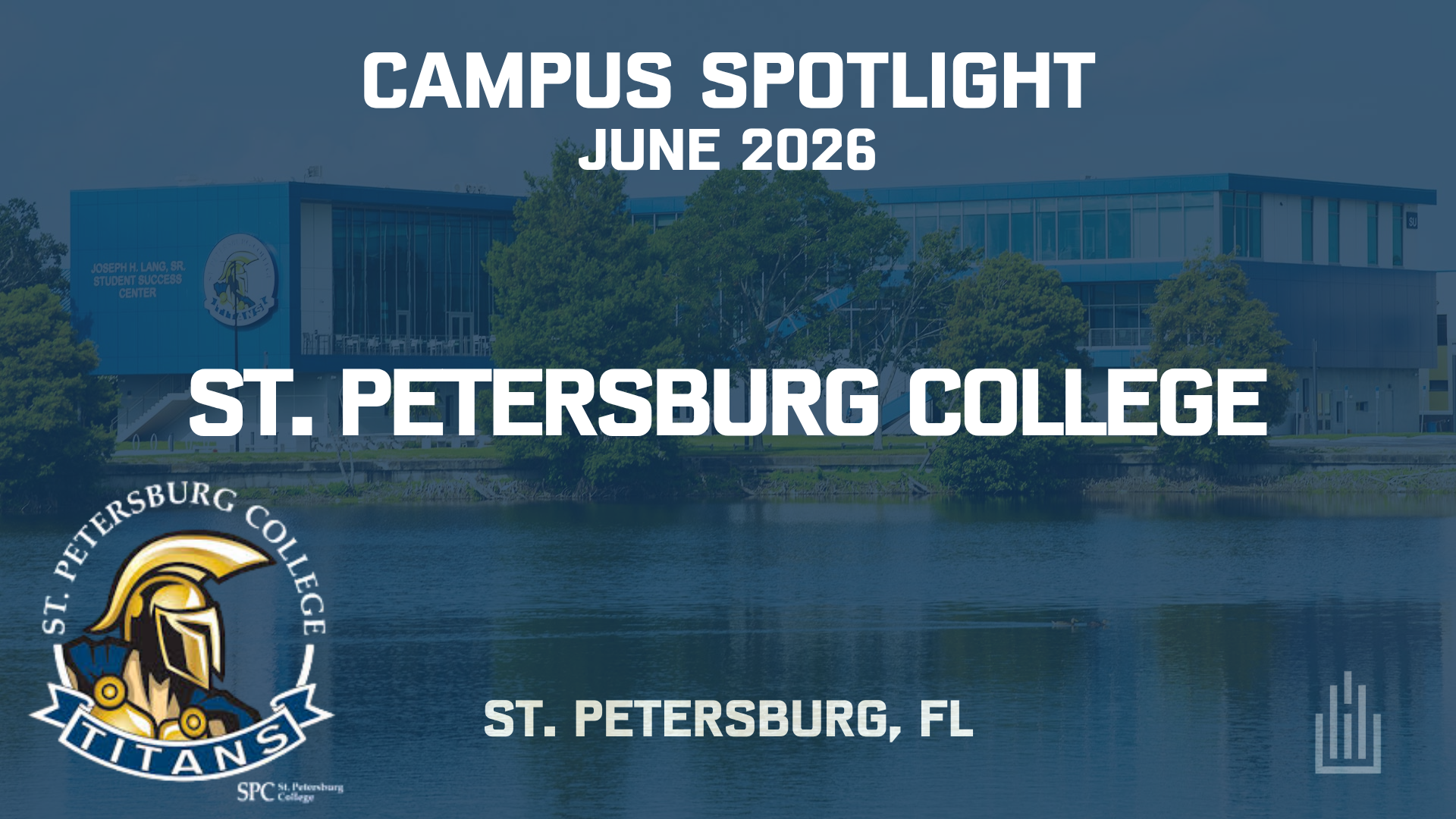
St. Petersburg College (SPC) is a public, multi-campus college serving the Tampa Bay area across Pinellas County, Florida. It opened in 1927 as Florida’s first two-year college and has continued to evolve alongside the communities it serves.
SPC offers a mix of associate degrees, bachelor’s programs, certificates, and workforce training, with students spread across multiple campuses and learning sites throughout the county. We sat down with Kyle Bell, AV Systems Coordinator, to talk through how that environment is supported and maintained, especially as the college prepares to host a HETMA Roadshow this November.
Intro & Context
What groups or organizations are you and/or your team a part of (i.e. ETC, MCUAV, etc.)
HETMA.
Can you tell me about your role and your team’s scope within the university?
As AV Systems Coordinator at St. Petersburg College, I oversee all classroom and meeting space technology across 10 campuses spanning Pinellas County, covering everything from procurement and vendor management to day-to-day support, new installations, and long-term strategic planning. Our IT department maintains a 15-minute response and resolution time guarantee, meaning we either resolve the issue or relocate the affected party to a functional space. Because it can take an hour or more to travel between campuses, technology that is easy to manage remotely and maintain in the field is central to everything we do.
How many classrooms and learning spaces are under your team’s responsibility?
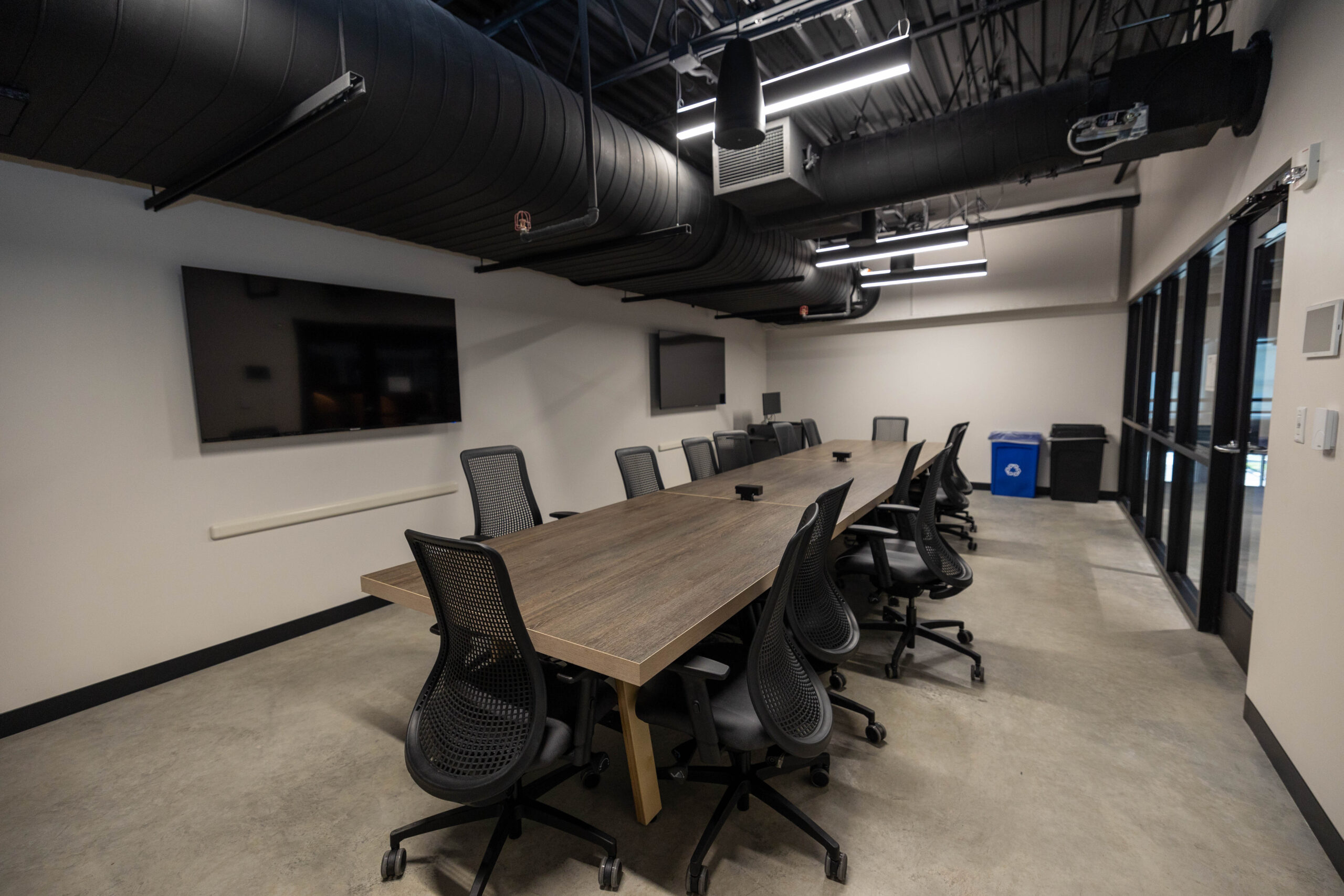
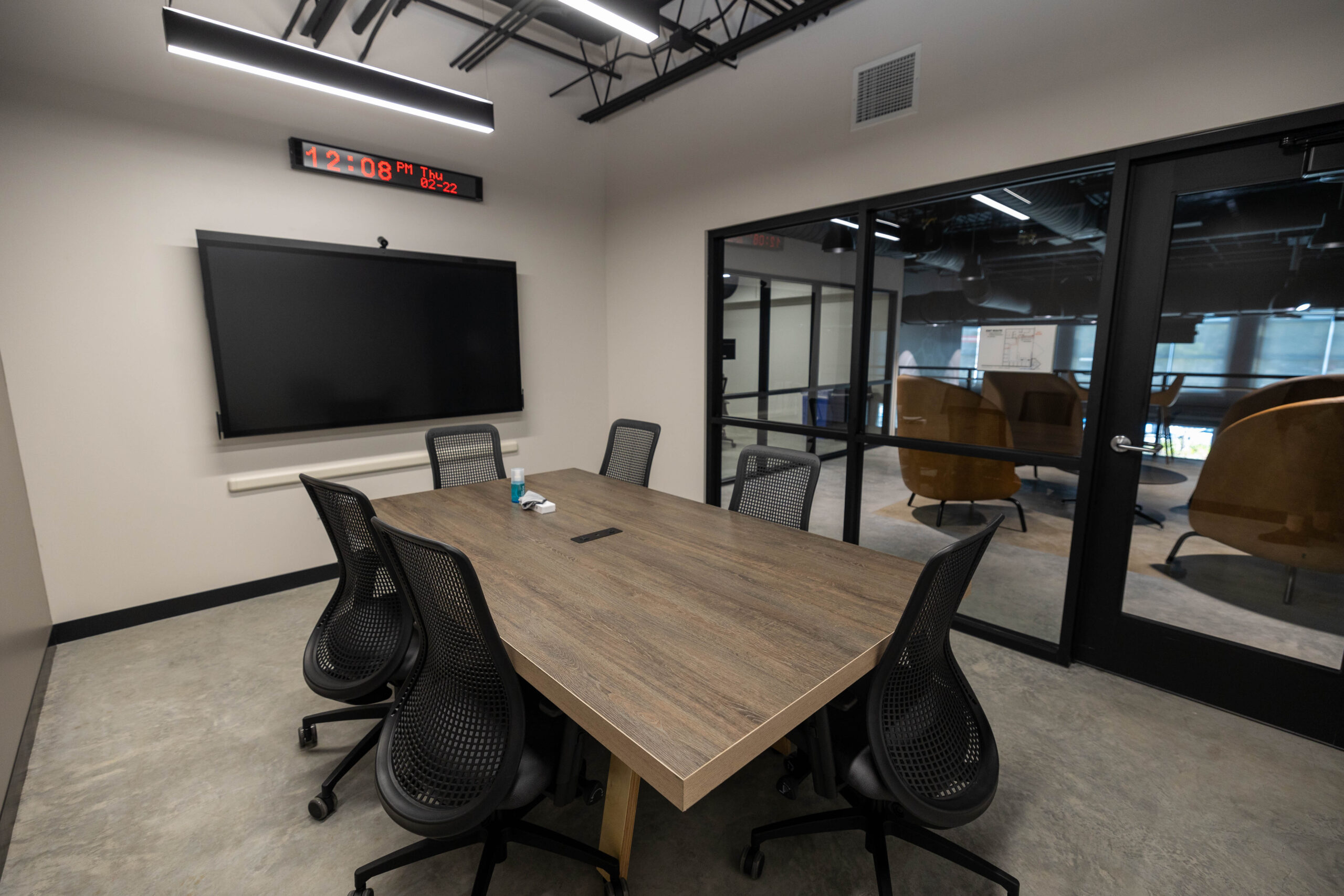
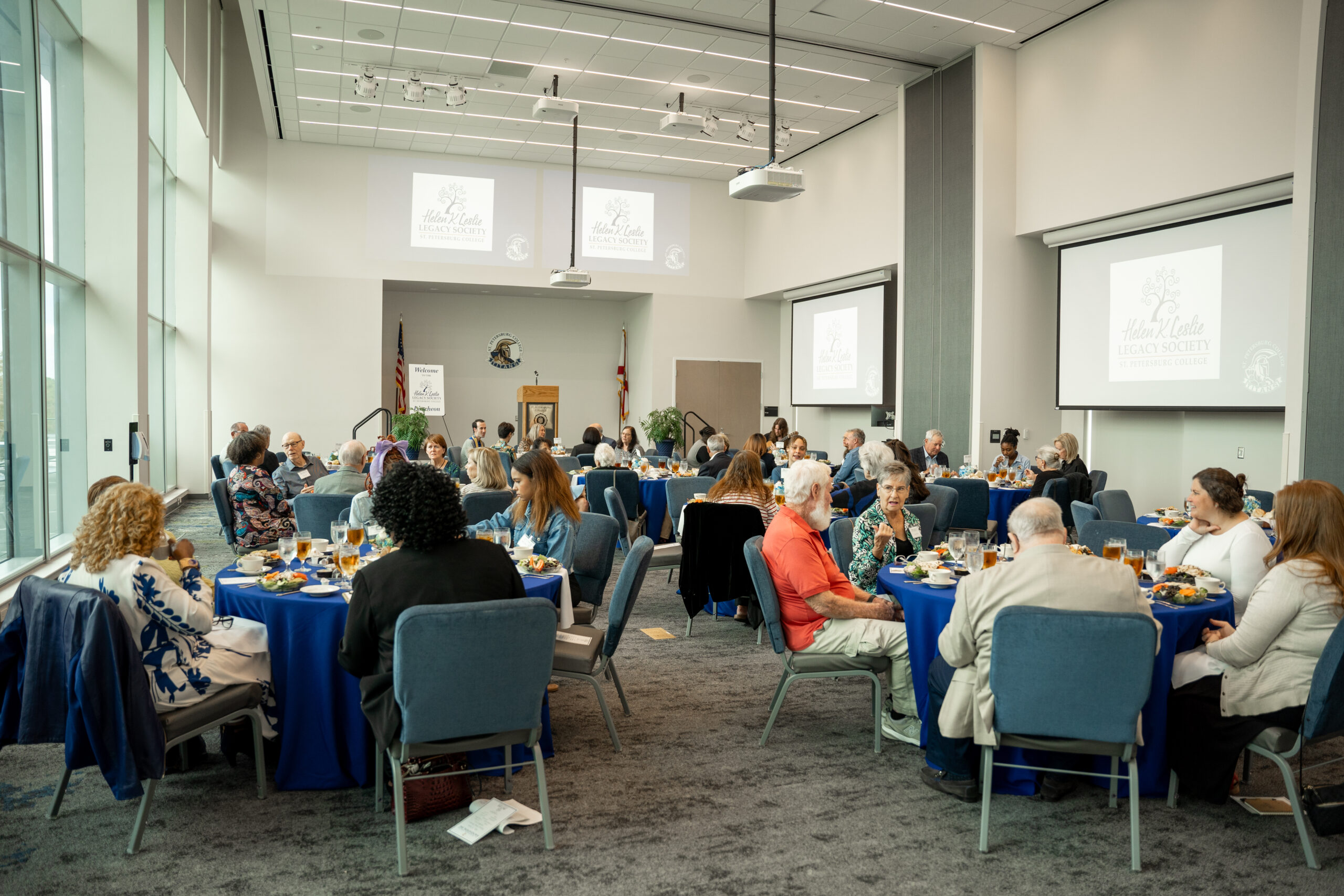
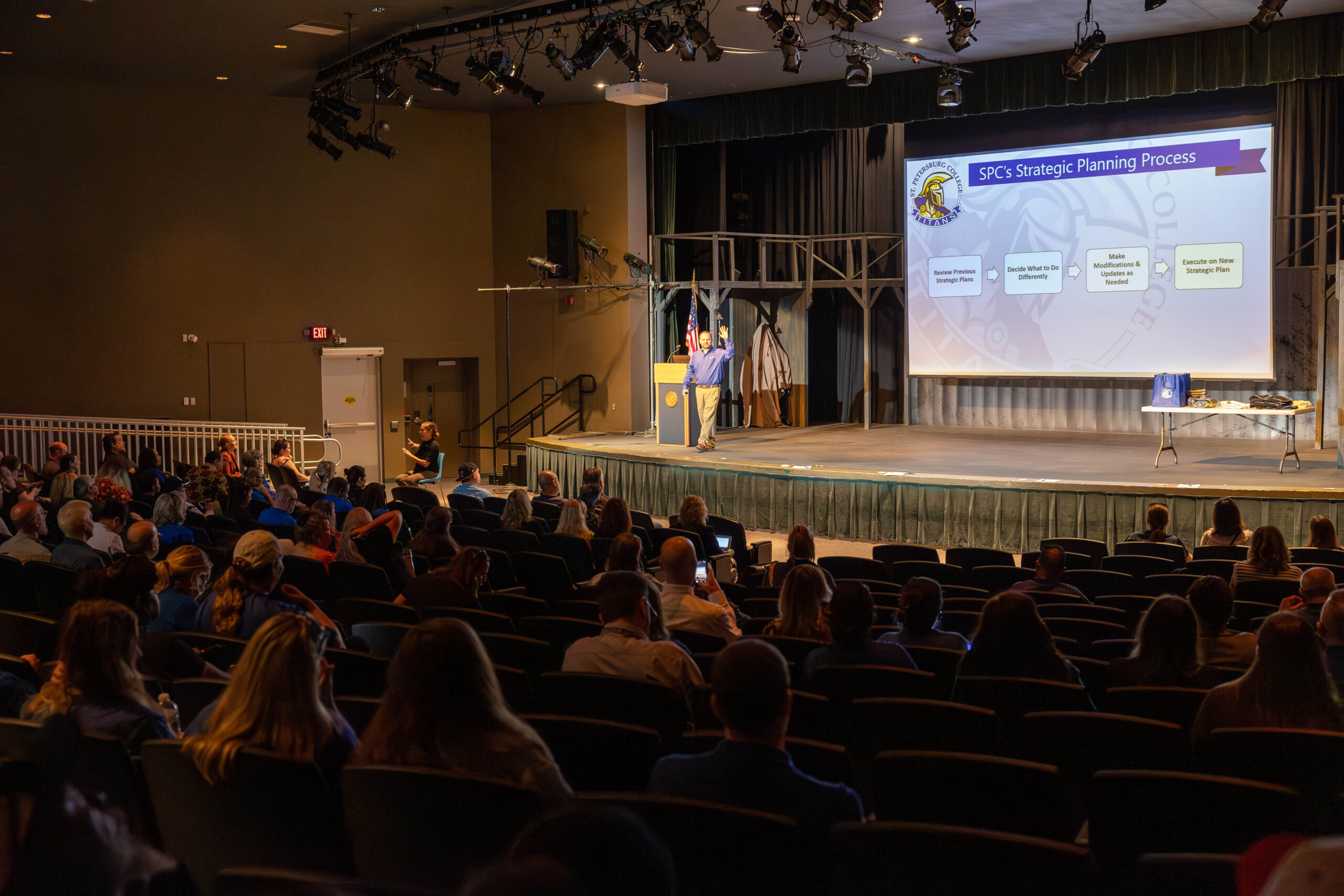
550 classrooms, 125 meeting spaces, and 11 auditorium/performance venues with seating capacities ranging from 300 to 1,000.
Do you also handle event spaces, sports venues, and conference rooms, or is that a separate department?
Yes. Classrooms, event spaces, and conference rooms are all within our scope.
Is support for user devices (laptops, tablets, etc.) part of your team’s responsibilities or handled elsewhere?
Yes. We provide support for both in-room desktop computers and BYOD devices across all spaces. Supporting BYOD workflows is a key part of how we designed our spaces to be as flexible as possible.
Classroom Technology Overview
What does a “typical” classroom look like at your institution in terms of AV technology?
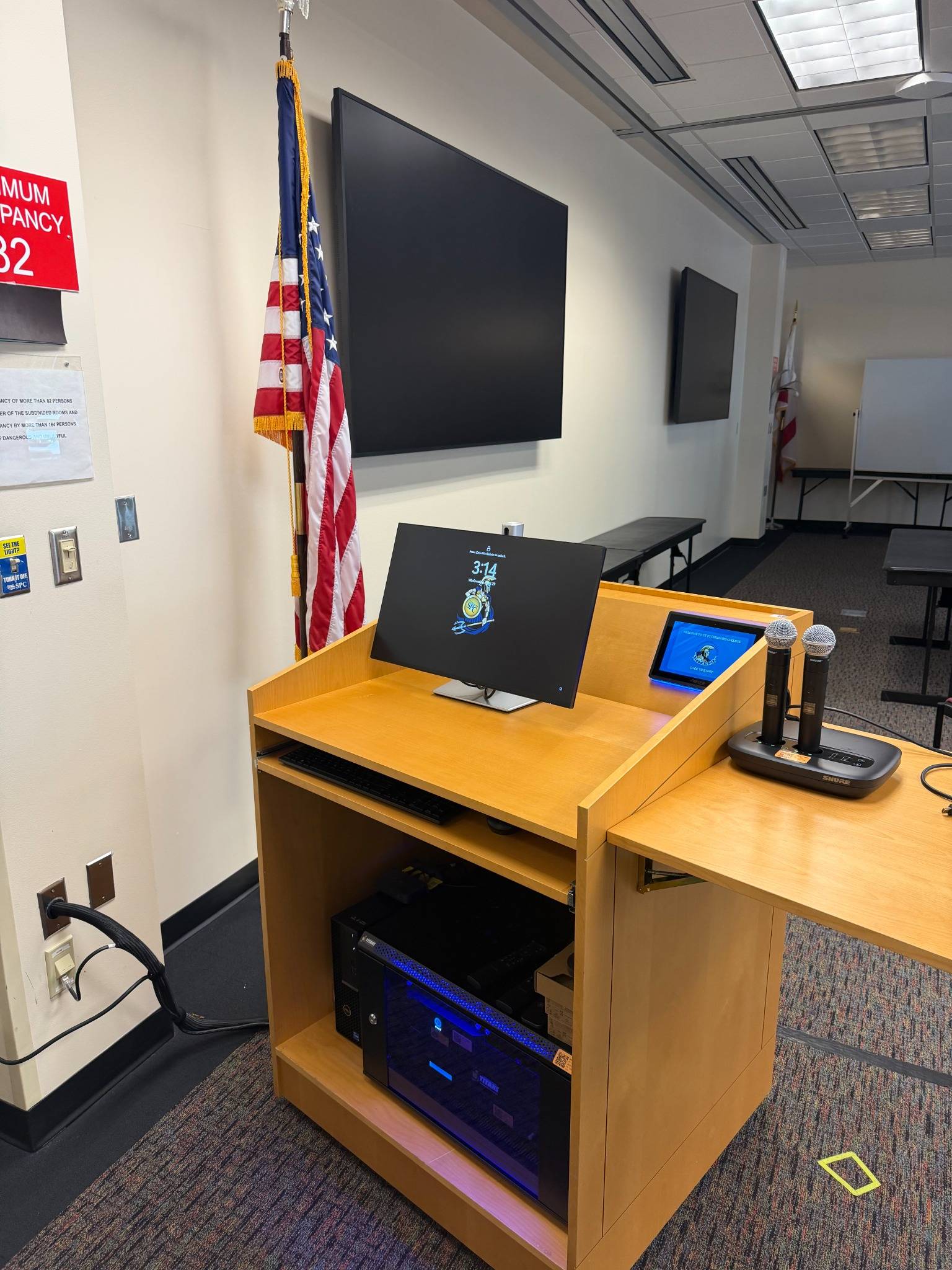
A standard classroom includes a projector, a lectern bunker, a desktop computer, and AV switching equipment. The control interface is intentionally simple: select a source, adjust audio, and turn the projector on or off. No technical training is required. A core design philosophy for us is that the technology should be invisible. If faculty have to think about how to use the system, we have not done our job. Everything is plug and play by design.
Are your classrooms standardized, or do you have multiple tiers of setups (e.g., basic vs. advanced)?
Classrooms are standardized. Whether it is a traditional flat classroom or a tiered lecture hall, the core AV stack is consistent. Standardization also gives us real purchasing power and keeps our parts inventory manageable, since we are not stocking a large number of different SKUs across 550 rooms.
Do you allow environmental controls (lighting, shades, HVAC) through the classroom tech interface?
Not currently. Lighting, shades, and HVAC are managed separately from the AV control interface.
Do you use single or multiple monitors at the lectern?
99% of classrooms use a single monitor. A second monitor is only added when there is a specific request that goes through our technology review board or when specialized hardware for a particular academic program requires it.
Connectivity & User Experience
What’s your approach to device connectivity at the lectern?
The lectern provides a desktop computer and wired connectivity via HDMI and USB-C. That covers the vast majority of use cases. BYOD devices connect over the guest network for internet access and can present via the wired inputs at the lectern.
How do you incorporate faculty and staff input into classroom technology standards?
Before any changes to classroom technology standards, we present to the faculty senate and gather department stakeholder feedback. That process ensures the people using the technology daily have a voice in what gets deployed and helps us catch needs we might not see from the technical side alone.
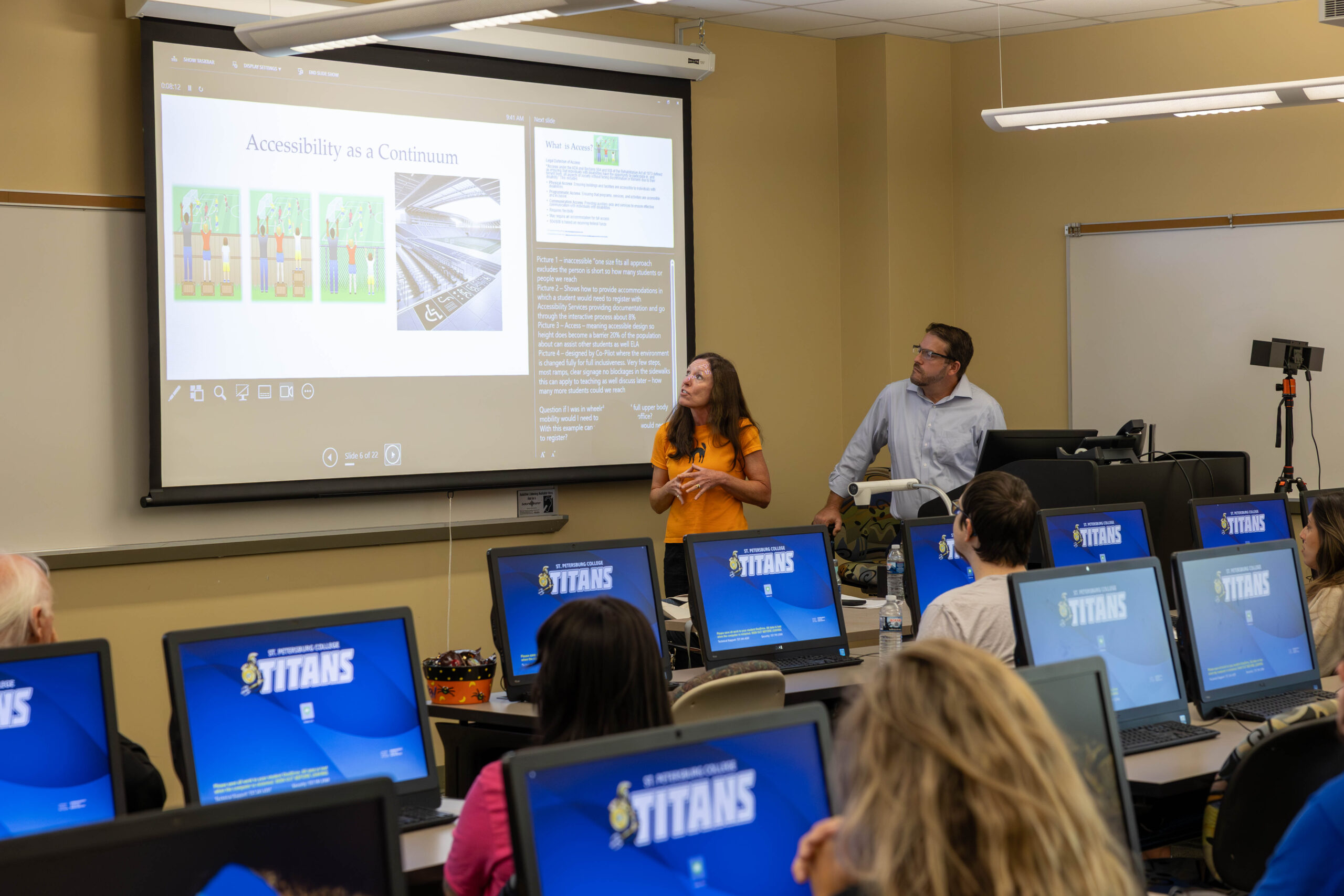
How do you handle accessibility features (captioning, assistive listening, etc.)?
On a case-by-case basis, as needs are identified and requested.
AV-over-IP & Network Integration
Where are you in your AV-over-IP journey?
We are in an active transition. Refreshed classrooms use Aurora Multimedia AV-over-IP for video distribution. Control, audio, and video are sent over IP in these spaces. Legacy rooms rely on HDBaseT for video and control signals, with traditional amplifier and speaker setups for audio. The goal is full AV-over-IP deployment college-wide as the refresh cycle progresses.
Which protocols are most common in your environment (Dante, NDI, SDI, HDBaseT, etc.)?
Dante for audio networking, NDI for video production workflows, HDBaseT for legacy video and control, SDI in event spaces, and Aurora Multimedia AV-over-IP in refreshed classrooms.
Do you divide AV traffic into VLANs?
AV systems are isolated either physically or via a dedicated AV VLAN on the main house network, depending on the campus and infrastructure. Video traffic is segmented. Not all AV traffic is separated, since some paths were kept consolidated for simplicity. VLAN configuration is managed by the networking team, and we coordinate with them on AV-specific segmentation needs. That separation is both a security measure and a performance decision.
Security Practices
What AV security practices can you share?
Our approach combines several layers. AV systems are isolated from the college’s networks, except for one NIC on the Aurora RXC-3 to provide system information and remote support. On the physical side, we custom-designed our equipment racks to be locked from all sides, with only a brush plate to allow cable pass-through. That means the equipment inside is protected from unauthorized access while remaining fully serviceable by our team.
Firmware updates are applied on a managed cadence as part of standard maintenance. Our SPC AV 2.0 monitoring system adds another layer: every connected device reports its live status continuously, so unauthorized physical interference is detected and flagged immediately.
Do you have policies for remote access or control of AV systems?
Remote access to AV systems follows IT-standard access control policies. Remote access is provided via an SSO system that logs access and what changes were made.
Brands & Ecosystem
Which brands do you rely on (Crestron, Q-SYS, Biamp, Extron, etc.)?
Aurora Multimedia, Biamp, Epson, JBL, Logitech, Martin Audio, Newline, and ScreenBeam.
How committed are you to those ecosystems?
We manage multiple vendor relationships because each fills a specific role. What drives our commitment to a brand is not just features but how well the company supports its products, how long those products last in the field, and whether the vendor is continuing to innovate. We do not lock into an ecosystem for its own sake. If something better comes along that meets our criteria, we evaluate it.
What drives your decision-making—features, cost, support, or long-term strategy?
Long-term strategy is the foundation, with cost, support quality, product longevity, and in-demand features as the key filters. Any new technology has to contribute to the best possible environment for teaching and learning, and it has to be easy to maintain. Systems that are too complex to operate do not get used, and that is a disservice to students. We also standardize wherever possible to maintain purchasing leverage and keep our parts inventory lean.
Lecture Capture & Recording
What lecture capture solution(s) do you use?
Larger spaces are equipped with Logitech Streamline PTZ camera kits. Smaller rooms are equipped with webcams for use with Teams and Zoom. All capture is instructor controlled.
Monitoring & Data
What monitoring platforms do you use for AV systems?
We developed and deployed SPC AV 2.0, a custom smart classroom monitoring system. Every device in a monitored room, including the projector, amplifier, network switch, and encoders, continuously reports its live status. When anything goes offline or gets unplugged, our team receives an immediate and specific notification, including what hardware to bring before anyone enters the room. A smart PDU enables remote power cycling of individual devices, so common failures can be resolved without dispatching staff. Every connected room feeds into a central dashboard showing real-time health across the entire college.
Do you collect data from ticketing systems, monitoring tools, or end-user surveys?
Yes. Zendesk handles ticketing. SPC AV 2.0 provides real-time, device-level monitoring data. ScreenBeam’s Central Management System provides usage reports showing which conference spaces are used most and which devices need attention.
We also conducted a pilot program of 20 rooms for 6 months. Eight issues were logged, all detected automatically, with zero instructor-filed tickets. All eight shared the same root cause: equipment unplugged by non-IT staff to power a printer, personal laptop, or other device. One notable incident occurred at the Midtown Campus, where a wall was physically removed during a renovation. Campus leadership wasn’t even aware that construction was taking place within that department. Our monitoring system detected an outage and reported it immediately, and our team responded to discover that our racks were unplugged. Equipment failure count across the entire pilot: zero.
Do you track classroom technology usage analytics?
Yes. SPC AV 2.0 logs device status continuously. Rooms are set to auto-shutdown at 9:00 PM nightly based on class schedules, which both saves energy and generates data on room utilization patterns.
Support Structure
How is your AV support team organized?
Centralized. One AV Systems Coordinator serves the entire college across all 10 campuses, with supplemental Tier 1 and Tier 2 support provided by a desktop support team of 35 technicians. Tier 1 is our TSS and Help Desk, Tier 2 is our Lead TSS, Tier 3 is our Senior TSS, and Tier 4 is our Desktop Support Manager and AV Systems Coordinator.
What ticketing system do you use?
Zendesk with chat, calls, and an AI agent.
How do users request help during class?
Four channels: call the support line, push the tech support button on the Alertus life safety system installed in each room, send an email, or use chat support.
How many full-time staff (FTE) do you have versus student workers?
One FTE on the AV side, supported by a desktop support team of 35 for Tier 1 and Tier 2 issues across all campuses. Each site has 1-3 student workers and 2-4 interns.
What training do you provide for new staff?
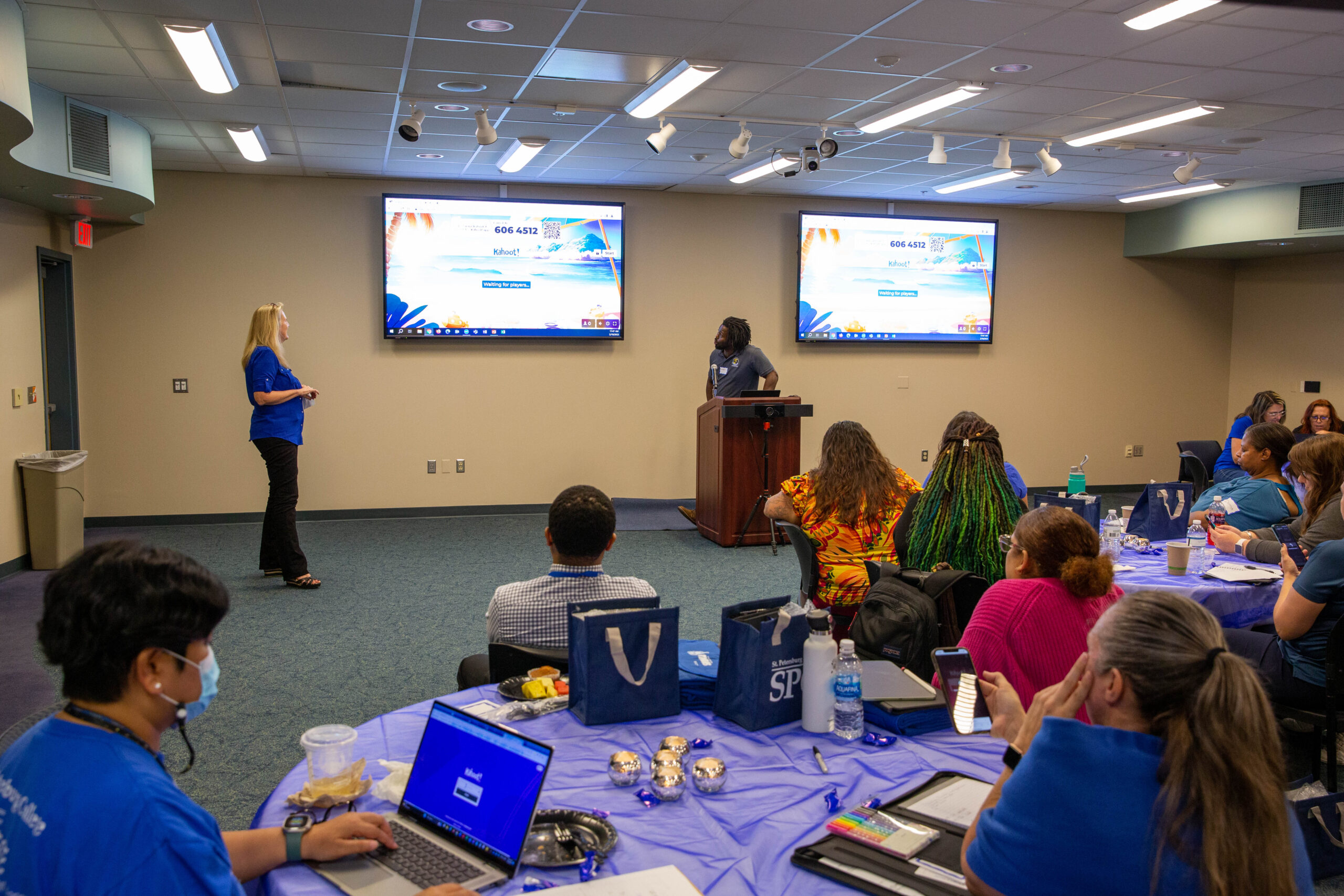
Our desktop support team meets one-on-one with every professor at the start of each semester to ensure faculty are comfortable with their classroom technology before the first day of class.

Hardware Details
What display technology dominates your classrooms—projectors, flat panels, dvLED?
Primarily projectors, with flat-panel TVs in smaller spaces and conference rooms. We have deployed dvLED in two spaces and are evaluating its performance, but projectors remain our preferred solution for the majority of instructional spaces.
Do you still deploy Blu-ray/DVD players or other legacy media?
On a case-by-case basis only.
What do you use for slide advancing—hardware clickers, software tools?
Clickers are available on a case-by-case request basis.
Conference Rooms & Special Spaces
What does a typical conference room look like at your institution?
A large-screen flat-panel TV with a desktop PC, a Logitech Rally Cam, and a Biamp microphone and speaker system for full audio coverage. Wireless screen sharing is provided via ScreenBeam, which supports Zoom, Cisco, and Teams natively through its built-in Conference utility. The setup is designed to handle both in-person meetings and remote collaboration without switching between systems.
Do VIP or executive spaces differ significantly from standard rooms?
No significant differentiation. The same core technology standards apply.
How do you decide between in-house integration and external contractors?
With a team of one, doing everything in-house is not always feasible. For classrooms, we have developed an assembly-line approach to rack building that makes in-house installs very efficient. We can decommission an existing room and have a new system fully installed and configured in about 30 minutes. For auditoriums and larger conference rooms, we bring in external contractors due to the scope and workload involved.
Digital Signage
Is digital signage under your team’s responsibility or another department?
Our team handles procurement and installation. Once deployed, signage is managed at the departmental level, with web access to a centralized system of content and templates with integrations with Canva.
What platform do you use for signage?
Xibo CMS, self-hosted, with ViewSonic media players connected to TVs in public locations and Philips 10BDL5051T 10-inch displays as door signs in both classrooms and conference rooms. Because the entire stack is self-hosted, with no licensed software, there is zero annual licensing cost.
How integrated is signage with your AV ecosystem?
Room scheduling signs in classrooms and conference rooms pull live availability directly from our established calendar systems, displaying current and upcoming reservations on the Philips door signs without any manual updates.
Budget & Strategy
What is your annual budget for classroom technology?
Our five-year AV refresh budget (FY24 to FY29) totals approximately $6.4 million across classrooms ($4.875M), conference rooms ($975K), and auditoriums ($525K), roughly $1.275 million per year dedicated to AV. This sits within a broader Technology Support Services budget of approximately $2.74 million per year.
What trends or technologies are you planning to adopt in the next 2–3 years?
Three priorities are driving our near-term roadmap: expanding AV-over-IP college-wide as the refresh cycle advances; scaling SPC AV 2.0 smart classroom monitoring to all connected rooms; and expanding our digital signage and room scheduling integration across classrooms and conference spaces.
How do you approach sustainability in AV (refresh cycles, power management, e-waste)?
Our five-year refresh cycle is the primary sustainability framework, ensuring equipment is replaced before it becomes a reliability issue and allowing us to plan recycling systematically. Surplus equipment is handled through a dedicated e-waste recycling company, donated, or auctioned. Nightly auto-shutdown of all rooms at 9:00 PM reduces energy consumption and extends projector life. Remote power management via smart PDUs also reduces unnecessary in-room power cycling.
What’s your biggest challenge right now in classroom technology?
Maximizing what we can deliver while navigating budget pressures, supply chain disruptions, and constantly shifting technology market prices. Costs and product availability can change significantly between when a budget is approved and when equipment ships, so long-term planning has to stay flexible. The goal is always to do more with what we have while keeping our eyes on where the technology is heading.