

This month’s Tech Manager Spotlight features Erich Gercke, Multimedia Systems Specialist at the Peabody Institute of Johns Hopkins University in Baltimore, Maryland. Founded in 1857, Peabody includes the Peabody Conservatory and the Peabody Preparatory, offering college-level study alongside music and dance instruction for students of all ages and skill levels.
Erich prefers to be hands-on and act on an issue right when it arises. That starts with making sure those who work with him are comfortable with the systems in use, familiar with their signal flow, and able to quickly identify and resolve issues.
Have you always worked in AV? What did the path look like for you to get to where you are now?
I went to school for film production and worked for several years in television and commercial production before transitioning to the higher education system. I started working in AV for the University of Maryland in 2015, where I began to learn the ropes of supporting technology in higher education. During my time at UMD, I learned what I needed to advance to my position at the Peabody Institute.
What is your morning routine?
With a 15-month-old daughter at home, most of my morning routine is spent feeding babies, cats, and myself. I drop my daughter off at daycare and head off to work.
What does an average weekday look like for you?
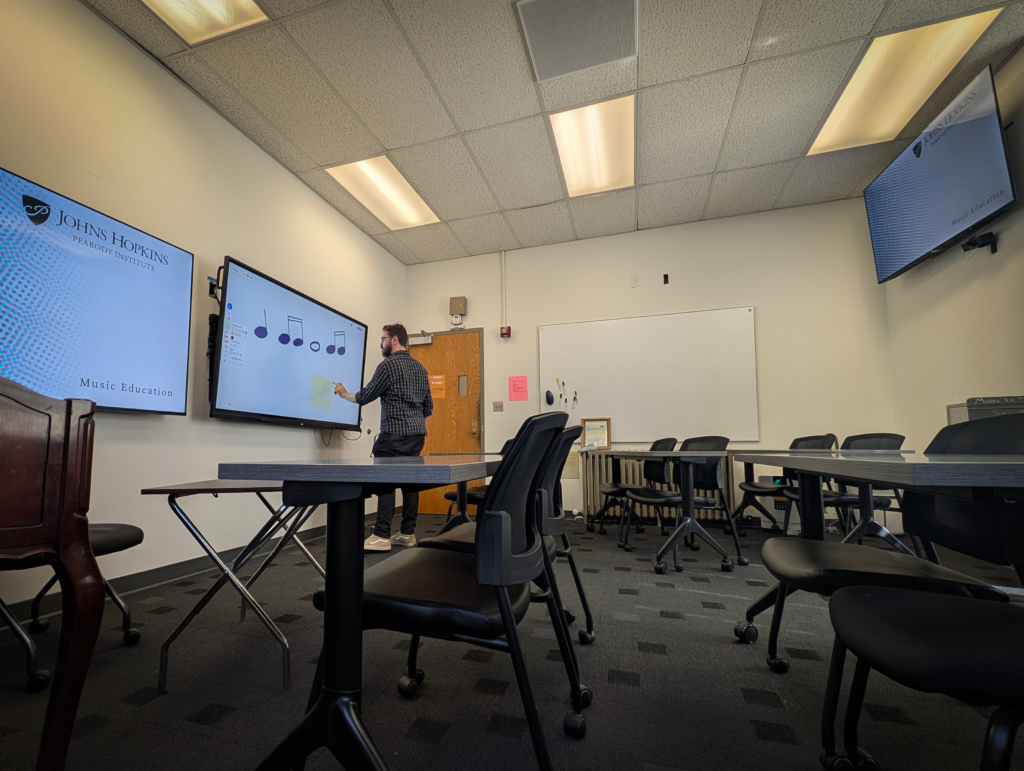
Every morning starts with a check of the day’s schedule for special AV needs (anything that isn’t covered by the standard classroom AV system). This includes moving Zoom carts into auditoriums and performance spaces that don’t fit the typical “classroom” environment of a standard liberal arts college. Possibly a jazz seminar will want to invite a guest speaker living in NYC, or a 25-piece orchestra will perform for a conducting class while the instructor is remoting in from Venice. We keep track of these needs so that the necessary equipment can be where it is needed and ready to use when the students and professors arrive.
What does your busiest day look like? What are the challenges your role faces, and how do you overcome those?
The busiest days typically happen at the beginning of any semester, when professors are reacclimating to the teaching environments. They expect a complicated system when instead I have designed these systems to work without the need for any button presses in most cases. Plugging in a laptop will power on the projector, lower the screen, and adjust audio levels, all automatically. Unplugging the device will trigger a monitor that will shut down the system after 10 minutes without detecting use.
Regardless of how user-friendly the systems are designed to be, the beginning of the semester involves a lot of running around from classroom to classroom. Once our end users are comfortable with the automation of our systems, help calls only arise for serious issues or users with specific needs.
Tell us about a project you are currently working on.
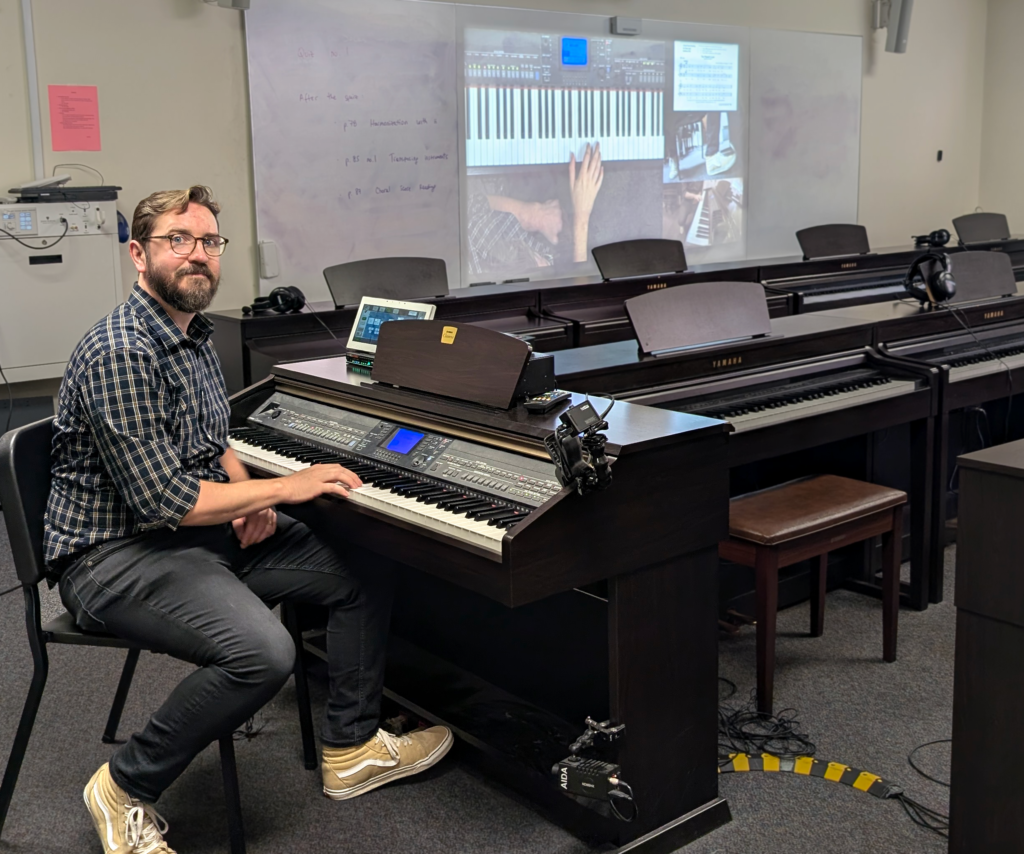
I worked to modernize the majority of our classrooms and learning spaces with a standardized system (as time and budget allowed). Since completing that project, I’ve been upgrading the rooms and systems that don’t fall into the classic classroom template.
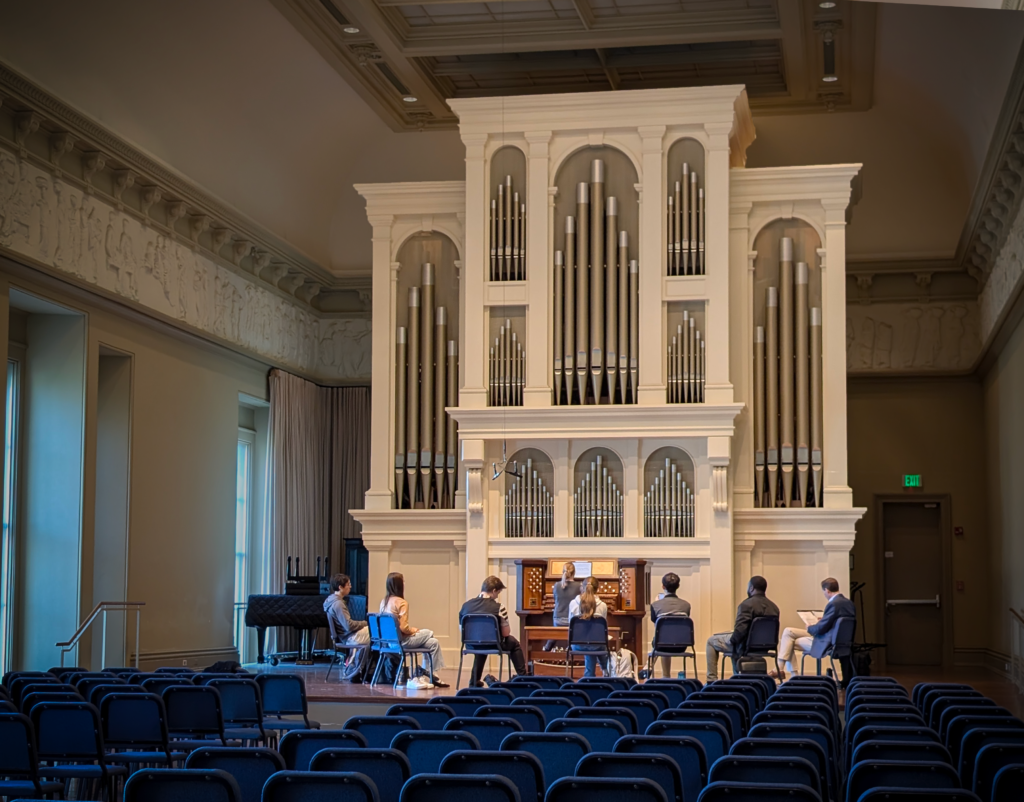
I am currently retrofitting a performance space that featured an excellent surround sound system but lacked the tech needed to effectively run the surround sound for any purpose other than watching Blu-rays. I removed and replaced the previous control system and configured a new system from scratch, one that meets all the needs of the room and utilizes the great equipment that was previously underused. The new system matches the UI of the existing classrooms on campus so that any professor entering the room would see a familiar system that they’re already comfortable using. It’s been especially helpful to our Computer Music department so they can better teach and demo Dolby Atmos surround sound technology.
What do you enjoy doing on weekends? How do you spend your time outside of work?
I am working at turning an odd hobby of mine into a small business. I design and manufacture layered jigsaw puzzles that I call “Jigstack Puzzles.” Basically, each one consists of several single-color wooden jigsaw puzzles that, when layered, create an image. Each puzzle ends as a framed piece of wall art that can immediately be hung using the pre-installed hanging hardware, rather than being broken back up and stowed in a closet like a classic jigsaw. My existing puzzles can be seen at @NastyPapercuts on YouTube and Instagram.
What’s your favorite way to unwind or recharge?
I pick up a guitar and play. Writing music has been a pastime of mine for almost 20 years, and luckily for me, it also entertains my young daughter.
What inspired you to get involved with HETMA, AVIXA, and other higher-ed organizations?
I was lucky enough to tour one of the Johns Hopkins campuses with some visiting Extron Electronics executives, during which I met Erin Maher-Moran. I was previously unaware of HETMA’s existence, so I joined after meeting Erin. Funnily enough, it wasn’t until my first trip to InfoComm two years later that I learned that HETMA wasn’t just a “local to the East Coast” community of higher-ed professionals but the vast advocacy organization that it is.
Where do you see your career trajectory going in the next five years? Where do you envision yourself?
Looking ahead to several large-scale campus projects over the next few years, I am focused on carving out a more substantial, strategic position at my institution. Over my years in the field, I have developed a deep interest in AV space design and control systems. I took advantage of my access to various online courses and now independently handle every stage of the design process, including custom UI/GUI design in Photoshop, procurement, physical installation, configuration, and advanced Extron programming. After exhausting Extron’s specialized control curriculum and consistently collaborating with industry representatives, I was invited to serve on the 2025 Extron Technical Advisory Council, where I provided critical feedback and development input on unreleased, next-generation products.
What is your life motto, and how do you apply it to your daily routine?
“Might as well deal with it now.” I try to fix issues when they arise to keep classes on track.
Comparing your career path over time, what are some of the moments, accomplishments, or projects that you’re most proud of?
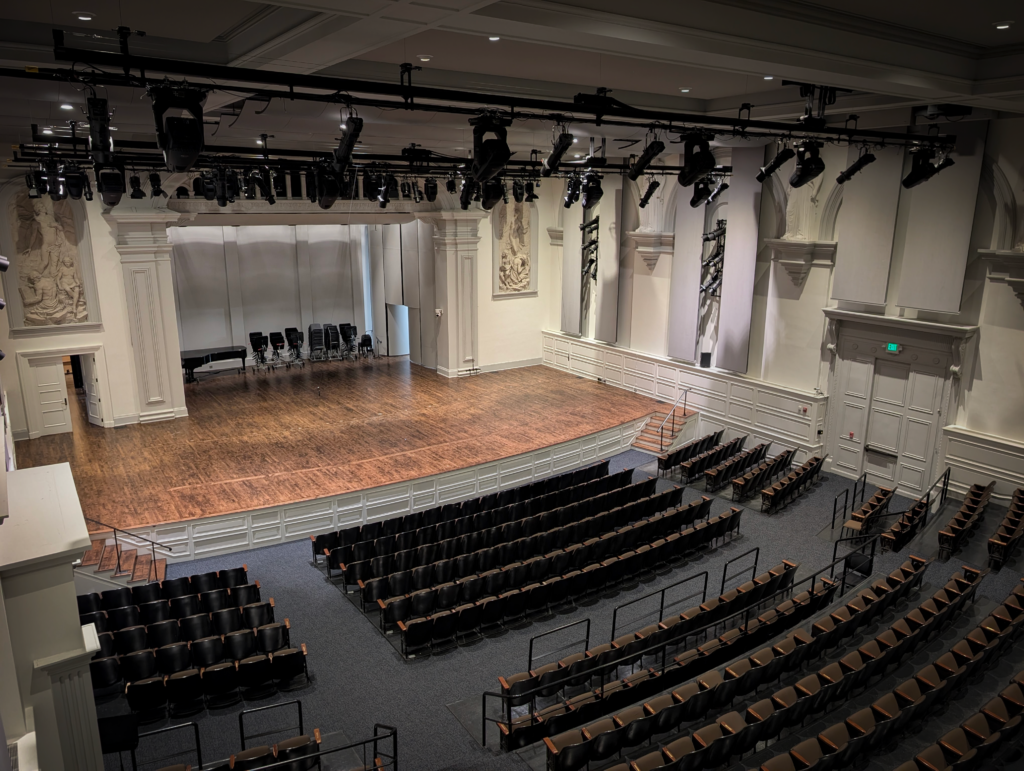
Peabody predates Johns Hopkins University itself. Our campus footprint is small, our buildings are historic, and that presents challenges for designing and maintaining AV systems given everything we need them to be able to do.
When I started at Peabody, the AV systems were a hodgepodge of mismatched and outdated equipment. Over several years, we assessed the needs of our unique teaching environment and designed a new standardized system that could be implemented in every space and was flexible enough to meet the unique needs of each department. I designed this system personally, from the aesthetically pleasing and on-brand UI to the configuration and programming, through the installation.
What’s a lesson you’ve learned the hard way in your career?
Don’t inherently trust a company’s tech support. Early on, I had recurring issues with a control system made by a very popular brand (that will remain nameless). I called up their support thinking that they would be able to help out. Their instructions bricked our system programming, and we stopped using them after that.
What advice would you give to someone just starting out in AV or higher ed tech?
Learn the signal flow of any system you work on. So often an issue can be fixed by unplugging and replugging (or “bouncing,” as we call it) one connection.
Branch out. You see a system you’re unfamiliar with? Learn it! Some manufacturers will offer classes and certifications for their products. Take the classes!
What’s something people often misunderstand about your work?
Many people assume that since Multimedia is part of IT, I am the point person for any tech issue they experience. I have learned a lot on the computer and network services side of IT just by trying to be helpful and assisting users who walk into the office with computer problems.