






Igloo Vision at InfoComm 2026: Immersive Learning That Has to Work After the Demo
Some InfoComm booths are built to stop people in the aisle. Igloo Vision can do that easily. A projection-based immersive classroom with walls, floor projection, and interactive content is going to draw attention. But the more useful conversation for higher ed AV/IT teams is not whether the space looks impressive on the show floor. It is whether the space can become a real teaching tool after the ribbon cutting, once faculty, staff, students, and support teams all have to live with it.
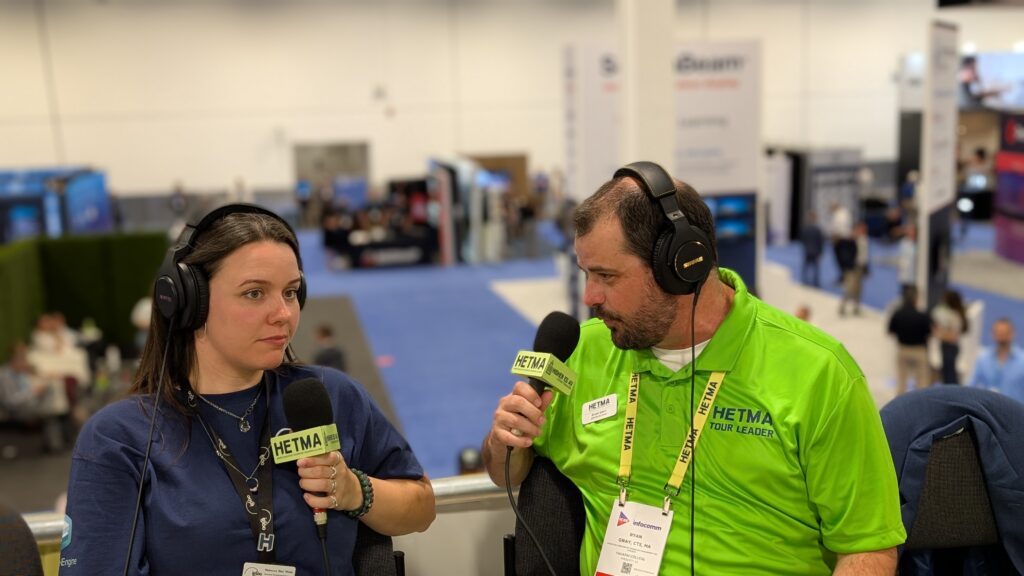
That is where Igloo’s InfoComm 2026 story gets more interesting. In the HETMA booth conversation, Rebecca Wade described the experience plainly.
“a fully immersive space.”
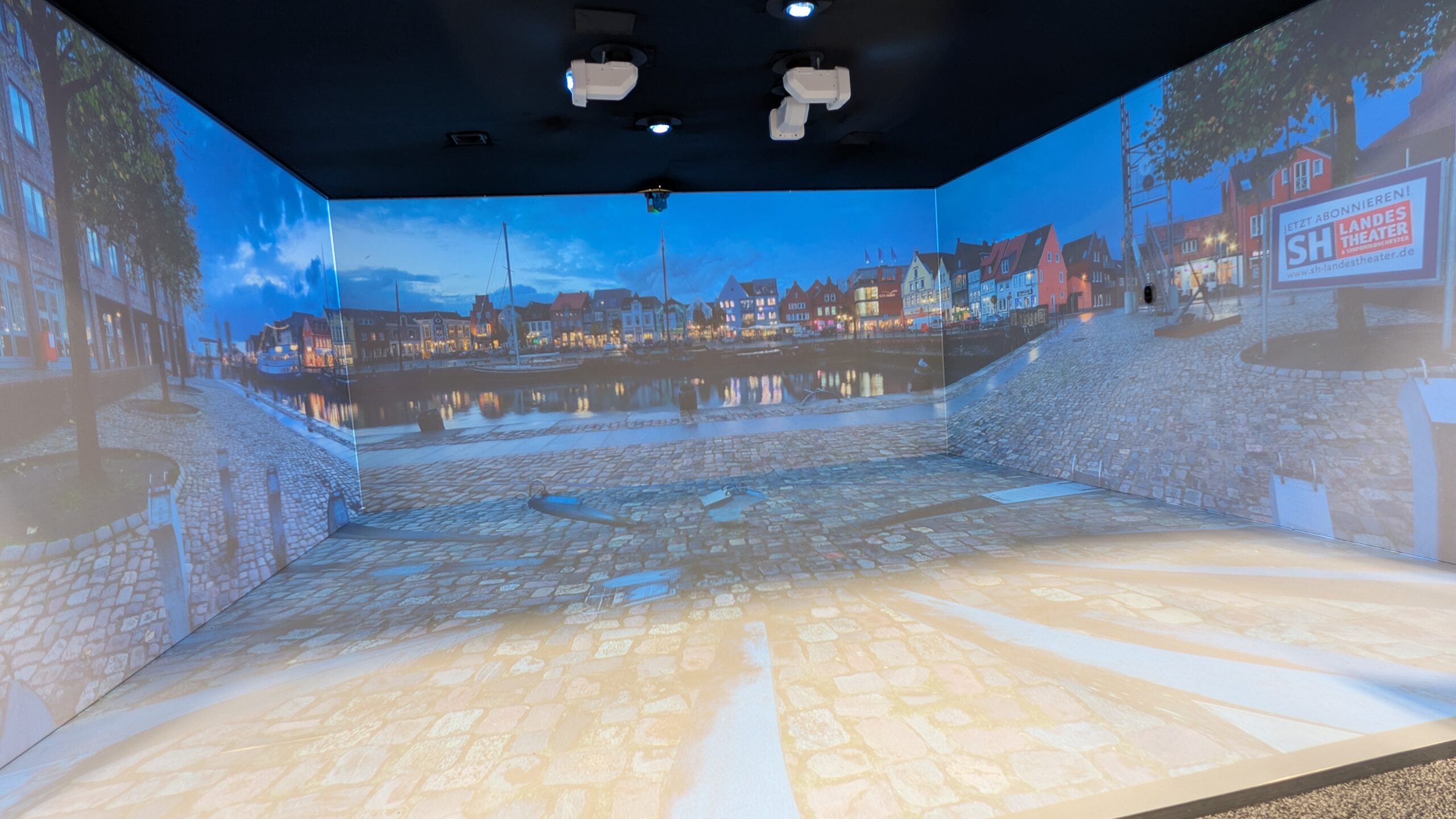
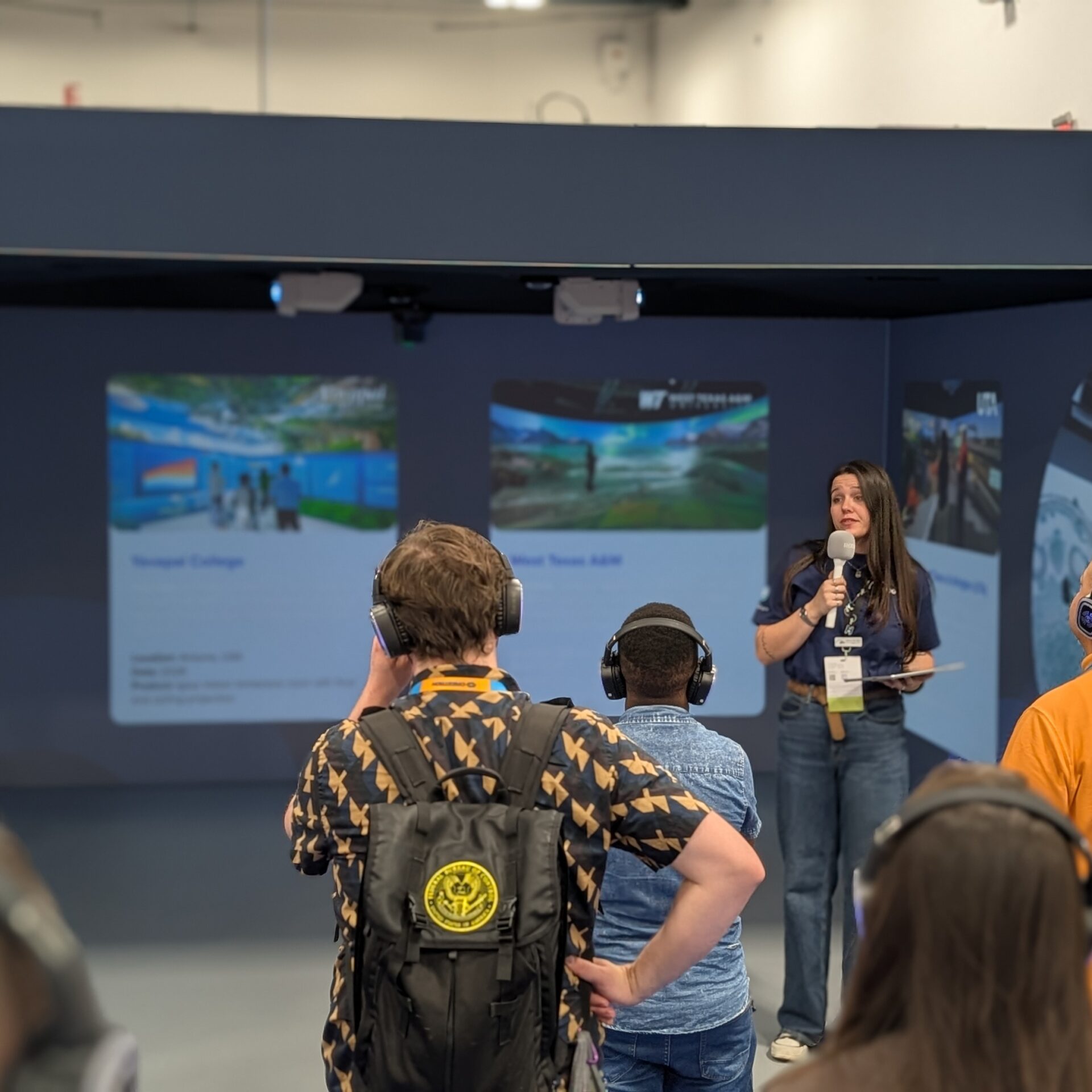
At Booth C5823, Igloo is showing its Igloo Immersive Classroom powered by Igloo Core Engine 2.0. Visitors can step into a shared immersive environment that does not require headsets, see how content can wrap the room, and look at use cases that reach across higher education: simulation, virtual field trips, design visualization, student content creation, skills training, research, engagement, and multi-campus collaboration.
The point is not immersion as a novelty. The point is whether immersion can become usable enough, flexible enough, and supportable enough to serve more than one department.
Central Hall, Booth C5823
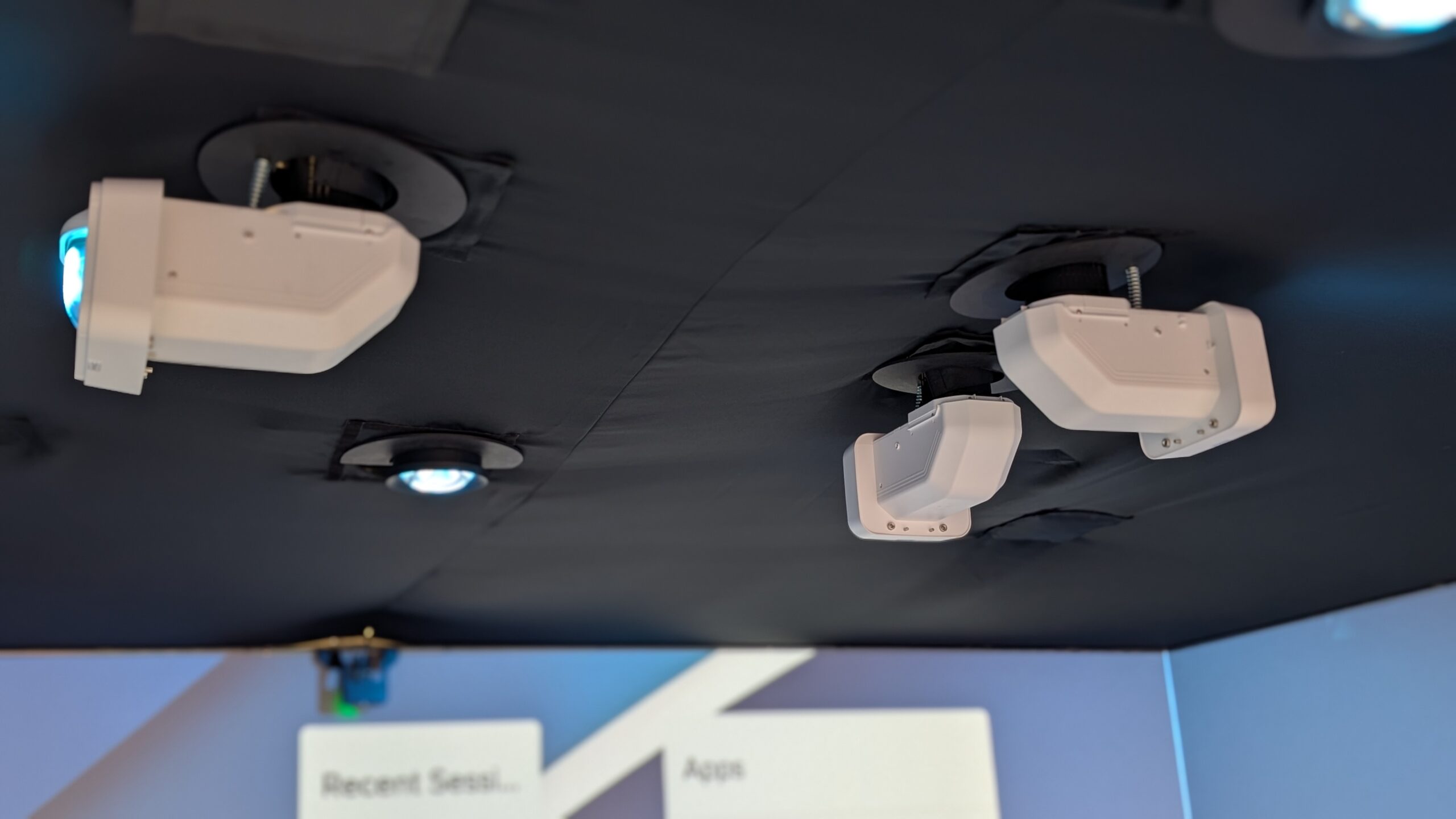
Igloo Vision is exhibiting at Booth C5823. The booth setup itself is part of the message. Rebecca described the show-floor space as a cube with three walls of projection, floor projection, and a touch interactivity wall. That gives visitors a compact version of the classroom experience: a room where a group can stand together, see the same content, interact with the environment, and discuss what they are seeing without isolating each person behind an individual headset.
That shared experience matters in higher ed. There are places where individual VR makes sense, but teaching often depends on group attention, discussion, instructor presence, and the ability to pause, redirect, compare, annotate, or bring a whole class through the same moment together. Igloo’s booth is aimed at that group-based model.
The Software Is the Real Classroom Question
It is easy to focus on the room. The harder question is the software behind it.
Igloo Core Engine 2.0 is the major InfoComm 2026 update. The submitted materials describe it as a new iteration of Igloo’s software platform with a more intuitive user experience, faster session access through LaunchPad, improved content management, built-in AI image generation, 3D model layers, and tools for easier content creation. Igloo is also demonstrating multi-Igloo collaboration workflows, where teams in different locations can work together inside immersive spaces.
In the booth conversation, Rebecca drew a distinction between the visual environment and the software that makes the space usable.
“It’s first and foremost less complicated.”
That is the right higher-ed lens. Immersive rooms can fail when they depend on a small number of experts, special content pipelines, or a support model that cannot survive the semester. If faculty need a specialized production team every time they want to teach in the space, usage narrows quickly. If students cannot create for it, it becomes a showcase room rather than a campus capability.
Rebecca framed Igloo’s software goal in practical terms.
“you shouldn’t have to have a tech degree.”
That line gets to the operational core of the product. Higher ed does have technical specialists, instructional designers, media teams, and AV/IT staff. But a classroom tool cannot live only with them. At some point, instructors, librarians, students, researchers, and program staff need to be able to open content, start a session, and use the room without feeling like they are operating a broadcast control room.
Core Engine 2.0 and the Lower Barrier to Entry
Core Engine 2.0 is positioned around making the space easier to use day to day. LaunchPad is the clearest example. Igloo describes it as a customizable bank of frequently used sessions, designed so users can get to the right content quickly. That may sound small compared with the visual impact of an immersive room, but it is the kind of feature that determines whether a space gets used regularly.
Classroom time is structured. Faculty do not have twenty minutes to hunt for a session, troubleshoot files, or rebuild a scene. A good system has to reduce the time between walking into the room and starting the learning activity.
The AI image generation and 3D model layer features point to another pressure point: content creation. Immersive rooms need content, and content can become the hidden tax on adoption. If every use case requires a custom-built environment, the room becomes difficult to scale. If faculty and students can start with simpler content and then build toward more complex uses, the room has a better chance of becoming part of teaching practice.
The conversation landed on that same idea.
“It’s as simple or as complicated as you make it.”
For higher ed, that flexibility is important. A department may begin with panoramic images, slides, videos, maps, or simple visual environments. Another may bring in 3D models, simulation content, Unity work, or discipline-specific data. The same room needs to allow both without making the first group feel locked out or the second group feel constrained.
Shared Immersion Instead of a Single-Use Room
Igloo’s booth makes a strong point that the company is not presenting the immersive classroom as a single-purpose simulation lab. The booth message is that one space can support multiple departments and many different teaching styles.
That distinction matters for campus planning. Immersive rooms are not small investments. They need scheduling, governance, training, content strategy, support ownership, and a case for long-term use. A room that only works for one program can be valuable, but it is harder to justify across an institution. A room that can support simulation, field trips, architecture, healthcare, engineering, humanities, business, student content creation, recruitment, and community engagement gives AV/IT and academic leadership a different planning model.
Igloo’s higher ed angle is that immersive technology works best when it is shared, simple to use, and embedded into teaching workflows. That language is important because it moves the conversation away from spectacle. The room should not exist only for tours, demos, and major events. It should be used by faculty and students often enough that it becomes part of the institution’s learning toolkit.
Educators Will Find Uses You Did Not Plan For
One of the strongest points from Rebecca’s conversation was about how educators use the platform once they get access to it. She contrasted more rigid corporate use cases with education environments, where people are often used to adapting, experimenting, and finding new ways to make limited tools do useful work.
That is a familiar campus pattern. AV/IT teams may design the baseline room, but faculty, instructional designers, librarians, students, and program leads often discover the more interesting uses after the space opens. The system has to be structured enough to support, but open enough to invite that experimentation.
Rebecca described that kind of adoption from recent higher ed projects, noting that the people creating content were not necessarily specialized designers. They were instructors, library staff, students, and others finding ways to use the room.
That is the higher-ed opportunity. If the software is approachable, the room can become more than a destination for one-off immersive demos. It can become a shared production and learning space where people across campus build their own uses over time.
Multi-Igloo Collaboration and Campus Scale
Igloo is also showing multi-Igloo collaboration workflows at InfoComm 2026. For higher ed, that has several possible implications. A system like this could connect campuses within a multi-campus institution, link students and faculty in different locations, support distributed research groups, or create shared immersive sessions between partner institutions.
That does not mean every campus needs a network of immersive rooms immediately. It does mean the planning conversation should not stop at the first room. If a campus invests in immersive learning, AV/IT leaders should ask how the platform supports growth, remote participation, content management, and repeatable workflows across locations.
Igloo’s larger goal is connecting people, content, and campuses into one collaborative environment. The practical question for higher ed is how that gets supported. Who owns the room? Who trains users? Who manages content? Who approves scheduling? How are use cases documented so the second department does not have to start from zero?
Those are the questions that turn an immersive room from a capital project into a campus service.
The Higher Ed Takeaway
For higher ed AV/IT teams, Igloo Vision at InfoComm 2026 is worth seeing because it raises the right operational question: can immersive learning be shared, repeatable, and usable by the people who actually teach and learn in the space?
At Booth C5823, Igloo is showing the Igloo Immersive Classroom powered by Igloo Core Engine 2.0, with new features including LaunchPad, improved content management, AI image generation, 3D model layers, and multi-Igloo collaboration workflows. The booth demonstrates simulation, virtual field trips, design visualization, student content creation, and other use cases that can serve multiple departments from one shared environment.
The show-floor experience will get attention. The real test is what happens after the demo, when the space has to support real classes, real faculty, real students, and real campus schedules. Igloo’s message at InfoComm is that immersive technology has to be practical, not just exciting.
Make sure to check out Igloo Vision at Booth C5823 at InfoComm 2026, visit www.igloovision.com, or follow up at info@igloovision.com.