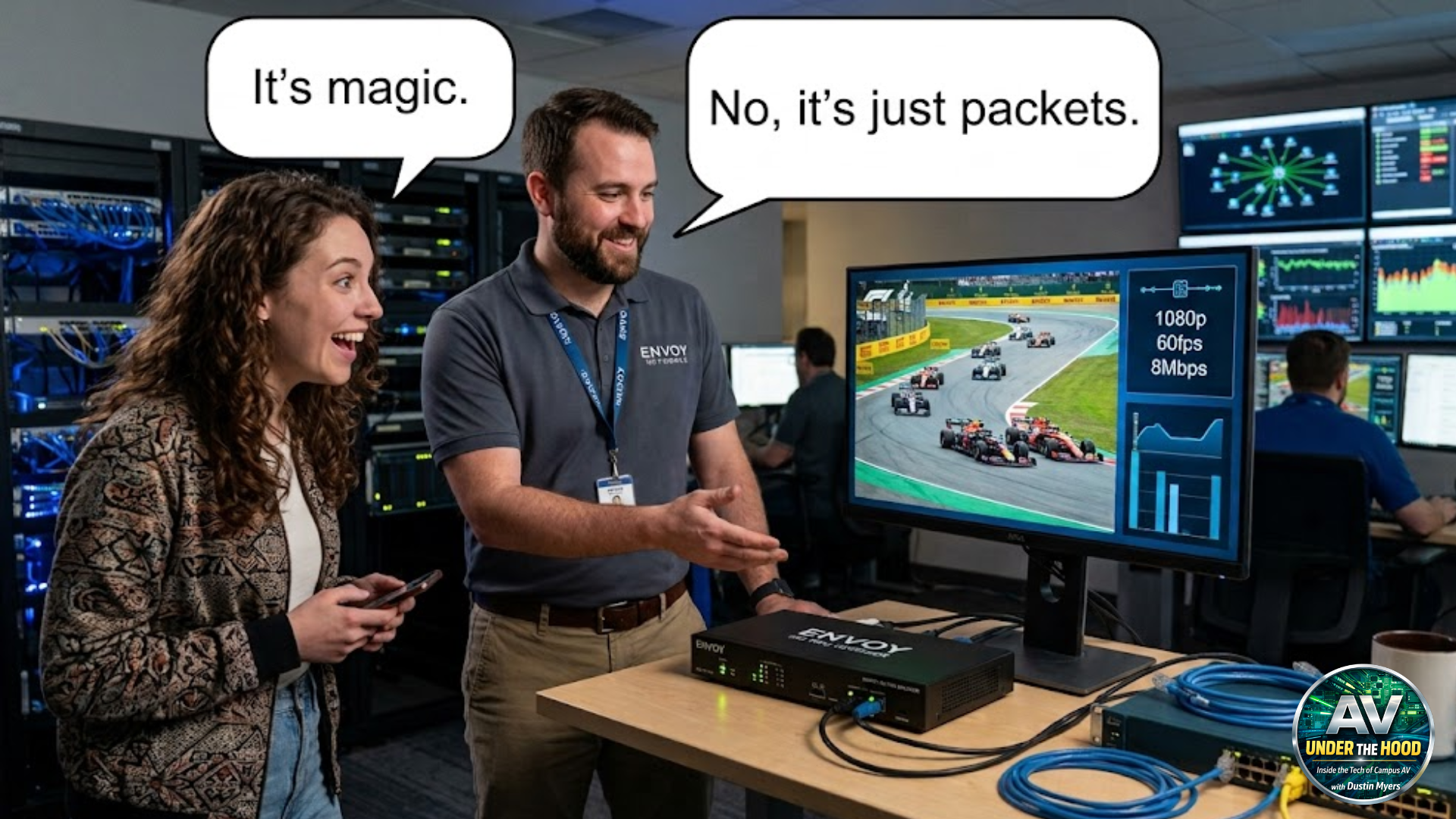

When I first started working with AVoIP, I’ll admit I thought there was some kind of sorcery happening. The idea that I could take an HDMI cable coming from my laptop, plug it into a black box, connect it to the network, and suddenly have that video feed available on the other side of campus felt almost unbelievable. After years of thinking about video in terms of matrix switchers with dedicated cabling, my mind was blown and left me wondering how.
Then I started hearing network guys talk about it. “We’re just moving packets from here to there.”
As AV professionals, we naturally think in terms of sources and destinations. A laptop feeds a matrix that feeds a display. Audio goes through a DSP before reaching the amplifier. Every signal has a beginning, an end, and a physical path between the two. To a network switch, there is no such thing as video. It doesn’t know what HDMI is. It only knows packets.
That was probably the biggest concept that I had to wrap my brain around when I started designing AVoIP systems. I had spent years learning signal flow diagrams. Suddenly I needed to understand packet flow. They’re similar concepts, but they’re definitely not the same thing.
Let’s start with a question I wish someone had answered for me years ago. What actually happens when you plug an HDMI cable into an encoder? The answer isn’t “it goes on the network.” That’s the simplified explanation we all give, but there’s much more happening under the hood.
The encoder first captures the incoming HDMI signal. Depending on the platform, that video may be compressed using standards like H.264, H.265, or another codec designed to reduce bandwidth while maintaining image quality. Once compressed, the encoder breaks that stream into thousands of small pieces of data called packets.
Imagine dumping a thousand-piece jigsaw puzzle onto a table. No single piece tells you what the finished picture looks like, but each one contains a small part of the image. As the pieces come together in the right place, the full picture appears. Network packets work the same way. Each packet carries only a small piece of the video stream, and it’s the decoder’s job to put those pieces back together in the correct order.
Each packet receives source and destination information before being encapsulated inside an Ethernet frame. That frame includes the source and destination MAC addresses, allowing switches to determine where it should be forwarded. Inside the frame sits the IP packet, which contains source and destination IP addresses. Deeper still is the transport protocol, typically UDP for most AVoIP systems because it prioritizes speed over retransmitting lost data.
That’s another concept that confused me early on. Why UDP instead of TCP? After all, TCP guarantees delivery. If a packet is lost, it simply asks for it again. That sounds great until you remember you’re watching live video. Think about the FIFA Club World Cup Final. If the stream froze every time a single packet went missing, you’d spend more time staring at buffering than watching soccer. Most viewers would rather miss an occasional frame than have the entire broadcast pause every few seconds waiting for perfect delivery. That’s exactly why live audio and video often favor UDP over TCP.
UDP makes a different decision. If a packet is lost, keep going. For live audio and video, that’s usually the better choice. Missing one packet out of thousands is often less noticeable than pausing an entire stream while waiting for it to be retransmitted. That’s why protocols like Dante, NDI, and most AVoIP platforms rely heavily on UDP.
The network isn’t trying to guarantee perfection. It’s trying to guarantee continuity. Once I understood that, a lot of other networking terminology started making more sense. A switch isn’t switching video. It’s forwarding Ethernet frames. A router isn’t routing HDMI. It’s routing IP packets between networks. A VLAN isn’t separating classrooms. It’s creating separate broadcast domains.
Even bandwidth takes on a different meaning. We’re no longer asking whether a matrix switch has enough inputs and outputs. We’re asking whether the network has enough capacity to move millions of packets every second without introducing latency, jitter, or packet loss.
Those aren’t just networking buzzwords anymore. They’re variables that directly affect what faculty and students experience in the classroom. One dropped packet probably goes unnoticed. Thousands of dropped packets become frozen video. Excessive jitter becomes choppy audio. Latency becomes lip-sync issues. The symptoms show up in the classroom, but the cause usually starts much deeper inside the network.
That’s why I believe AVoIP has fundamentally changed what it means to be an AV professional. We don’t have to become network engineers, but we do have to become comfortable speaking the language. Understanding packets, Ethernet frames, MAC addresses, IP addresses, and transport protocols isn’t about passing a certification exam. It’s about understanding what the equipment we install is actually doing.
The more I’ve learned about networking, the less sorcery AVoIP has become. The magic isn’t that video somehow travels across the network. The magic is that thousands of packets leave an encoder every second, traverse switches, routers, VLANs, and fiber links across campus, arrive in the correct order, get reassembled into a flawless image, and do it so quickly that nobody in the room ever notices. It isn’t magic. It’s engineering.