
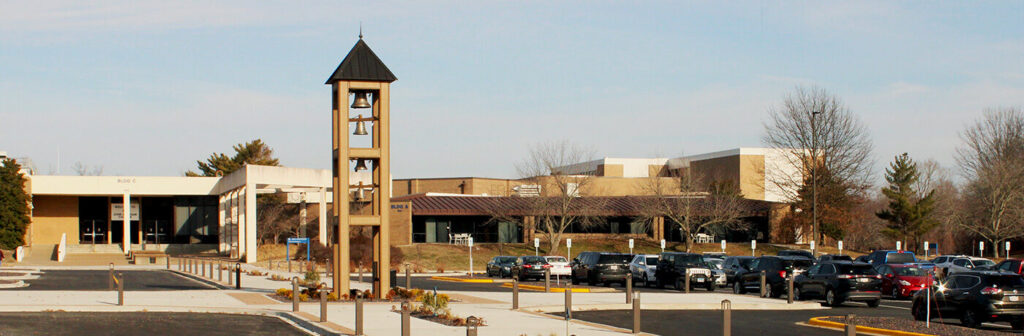
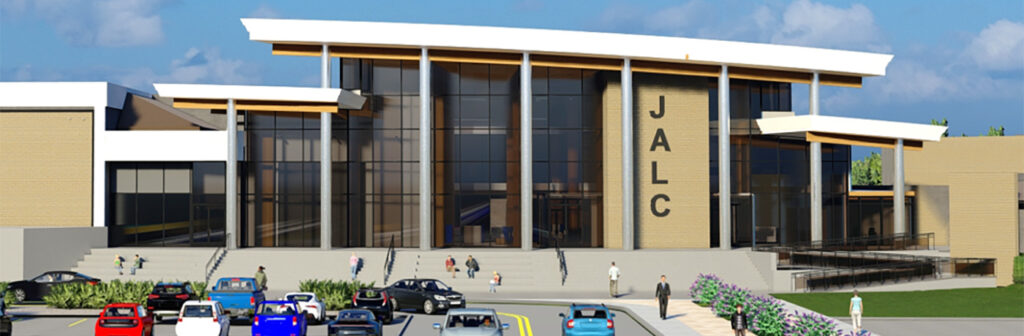
John A. Logan College is a public community college located in Carterville, Illinois, serving students across southern Illinois through its main campus and extension sites in Du Quoin and West Frankfort. Part of the Illinois Community College System, the college offers associate degrees, transfer pathways, certificates, and workforce training programs designed to support both academic progression and regional industry needs. In recent years the college has enrolled a little over 3,000 students annually in its credit programs, with additional learners participating in continuing education, adult education, and workforce development offerings throughout the region.
Overview and Team Scope
The Technology Support team at John A. Logan College supports classroom technology, audiovisual systems, events, theatre, computer labs, faculty and staff devices, and campus-wide technology infrastructure related to teaching and learning. The team works closely with faculty, administration, and IT leadership to design, deploy, and maintain classroom AV systems that support modern instructional methods. In addition to day-to-day support, the group is responsible for system monitoring, upgrades, and technology planning tied to future classroom and campus initiatives.
The team supports approximately 150 instructional spaces across campus, including general-purpose classrooms, computer labs, specialized instructional labs, training rooms, and conference spaces. Technology Support also oversees all event spaces, from the conference center to the theatre. The role extends into athletics as well, with responsibility for AV design, installation, and ongoing support across all athletic venues, from baseball and softball fields to the main gymnasium. Faculty and staff device support is also part of the department’s scope, including laptops and desktops used for instruction and administrative work, as well as classroom connectivity and support for laptop loan programs managed by other departments.
Classroom Technology Environment
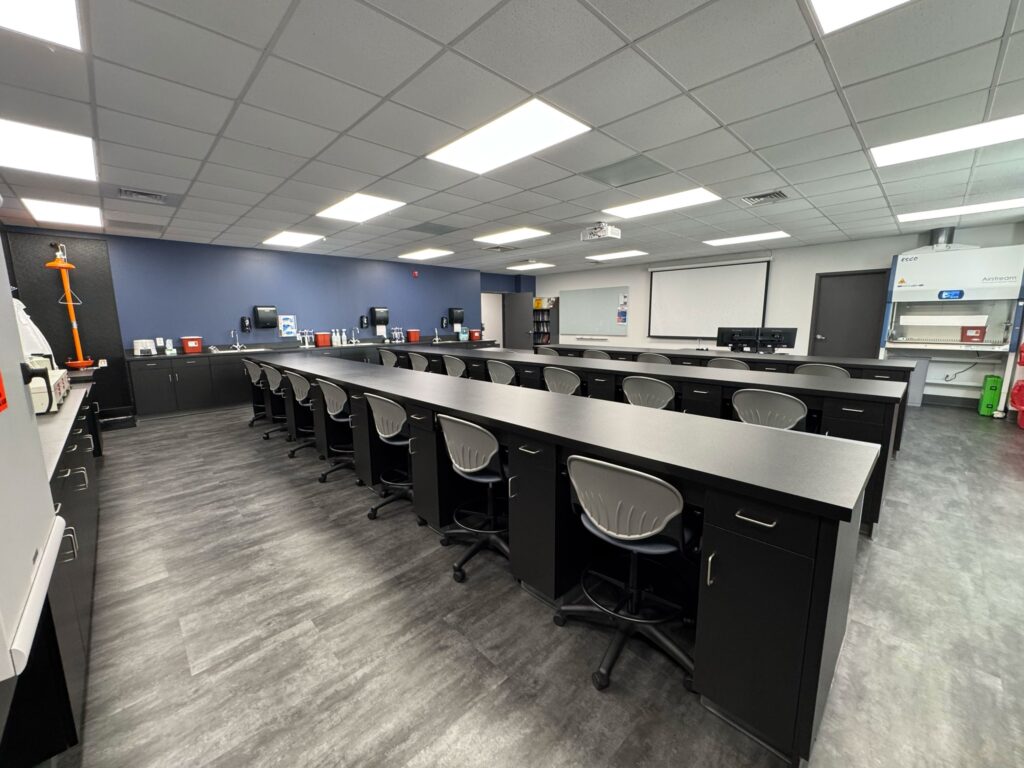
A typical classroom is built around an AV-over-IP architecture designed to support both in-person and hybrid instruction. Most rooms include a Q-SYS control system, at least one classroom camera, wireless presentation capabilities, a Dante-based ceiling microphone, lecture capture using an Epiphan Pearl system, and audio reinforcement to ensure clear speech throughout the space. Instructor lecterns include a built-in computer for local use along with dual monitors, while also supporting bring-your-own-device workflows through wireless casting. Depending on room size and instructional needs, displays are typically either projectors or large-format displays.
While the team strives to deliver a consistent user experience across classrooms, the underlying technology may vary based on room size, instructional requirements, or installed equipment. The goal is for faculty to walk into any classroom and immediately recognize how to start and operate the system, even if the infrastructure behind the scenes differs. Environmental controls such as lighting, shades, and HVAC are currently managed through separate building systems, but future classroom builds and renovations are exploring ways to integrate these controls into the AV interface for a more unified experience.
Connectivity, BYOD, and Faculty Input
Device connectivity at the lectern is designed around flexibility and reliability. Classrooms support a mix of HDMI and wireless presentation options to ensure compatibility with a wide range of faculty devices while maintaining a dependable wired option when needed. Most rooms support both built-in instructor computers and bring-your-own-device use.
Faculty and student input plays a critical role in technology planning. Feedback is gathered through informal conversations, support interactions, and faculty committees or meetings, particularly when planning major upgrades or new classroom designs. Pilot deployments and testing allow instructors to evaluate new technology before it is implemented at scale.
Accessibility is addressed through assistive listening devices that can be deployed upon request, along with interpreter services provided by the institution when needed.
AV-over-IP, Networking, and Security
The campus operates in a partially converged AV-over-IP environment. Audio, video, and control signals are sent over the network, while Dante traffic remains on room-level switches. Common protocols in use include Dante, SDI, NDI, RTSP, AES67, and HDBaseT.
AV devices are typically placed on segmented VLANs to improve security and manage network performance. The Technology Support team works closely with network administrators to design and coordinate configurations, ensuring devices are properly integrated into the broader campus network architecture. Because AV and IT operate together, network segmentation, device management, and traffic policies are coordinated to balance reliability, security, and flexibility.
Security practices include regular firmware updates, network segmentation, device credential management, and monitoring and logging when available. AV systems are treated as part of the overall campus technology ecosystem rather than isolated devices. Remote access is restricted to authorized staff and managed through secure network access methods, allowing for remote monitoring and troubleshooting while maintaining appropriate controls.
Platforms, Vendors, and Decision-Making
Much of the control and DSP infrastructure is built around Q-SYS, supporting control, audio, and video processing. Lecture capture is handled through Epiphan solutions, while displays, cameras, and signal transport hardware vary based on the needs of each space. While the team relies on core platforms for consistency, it is not locked into a single vendor ecosystem. The focus remains on delivering a consistent user experience for faculty while maintaining flexibility behind the scenes to select the most appropriate technology for each environment.
Technology decisions are guided by reliability, long-term maintainability, integration with existing infrastructure, vendor support, and product lifecycle. The overarching goal is to deploy solutions that provide a stable and intuitive experience for faculty while remaining scalable and supportable over the long term.
Lecture Capture and Data
The primary lecture capture platform across campus is the Epiphan Pearl system, which supports capturing multiple video sources, presentation content, and audio within classroom environments. Lecture capture is deployed in a growing number of spaces, particularly those used for hybrid instruction or courses that benefit from recorded content. Most capture sessions are instructor-controlled, allowing faculty to decide when recording is appropriate, with some environments supporting scheduled capture based on course needs.
Monitoring is handled through manufacturer-provided tools, as the team has not yet identified a single platform capable of monitoring all systems. Operational data is collected through ticketing systems and monitoring tools to identify trends such as recurring equipment issues, frequently requested features, and support bottlenecks. This data helps guide technology refresh decisions and improvements to support processes. Some systems also provide usage analytics, offering insight into how classroom technology is being used and informing future deployment strategies.
Support Model and Staffing
Technology Support operates as a centralized service and also serves as the institution’s IT help desk. The support structure follows a tiered approach, with initial requests handled by student workers or help desk staff and more complex AV issues escalated to specialized technicians. The team uses the Quest KACE Systems Management Appliance for ticketing and asset management across IT and AV operations.
Faculty can request assistance by contacting the help desk directly, submitting a ticket through the support portal, or using the help option available on classroom touch panels at the podium. The department includes three full-time technicians, a manager, a director, and four student workers. Training for new staff includes orientation to classroom technology standards, network architecture, and support procedures, supplemented by AVIXA and manufacturer training resources.
Hardware, Special Spaces, and Signage
Projectors remain the dominant display technology across campus, with a mix of Epson and Panasonic units. Flat panels are deployed where appropriate and include brands such as Promethean, ViewSonic, Newline, and Samsung. Projection continues to be the most practical solution for many large instructional spaces. Legacy media players such as Blu-ray or DVD are no longer deployed. For presentations, the team prefers the Logitech Spotlight remote.
Standard conference rooms typically feature a wall-mounted display, ScreenBeam 1100P wireless presentation, and a Sennheiser TeamConnect Bar for conferencing. Larger conference spaces include more robust systems, such as projectors, multiple cameras, TeamConnect ceiling microphones, Shure ULX-D microphones, Epiphan Pearl systems for recording and streaming, ScreenBeam wireless presentation, and dedicated computers with auto-switching mixers to support BYOD. Most installations are completed in-house, with external integrators used only for highly specialized projects.
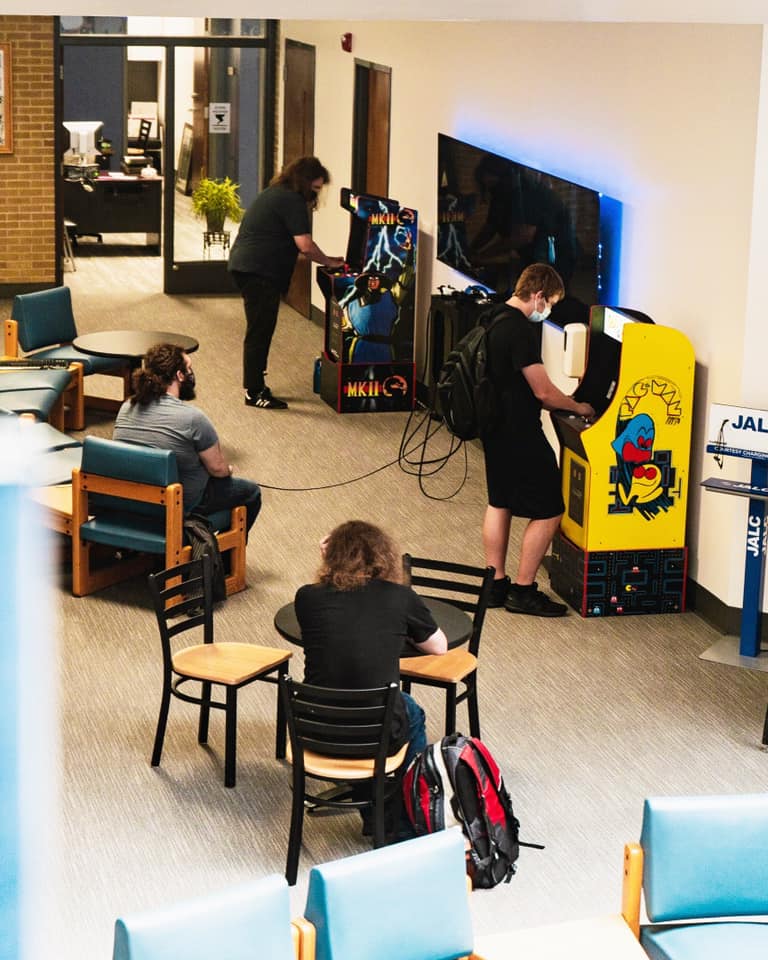
Digital signage hardware and system maintenance are managed by Technology Support, while content is handled by the marketing and communications department. The current signage platform is Telemetry, and it is not yet integrated into the broader AV ecosystem.
Budget, Sustainability, and Looking Ahead
Classroom technology upgrades are funded through a combination of the department’s annual technology budget, student technology fees, and, for certain initiatives, grant funding. Over the next few years, the team plans to continue expanding AV-over-IP deployments and enhancing classroom capture capabilities to better support hybrid and recorded instruction.
Sustainability efforts focus on extending system lifecycles through planned refresh cycles, selecting energy-efficient hardware when possible, and responsibly recycling retired equipment through approved e-waste providers or donating equipment to local school districts.
One of the biggest challenges in higher education AV remains balancing rapid technological change with long lifecycle expectations for classroom systems. The goal is to deploy solutions that remain reliable and supportable for many years while keeping pace with evolving instructional technology needs.