






ScreenBeam at InfoComm 2026: Wireless Display as the Start of the Classroom Workflow
Some InfoComm conversations are useful because they widen the frame. ScreenBeam may still be most familiar to many campus teams as a wireless display company, but the booth conversation at InfoComm 2026 points to a broader direction: casting, collaboration, classroom control, signage, messaging, alerts, and active learning as connected parts of the same campus workflow.
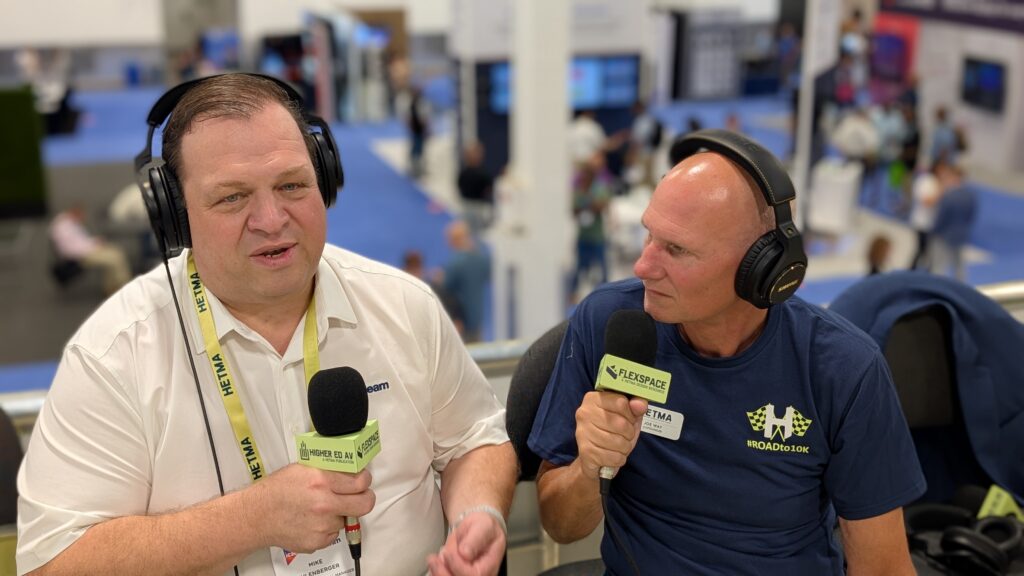
Mike Ellenberger, Vice President and General Manager for ScreenBeam, framed it early.
“ScreenBeam does higher education.”
That is a direct way to start, and it matters. ScreenBeam is not treating higher ed as a side market for general meeting room technology. The company’s booth is centered on the way campus spaces actually function: instructors presenting from different devices, students sharing work, displays shifting between teaching and communication roles, and AV/IT teams trying to support all of it without building every room from scratch.
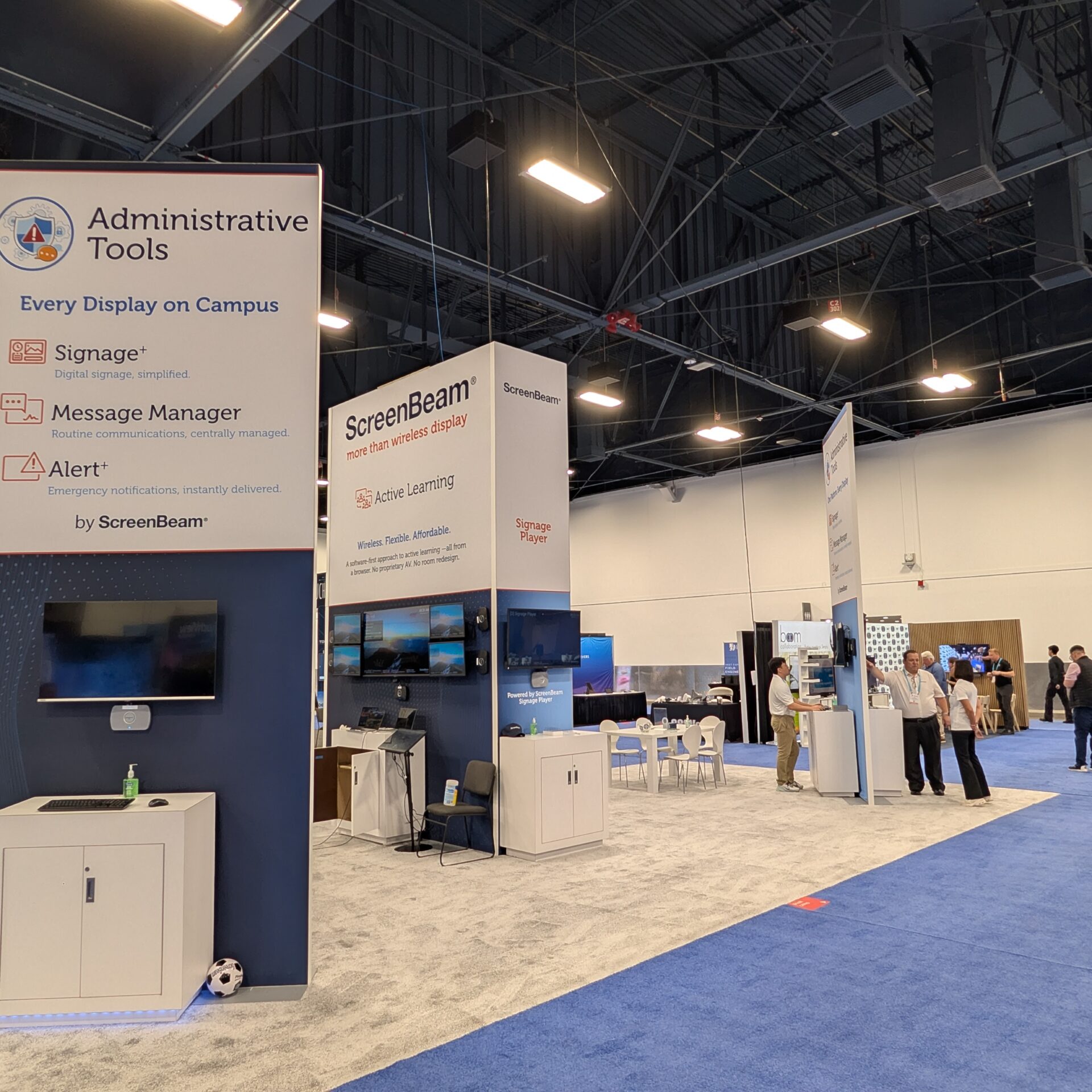
At InfoComm 2026, ScreenBeam is showing its platform approach to wireless display, including ScreenBeam 1100 Plus and FLEX, BrowserCast, Active Learning, administrative tools such as Signage+, Message Manager, and Alert+, Signage Player, and BYOM plus USB switching for hybrid learning environments. The product list matters, but the more useful story is how ScreenBeam is trying to connect those pieces into one supportable campus model.
Booth C6109
ScreenBeam is exhibiting at Booth C6109, close to the HETMA booth, and the setup fits the company’s message. This is not just a casting demo. The booth is showing how wireless display can become the entry point into a larger instructional and communication platform.
Mike described the evolution this way.
“it’s evolved into an entire platform that’s delivering everything you need for great instructional and learning environments.”
That is the higher-ed angle. Campuses do not need another isolated endpoint that only solves one narrow problem. They need classroom tools that can support the room while also fitting the larger service model. A display in a classroom may need to receive wireless content during instruction, show signage between classes, display alerts when needed, support active learning, and remain manageable by central teams.
That is the practical promise ScreenBeam is bringing to InfoComm: every display can do more than wait for someone to cast to it.
BrowserCast and the BYOD Reality
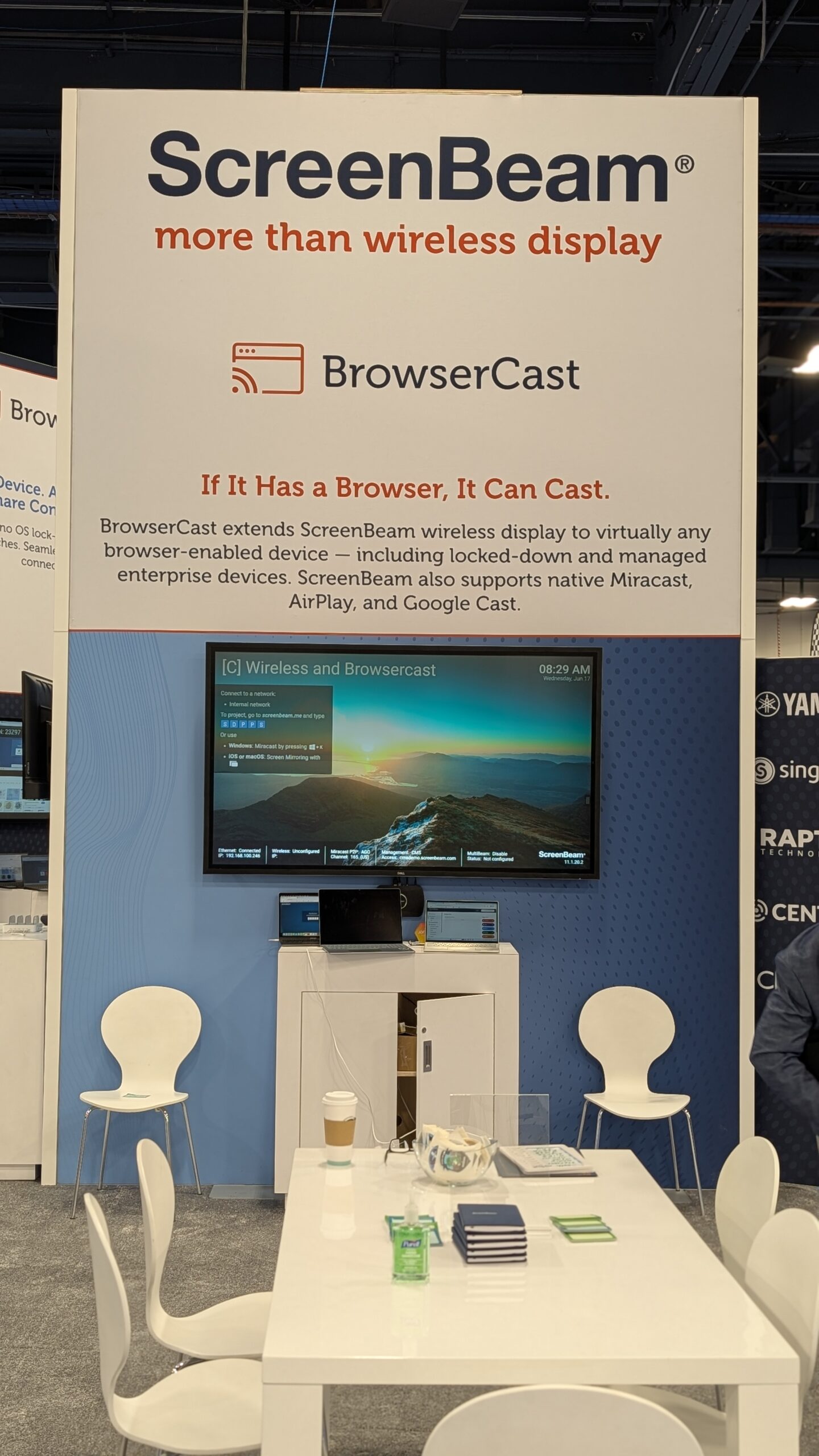
One of the biggest pieces of the ScreenBeam booth story is BrowserCast. Mike described it plainly.
“At this show, we’re introducing BrowserCast, which is a new way to connect.”
BrowserCast is designed around browser-based sharing, with no applications, plugins, or dongles required. The user goes to screenbeam.me, enters the PIN code on the display, and chooses whether to share the full screen, a browser tab, or an application.
That workflow is aimed directly at the BYOD problem in higher ed. Students and faculty arrive with different operating systems, different device ownership models, different security requirements, and different levels of comfort with classroom technology. Native casting support helps, but it does not remove every barrier. Browser-based casting gives campuses another route for participation when app installation, OS support, network segmentation, or device limitations get in the way.
Mike tied that directly to active participation.
“how can we really get students to participate in a collaborative environment and make it easy on the professor”
That is the real test. Wireless display is not only about getting a laptop onto a screen. In a classroom, it is about whether the instructor can bring student work into the room without derailing the class. The workflow has to be fast enough to use in the middle of teaching, simple enough for students to understand immediately, and controlled enough that the instructor can manage what appears on the display.
Moderation Changes the Classroom Use Case
ScreenBeam is also showing ScreenBeam Connect, described by Mike as a software version of ScreenBeam that can run on devices with basic compute, including all-in-one displays, Google devices, Fire TV, or signage players.
The more interesting classroom piece is moderation. In the workflow Mike described, an instructor logs in as the moderator, students connect through the browser, and student shares appear first in the instructor’s browser interface rather than immediately on the room display. The instructor can preview the student’s content, allow up to four students to display simultaneously, spotlight one student, and then move back to multiple views.
That matters because unmoderated sharing is not always a good fit for instruction. In active learning, the instructor may want to compare group work, select examples, move quickly between teams, or bring one student’s screen forward without giving up control of the room. Moderation makes wireless sharing feel more like a teaching tool and less like an open input.
Mike summed up the target environment clearly.
“It’s a really great thing for BYOD environments, and we love it for higher education.”
For campuses trying to modernize collaboration spaces without rebuilding every room, this is the piece to look at closely. If the same display infrastructure can support wireless sharing, browser-based access, moderation, multi-student comparison, and instructor control, the room becomes more useful without becoming more complicated for the people using it.
Active Learning Without the Heavy Room Redesign
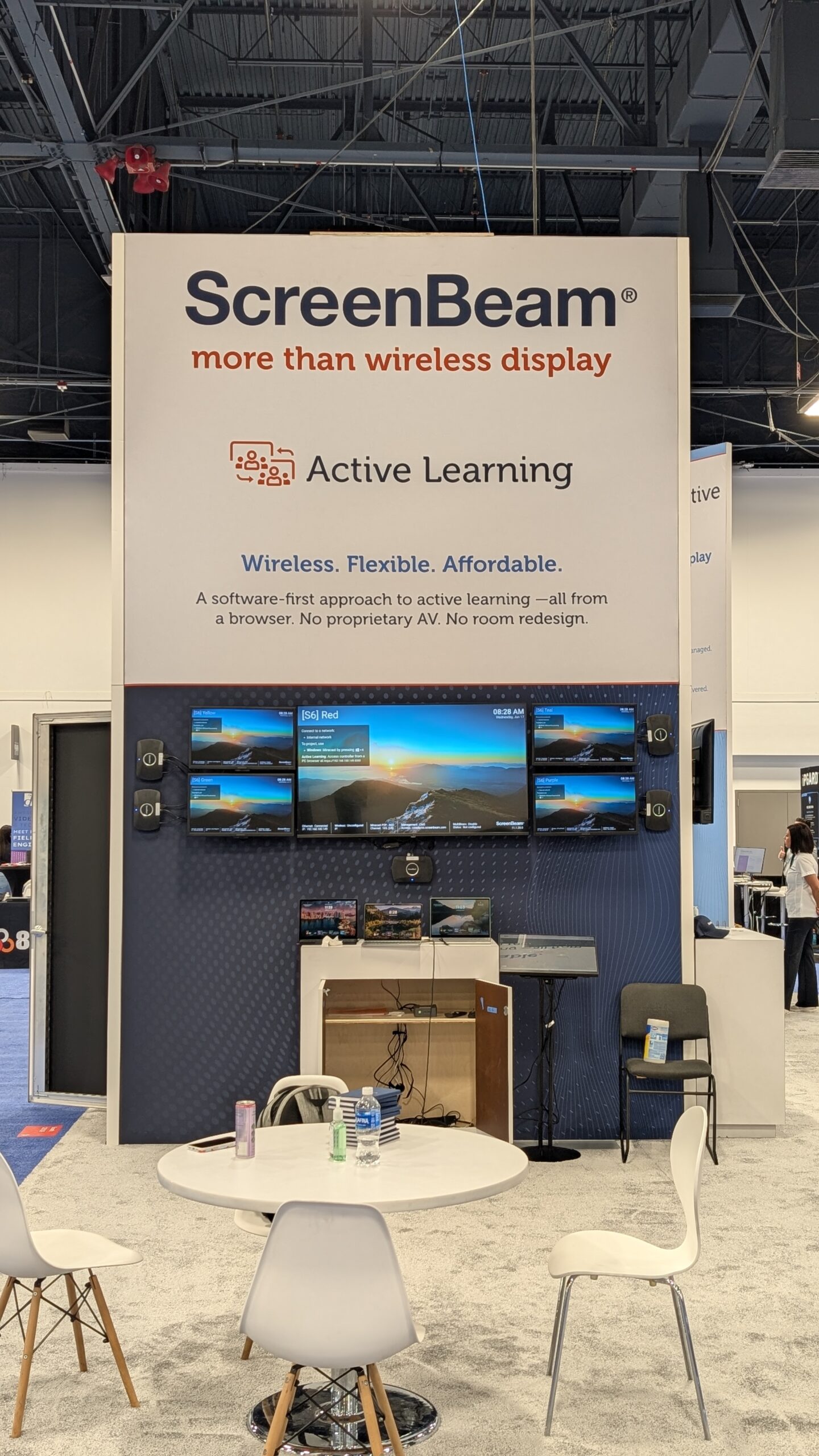
ScreenBeam’s Active Learning approach is another higher-ed-relevant part of the booth. The company is positioning it as a software-first, browser-based solution for group collaboration across multiple displays. The stated goal is to avoid proprietary hardware, complex room redesigns, and expensive AV-heavy deployments while still giving instructors tools to view, compare, and guide student work.
That is a real campus problem. Active learning rooms can be valuable, but they can also become expensive, specialized, and difficult to scale. A flagship active learning classroom may get institutional attention, but many campuses also need lighter-weight collaboration models for seminar rooms, general-purpose classrooms, and group spaces.
Mike described ScreenBeam’s active learning direction as a way to deploy a flexible, affordable, scalable solution that solves problems and saves money. The wording is broad, but the use case is concrete: help more rooms support collaborative teaching without requiring every room to become a major capital project.
For AV/IT teams, the questions are straightforward. Can this work with displays already in the room? Can instructors manage it without a steep learning curve? Can support teams administer it centrally? Can the same approach work across different room sizes and departmental needs?
If the answer is yes, active learning stops being a one-room showcase and becomes a repeatable design pattern.
Classroom Displays as Communication Endpoints
The other major part of ScreenBeam’s platform story is administrative communication. ScreenBeam is showing tools including Signage+, Message Manager, Alert+, and Signage Player. The company’s booth language frames this as turning every display into both a collaboration tool and a communication endpoint.
That is an important shift for higher ed. Campus displays often sit unused when class is not active. ScreenBeam’s approach gives those displays a second role: scheduled signage, daily messaging, and emergency alerts. Mike also described tighter Canva integration and role-based access, so an instructor could prepare classroom display content before class and have it ready when students arrive.
That is not just signage. It is pre-class communication, lesson context, wayfinding, event promotion, safety messaging, and department-level display use without creating a separate system for every need.
The operational value is in reuse. The display already exists. The network path already exists. The classroom schedule already creates downtime between teaching sessions. If the platform can let that same infrastructure support instruction and communication, campuses get more value from the rooms they already maintain.
The Higher Ed Takeaway
ScreenBeam’s InfoComm 2026 presence is about moving beyond wireless display as a single function. Casting still matters, but the larger story is how displays can support instruction, student participation, active learning, signage, alerts, and hybrid workflows from a unified platform.
Mike’s point about higher ed was not abstract.
“it’s just got to be easy it’s just got to work and you’ve got to be able to support it without tons of headaches”
That may be the cleanest summary of what campus AV/IT teams should bring to Booth C6109. BrowserCast, ScreenBeam Connect, moderation, Active Learning, Signage+, Message Manager, Alert+, Signage Player, and BYOM plus USB switching are all worth seeing, but the real question is whether the platform reduces friction across the whole classroom workflow.
ScreenBeam is making the case that every display can become more useful: a casting target, a collaboration point, a teaching surface, a signage endpoint, and an alerting tool. For higher ed, that is where the conversation gets practical.
Make sure to check out ScreenBeam at Booth C6109 at InfoComm 2026, or visit www.screenbeam.com to learn more.