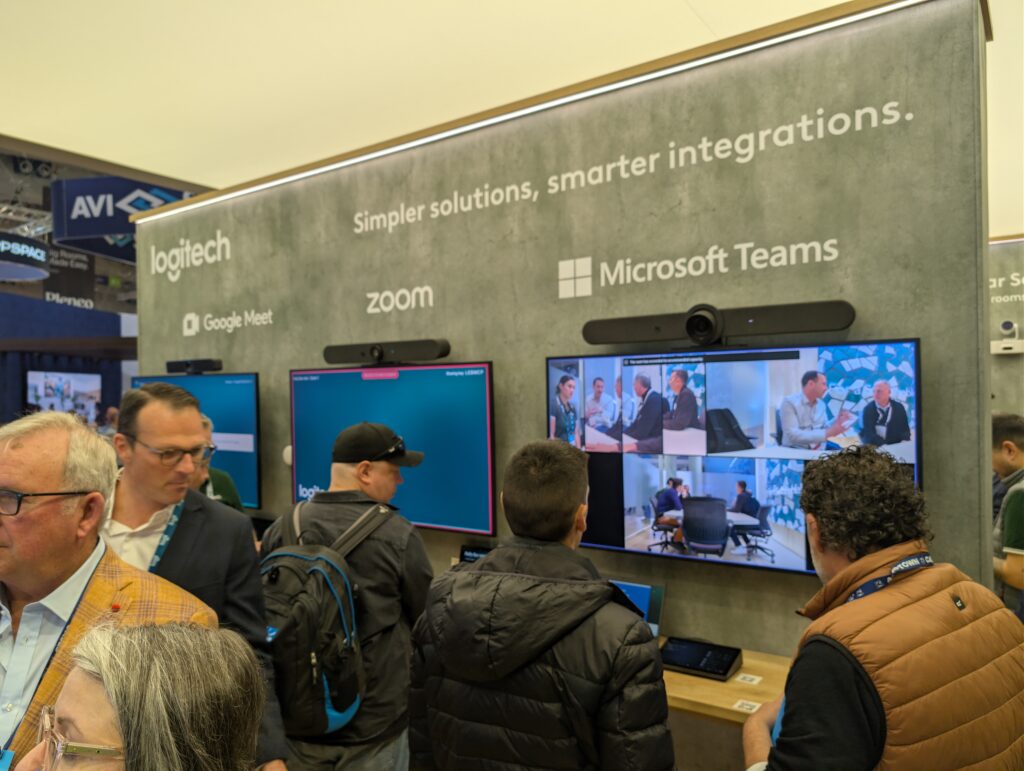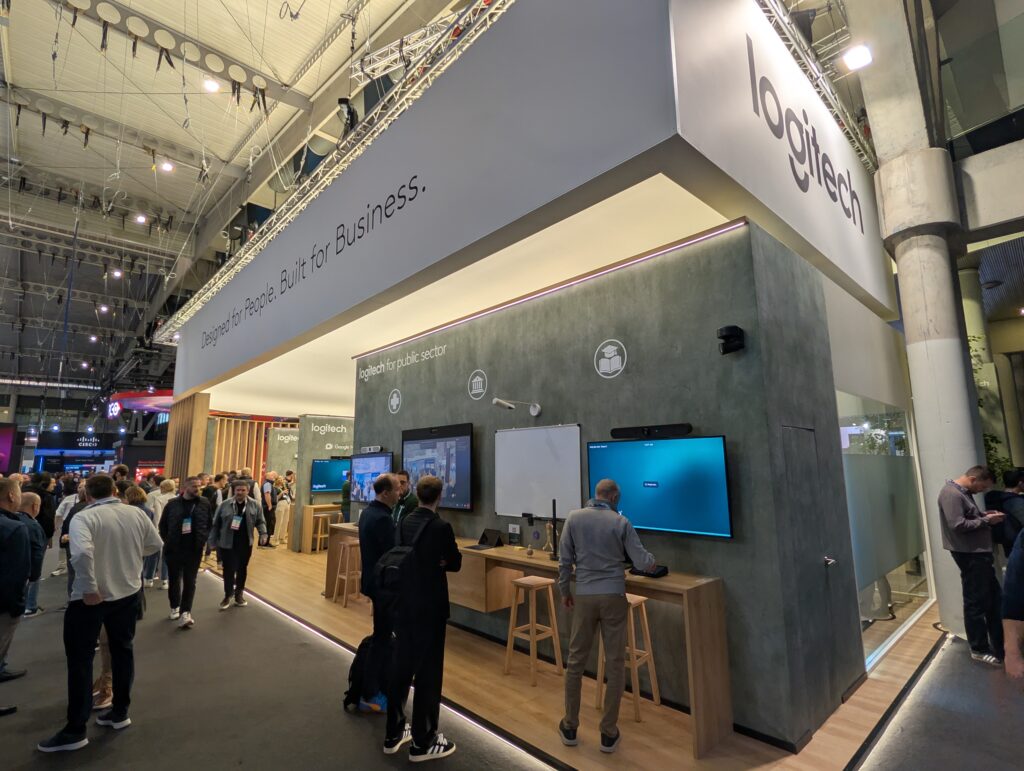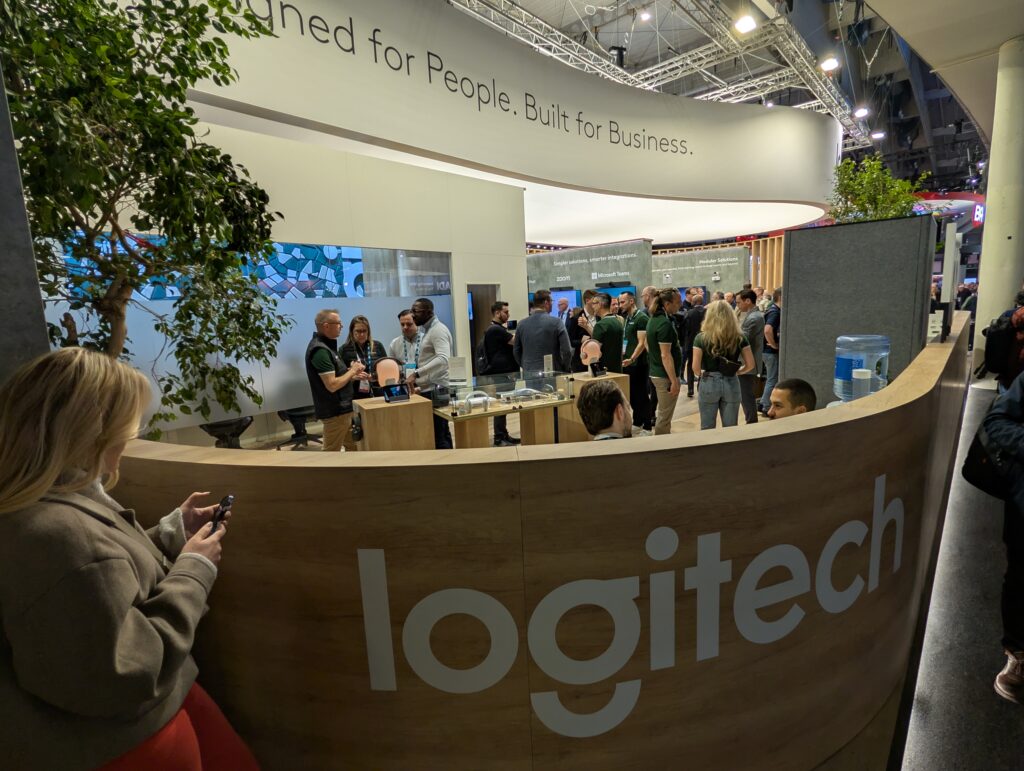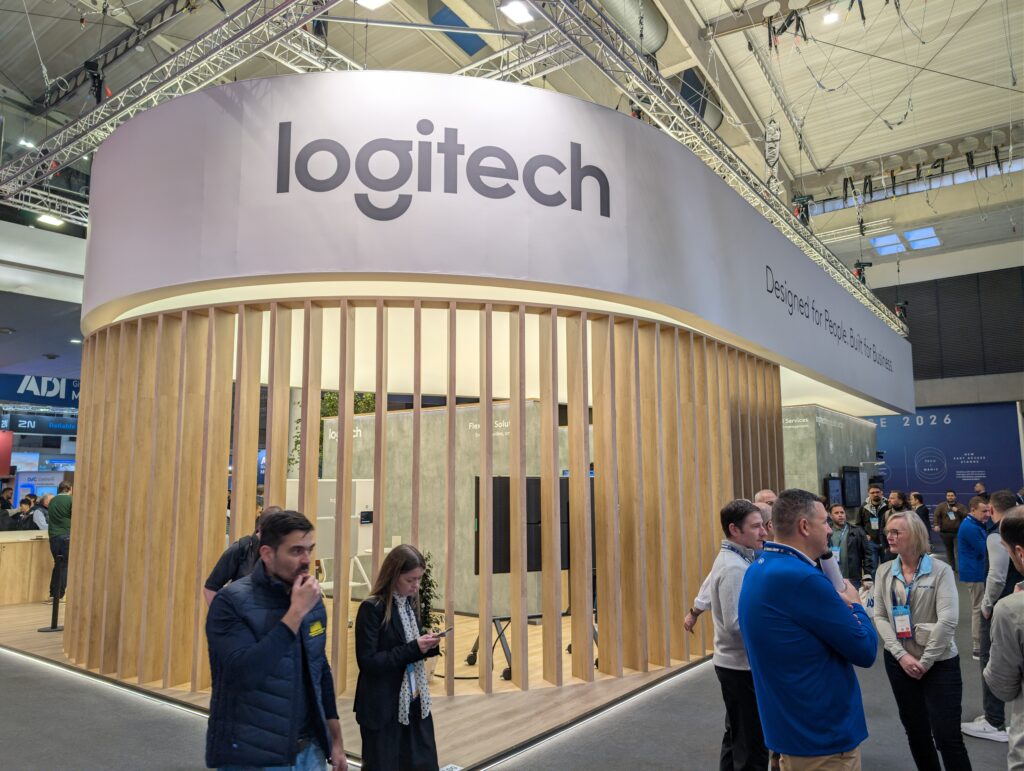
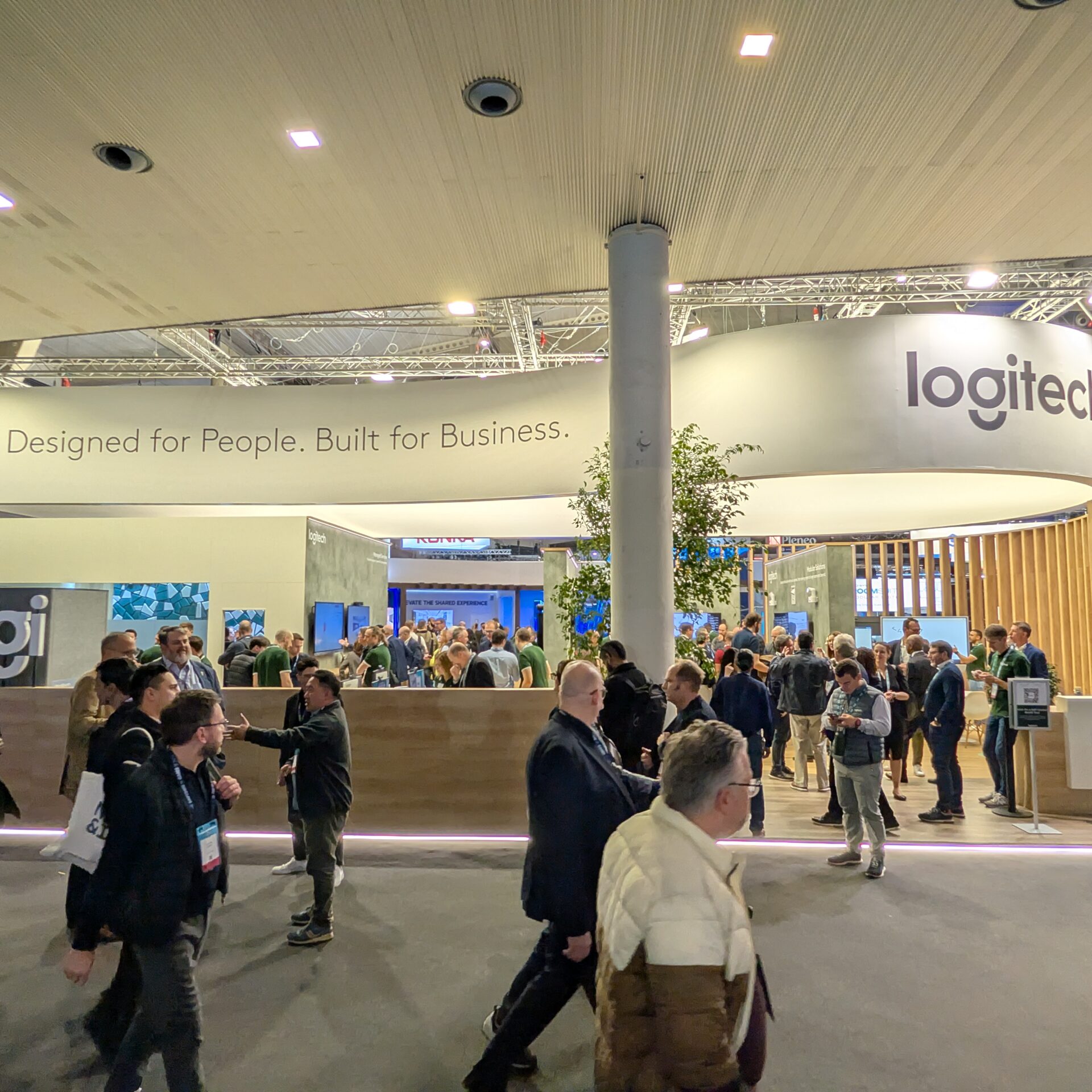







Logitech showed up to ISE 2026 in a big way with education tools ready to show and ready to go.
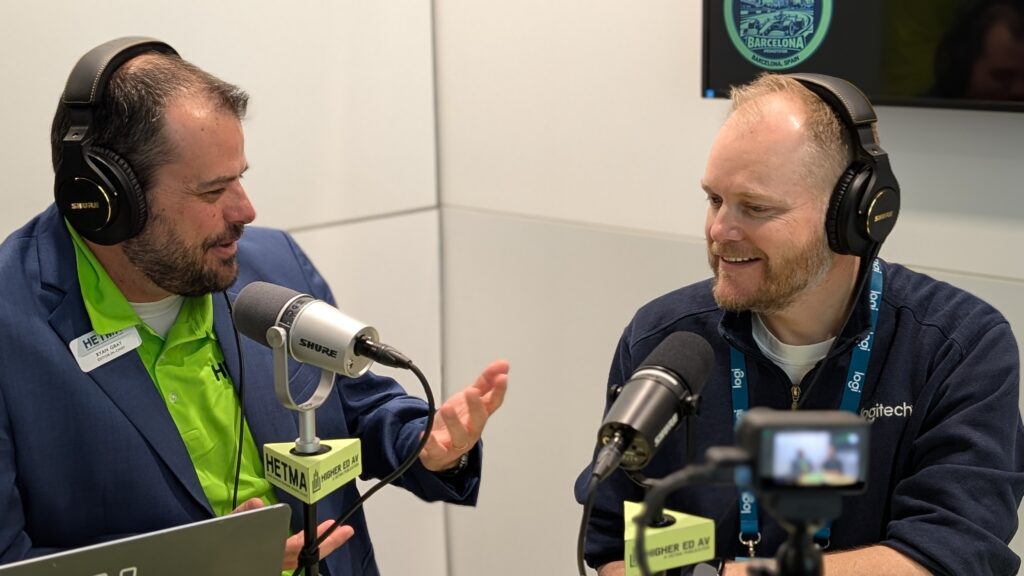
Jay Lyons, Logitech’s portfolio and product manager for education, framed the week around learning modalities. Higher ed is no longer one room type and one teaching style. It is hyflex, overflow, remote participants, active learning, ad hoc collaboration, and a constant push to make spaces easier to use with fewer support calls. Logitech’s education posture is to design products that simplify the experience without forcing campuses into a complicated ecosystem.
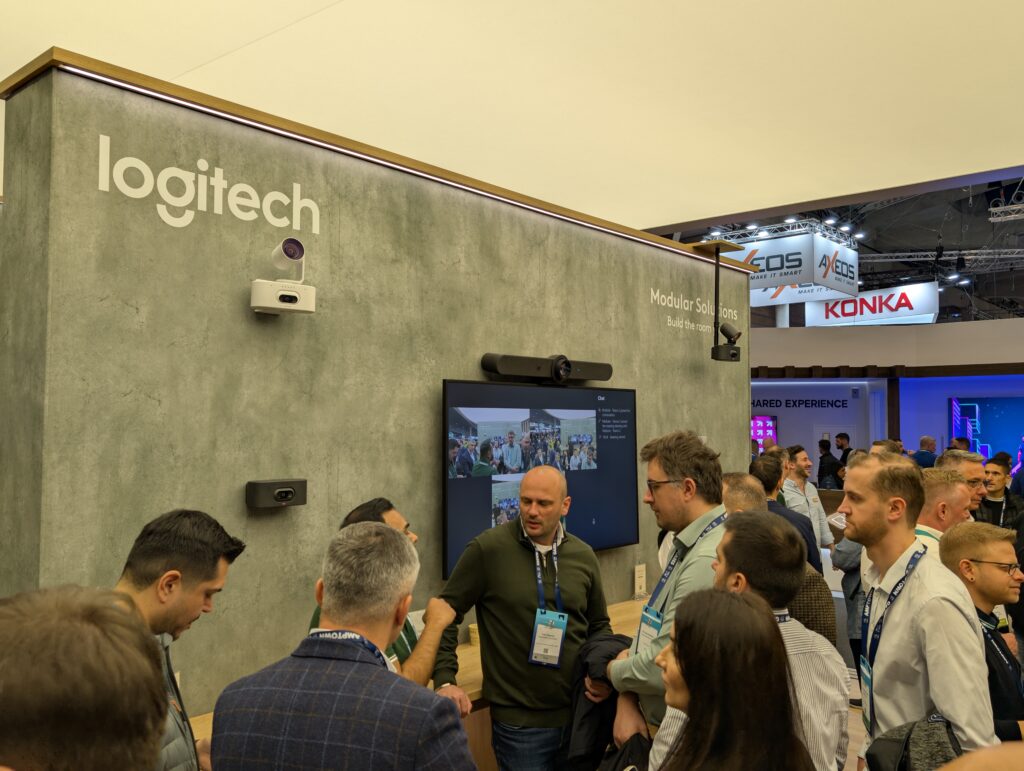
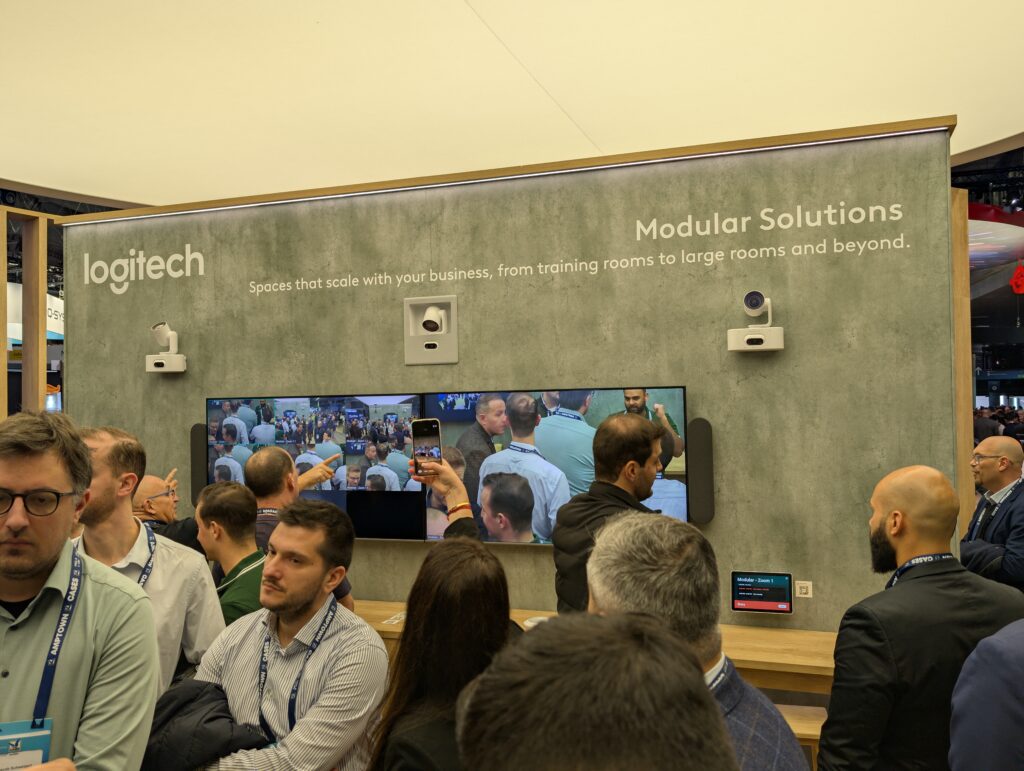
One of the headline pieces on the show floor is the Rally lineup, and this year’s attention-getter is the Rally AI Camera Pro. Logitech built the Rally camera line into a staple for video conferencing over years, and Jay talked about the practical reality of what customers have been asking for: better tracking, better control, and fewer “it sort of works” compromises when a room is large, complex, or unpredictable. Rally AI Camera Pro is positioned to add intelligence where it matters, including presenter view, speaker view, the ability to mask areas so the camera does not track the audience, and room analytics that help teams understand how spaces are being used.
“To have a new camera to fill out that line, I think a lot of people were waiting for a new Rally camera.”
What was especially useful in this conversation was not the feature list, but the way Jay described the product philosophy. Logitech is not trying to make you stitch together a deep box-to-box ecosystem with custom coding. The goal is no-code simplicity, with the capabilities living in the product so the install and support posture stays realistic for campus teams.
That theme shows up clearly in the Rally Camera Streamline Kit, which is one of the most education-forward things Logitech has been building for hyflex capture. The problem statement is simple: the camera needs to be in the back of the room to capture the instructor, but the computer or UC appliance is usually in the front. Campuses have multiple ways to solve this, but many of them add layers of complexity, conversions, and failure points. Logitech’s Streamline approach is to make it a single-cable story that feels like a standard, not a special project.
Jay described it as a USB extender integrated directly with the camera, converting USB to category cable and then converting it back to USB at the control box near the front-of-room equipment. He also called out the mounting details, because those are the real-world things that either save time or create friction during installs. The kit uses a twist-and-lock concept that helps technicians mount it without balancing hardware while trying to fasten it.
The more important twist was what Logitech learned while building it. They thought the transport problem was the main pain point. Then they learned camera control was actually the bigger issue in rooms. That is where Logitech’s preset buttons come in.
“Ultimately what we found is that the hardest thing was camera control itself.”
This is a very higher ed insight. Even when you have good tracking, you still need intentional control. Instructors move. They go to a whiteboard. They shift to a demo table. They point at content. If you force them to walk back to a touch panel or a lectern UI every time, you lose them. Logitech’s approach is battery-powered preset buttons that can be mounted around the room, labeled for scenes, and used without thinking. The instructor taps the button nearest to where they are teaching, and the camera jumps to the right view. The batteries are designed to last years, and Logitech is thinking ahead about future options if campuses want hardwired power.
That detail matters for hyflex because it addresses two different user experience problems at once. It reduces the cognitive load for instructors, and it reduces the disorientation that sometimes comes with pure tracking for remote participants. The room stays predictable, and the instructor stays focused on teaching.
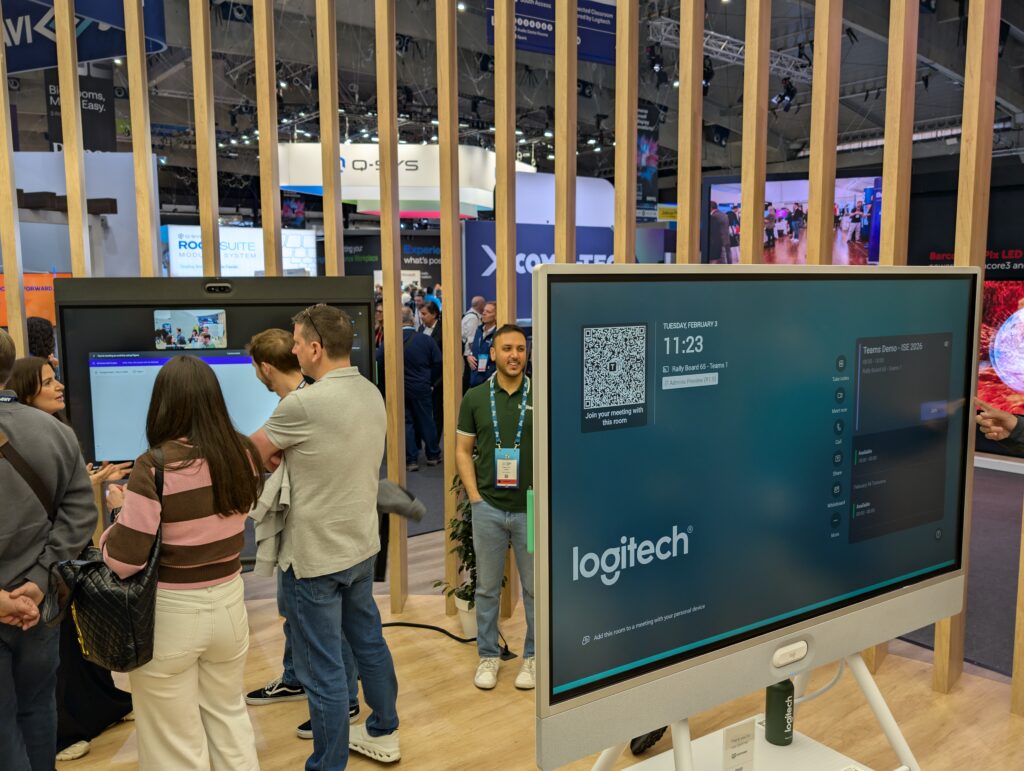
Jay also pointed to the Rally Board 65 as a practical tool for overflow scenarios, and he talked about showcasing how the pieces connect inside the Connected Classroom. This is where Logitech’s “you can actually use it” approach shows up. The Connected Classroom is not just a wall of products. It is a hands-on environment where you can walk through learning modalities and see how tools behave when you treat education as workflows, not individual devices.
A surprising highlight for attendees, according to Jay, has been Mevo, Logitech’s wireless streaming camera and app. People keep walking up and saying they did not know Logitech made wireless cameras, which is exactly the point. On campuses, Mevo can be a practical way to support content capture, small event streaming, student projects, and flexible video needs without turning every request into a full production build.
Beyond what was discussed in the interview, Logitech is also featuring education and workspace tools like Scribe (whiteboard capture), Reach (adjustable content camera), MX Ink (mixed reality stylus for Meta Quest), Zone Wireless 2 ES (headset), Logitech Sight (tabletop camera with intelligent participant framing), Logitech Spot (workspace sensing), and Logitech Sync (device management). The through-line is the same: simplify deployment, simplify management, and make the experience reliable enough that people stop thinking about the technology.
If you are at ISE 2026, Logitech is at Booth 2K100 in Hall 2, and the Connected Classroom is also in Hall 2 at Stand 2W100. The best way to use a Logitech booth visit is to bring a real campus scenario: a hyflex lecture room where control is the issue, a standardization effort where single-cable installs matter, or an overflow space where you need predictable audio and video without a complex build. Ask to see how the pieces work together, and ask what changes when you design for simplicity first.
Make sure to check out all of this and more at their website and reach out to Madeleine at mmortimore@logitech.com