
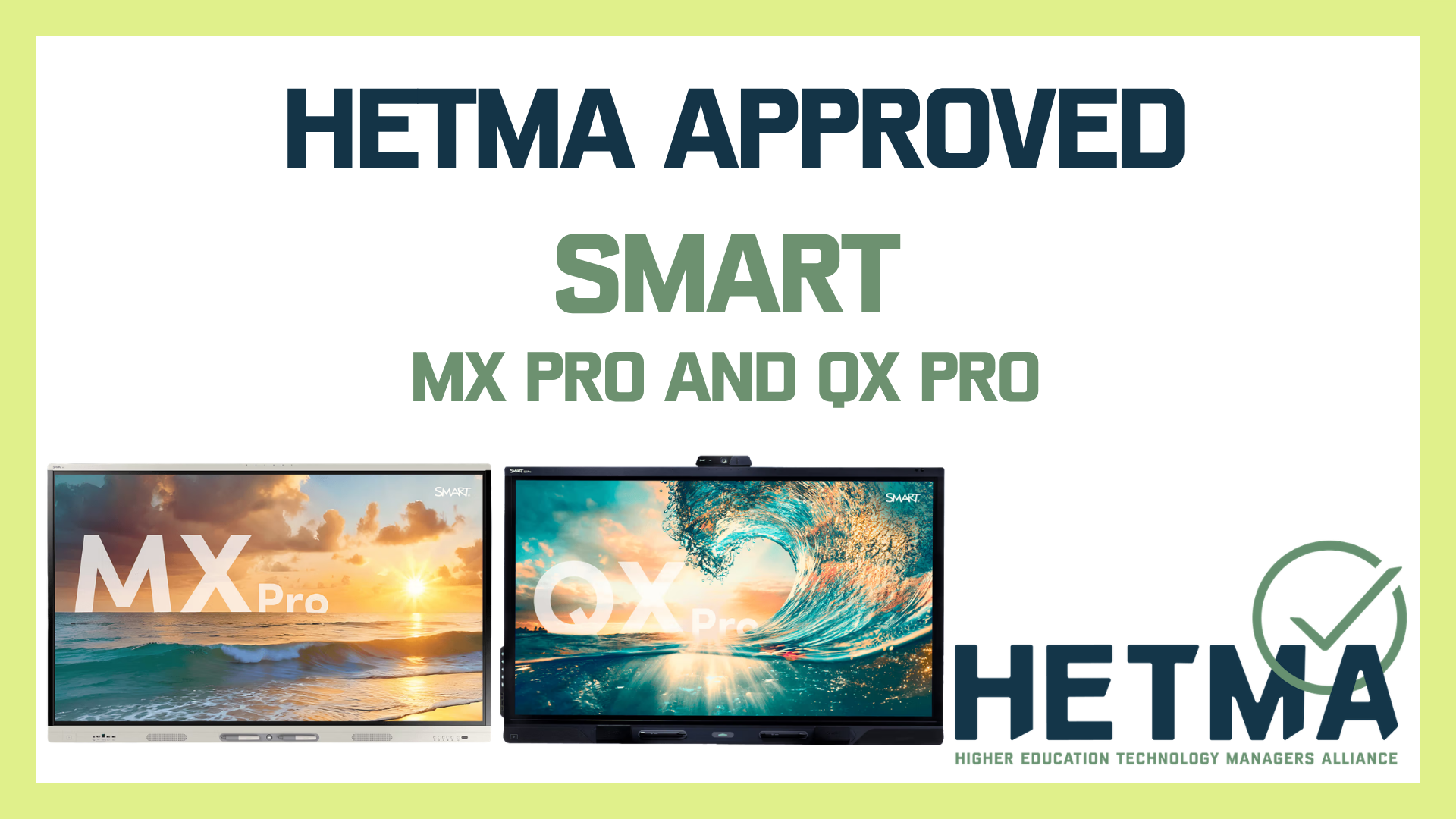


SMART Technologies has earned its first HETMA Approved designations, with two interactive displays now joining the program: the SMART MX Pro and the SMART QX Pro. For higher education institutions evaluating classroom and collaboration technology, the approval marks an important step for a brand already familiar to many faculty and students, but now formally recognized through peer evaluation by higher ed technology professionals.
The HETMA Approved program is designed to give colleges and universities real-world feedback from the people who deploy, support, and maintain technology on campus. Rather than focusing solely on spec sheets or marketing claims, the program examines how products perform in instructional spaces, meeting environments, and day-to-day institutional use. In the case of SMART’s MX Pro and QX Pro, evaluators found two displays that deliver strong usability, solid build quality, and clear relevance for higher education environments.
The SMART MX Pro stood out as a capable and approachable interactive display that fits well in academic settings where touch interaction, mobility, and ease of use matter. Evaluators assembled the display with relative ease, connected it to both built-in and external computing workflows, and then placed it into active use where faculty and students could engage with it naturally. In one evaluation, the display was set up in a public hallway outside an office, where students quickly adopted it for tasks such as accessing the LMS, viewing assignments, and interacting with content, using only the touchscreen and on-screen keyboard. That kind of informal adoption says a lot. A display can have good specs on paper, but when users walk up to it and immediately understand how to interact with it, that is meaningful in a campus environment.
Reviewers consistently praised MX Pro’s crisp image, responsive touch performance, and strong audio output. They also noted that the product feels well-built and thoughtfully designed. Even its appearance became part of the conversation, with evaluators commenting positively on the white finish and overall aesthetics. In a category where many products can feel interchangeable, MX Pro made a positive impression both visually and functionally. Evaluators also pointed to the mobile stand as a significant part of the overall experience, particularly in spaces where flexibility and repositioning are important.
For higher ed, that matters. Colleges and universities increasingly need technology that can serve multiple roles across departments, support both planned instruction and spontaneous collaboration, and remain approachable for a wide range of users. The MX Pro was seen as a strong fit for those kinds of environments, especially where institutions want an interactive display that does not require a complicated learning curve to be useful.
The SMART QX Pro is built on that foundation while adding a more conferencing-forward experience. Evaluators tested the QX Pro in meeting and collaboration scenarios, including Zoom meetings, faculty curriculum sessions, and installed room use with connected PCs and BYOD workflows. The response was clear: the QX Pro offers a compelling all-in-one solution for smaller conference rooms, collaboration spaces, and hybrid meeting environments.
One of the strongest themes in the evaluations was the QX Pro’s integrated design. Rather than feeling like a display with conferencing accessories attached as an afterthought, the product came across as a unified system. Evaluators highlighted the quality of the built-in sound bar, microphone array, and camera, with particularly strong praise for the camera tracking performance and microphone clarity. In at least one room deployment, campus users increased their use of the space after the QX Pro was installed, in part because the technology package made the room more capable and more appealing.
That kind of outcome is especially relevant right now. Higher education continues to prioritize spaces that can support both in-person and hybrid engagement, but institutions are also watching cost, complexity, and support burden. Products like the QX Pro are attractive because they can simplify room design while still delivering the features faculty and staff expect. Evaluators noted a few practical considerations, such as networking preferences for Android-based devices, but these concerns did not overshadow the broader impression that the QX Pro is a polished, effective solution for the right room types.
Across both products, evaluators did raise a familiar concern for higher education IT and security teams: Android-based operating systems on networked displays. In both MX Pro and QX Pro testing, reviewers noted that some institutions may prefer to keep such devices off internal production networks except for updates, or to place them on segmented or outbound-only wireless connections. That is not unusual in higher education, and it reflects the reality that even strong classroom and collaboration products still need to align with campus security policies. What matters is that the products performed well in the environments where they were tested, and that institutions can plan deployments accordingly.
SMART’s entry into the HETMA Approved program with these two products is notable not just because they passed evaluation, but because they represent two distinct ways higher ed institutions are using interactive displays today. The MX Pro addresses the need for flexible, touch-enabled instructional and collaboration technology. The QX Pro pushes further into integrated room conferencing and hybrid engagement. Together, they give colleges and universities options depending on space type, use case, and support model.
With the SMART MX Pro and SMART QX Pro now officially HETMA Approved, SMART has established its first foothold in the program with products that evaluators found to be well built, easy to use, and well aligned with campus needs. For institutions looking at interactive displays not just as screens, but as central tools for teaching, collaboration, and engagement, that is a strong first showing.