







Jabra at InfoComm 2026: Clearer Hybrid Teaching Across More Campus Spaces
Some InfoComm conversations are not about making one room more impressive. They are about making more rooms easier to use, easier to support, and more consistent for the people teaching and learning in them. That is the higher-ed angle for Jabra at InfoComm 2026.
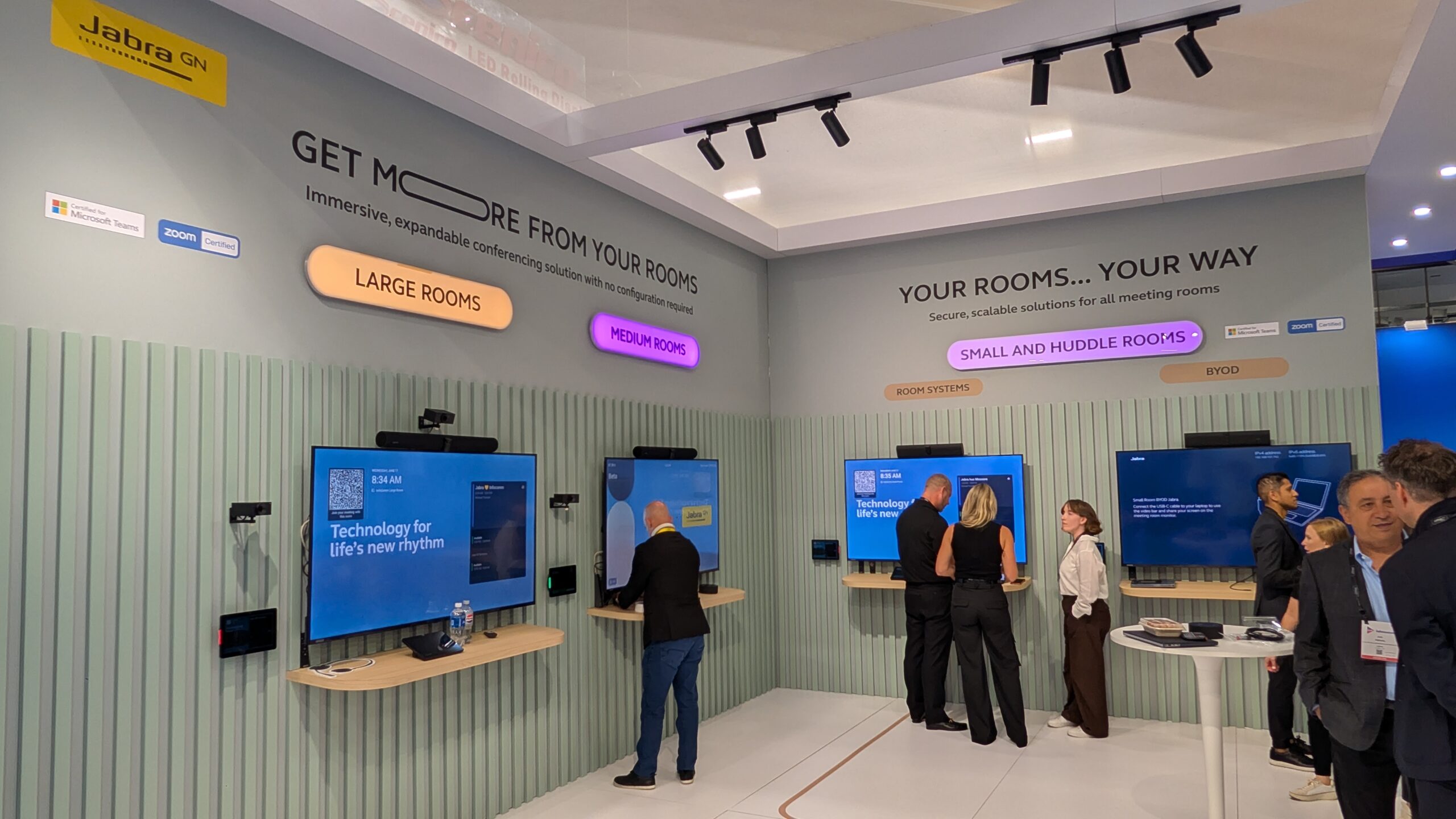
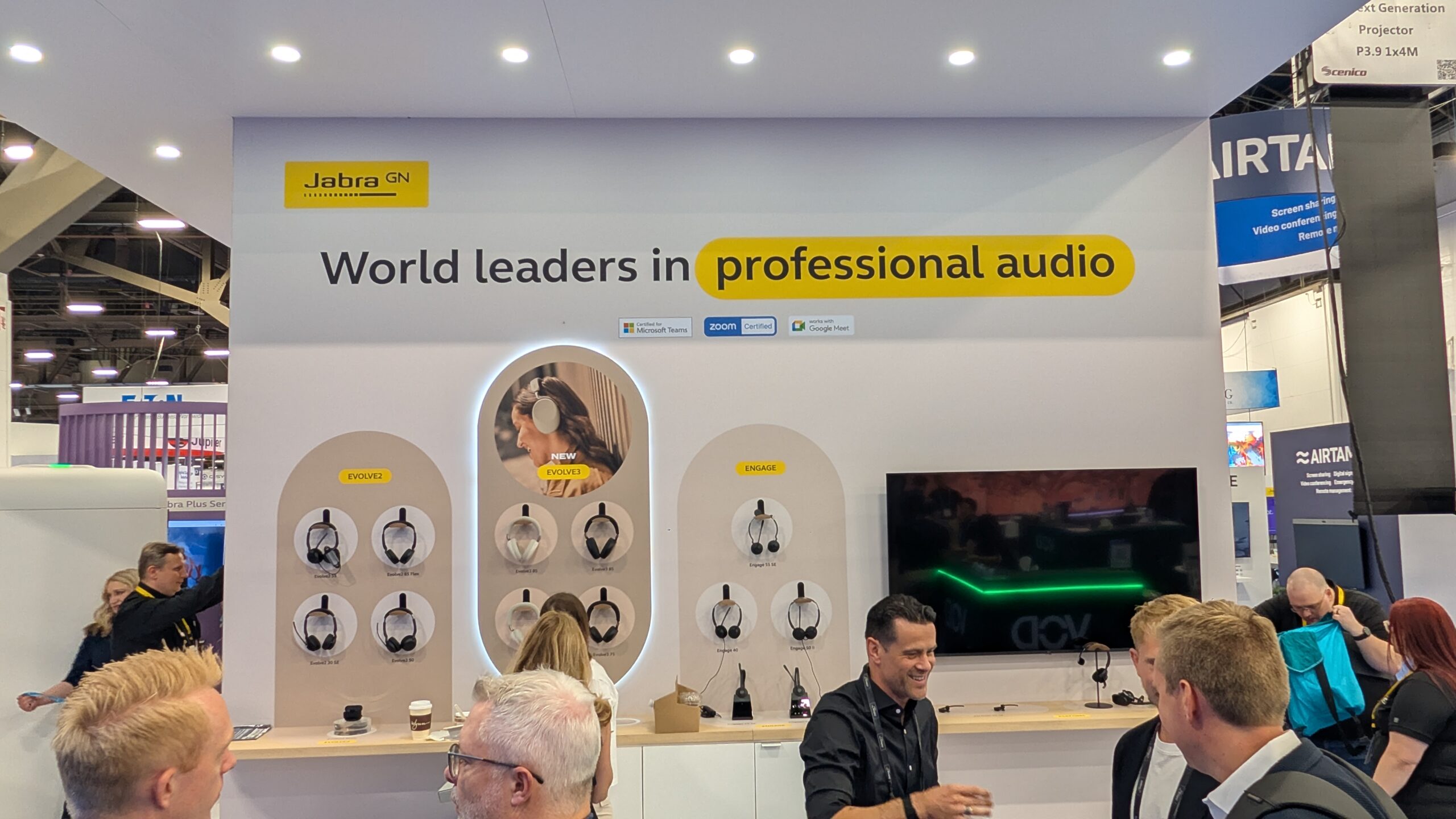
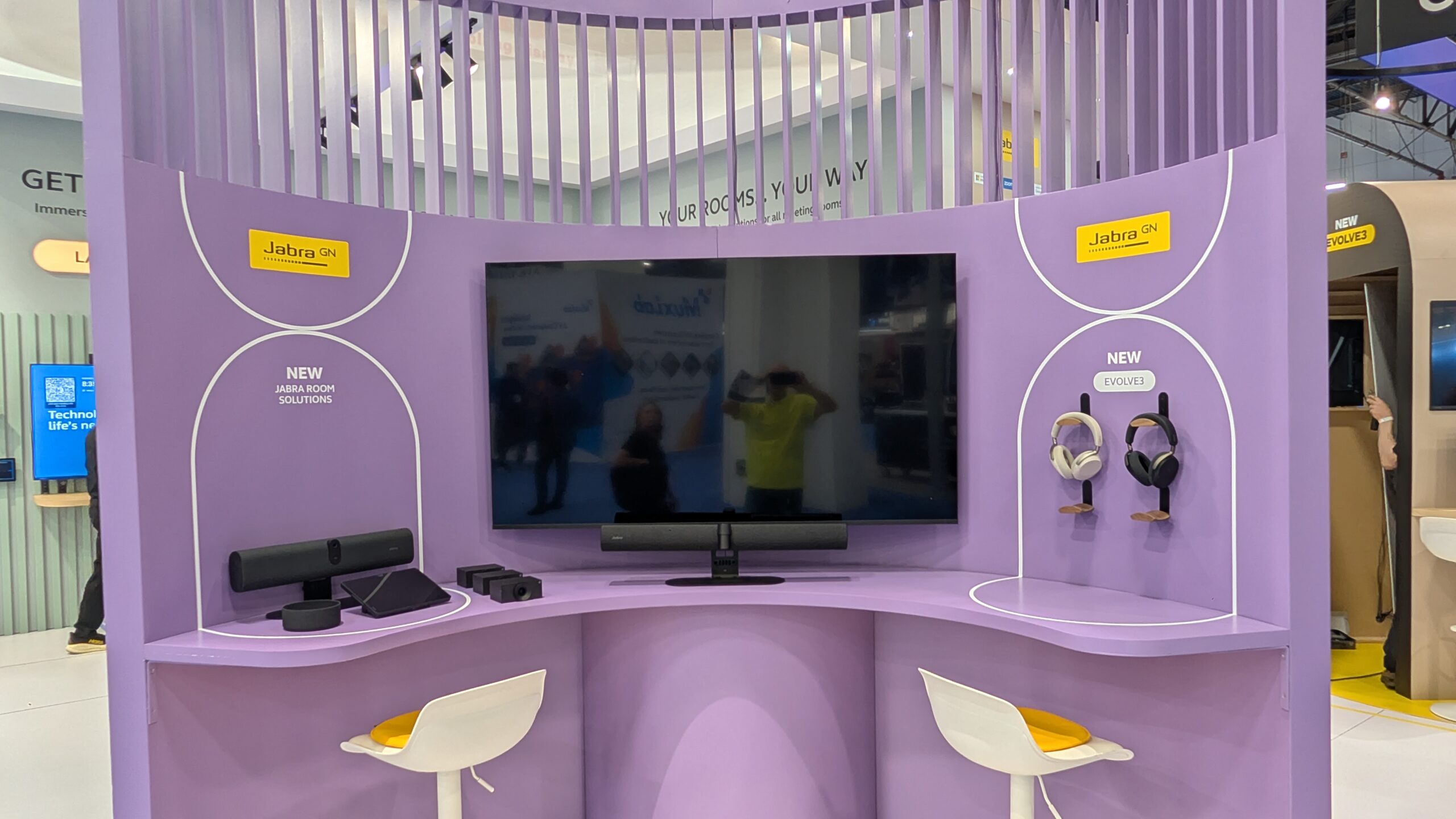
At Booth C7373, Jabra is bringing intelligent video and audio solutions for the everyday campus spaces where hybrid teaching, advising, collaboration, meetings, and study work now happen. The portfolio includes PanaCast video solutions, including PanaCast 55 and the new PanaCast U30, along with the Speak series and the Evolve and Engage headset lines. Jabra is also showcasing Evolve3, its newest professional headset series.
For higher ed AV/IT teams, the practical question is not whether a room can join a call. Most rooms can do that in some form now. The harder question is whether remote students, faculty, staff, and guests can hear and see enough to participate without the room becoming difficult to support.
That is where Jabra’s InfoComm 2026 message sits: full-room video and audio, simple plug-and-teach workflows, and a portfolio that can be standardized across classrooms, seminar rooms, group study spaces, faculty offices, and meeting rooms.
Central Hall, Booth C7373
Jabra is exhibiting at Booth C7373. The featured products cover both shared rooms and personal work. PanaCast video solutions address spaces where the room needs to be seen clearly, from small meeting rooms to larger classrooms or collaboration spaces. The Speak series supports meeting audio in flexible spaces. The Evolve and Engage headset portfolios address the individual side of campus work, where faculty, staff, support teams, and student workers need reliable audio for calls, meetings, advising, help desk work, and remote collaboration.
That mix matters because modern campus communication is not confined to one room type. A hybrid class may happen in a classroom. A project meeting may happen in a group study room. A faculty member may teach, advise, or join a committee meeting from an office. Staff may support students from desks, counters, call centers, or distributed locations. The AV experience needs to carry across all of that.
The Room Has to Include the Remote Participant
Jabra’s booth message focuses on making remote participants feel closer to the room. That is not just a marketing line for higher ed. It points to a persistent instructional problem.
A remote student can technically attend a class and still be functionally outside the room. They may miss side comments. They may lose track of who is speaking. They may see only the front wall even when the discussion has moved elsewhere. They may hear the instructor but not classmates. In seminar spaces and discussion rooms, those gaps matter.
Full-room coverage is one way to close that distance. The goal is not simply a wider image. The goal is a room experience where remote participants can follow the people, the conversation, and the flow of the session with less friction.
That is especially relevant in discussion-heavy spaces. Lecture halls often get the attention in AV planning, but seminar rooms, group study rooms, and smaller classrooms carry a different kind of teaching load. They need technology that supports participation rather than just capture.
Jabra’s PanaCast lineup is positioned for those rooms, with solutions for small, medium, and large spaces. PanaCast 55 remains part of the booth portfolio, while PanaCast U30 is being shown as a newer BYOD video bar for small meeting rooms. That BYOD angle is important for spaces where campus teams need capability without turning every room into a full integrated system.
Small Rooms Still Need Standards
Small spaces are often where campus AV support becomes messy. They may be too important to ignore but too numerous to design as custom rooms. Faculty offices, small meeting rooms, advising spaces, department conference rooms, student collaboration rooms, and informal teaching spaces all end up carrying real institutional work.
PanaCast U30 gives Jabra a small-room story at InfoComm 2026. The product is described in the response form as a new BYOD video bar for small meeting rooms. The value for higher ed is not just the device itself. It is the possibility of creating a repeatable standard for rooms that need better video and audio without creating a high-touch support environment.
That matters because small rooms scale quickly. A campus may have a few large lecture halls, but it may have dozens or hundreds of smaller spaces where collaboration happens. If each of those rooms gets a different device, different workflow, different connection path, and different support pattern, the operational cost grows fast.
Jabra’s submitted message leans into standardization across room types. That is the right frame for AV/IT teams. A product decision is also a support decision. The more familiar the experience is from room to room, the easier it is for faculty and staff to walk in and start.
Plug-and-Teach Is a Support Strategy
Jabra uses the phrase plug-and-teach, and that is worth taking seriously in higher ed. The phrase points to a basic but important expectation: faculty should not have to operate the room like a technician before they can begin teaching.
In practical terms, plug-and-teach means fewer steps, fewer decisions, and fewer failure points. It means the room should be understandable to a first-time user. It means the camera and audio should behave predictably. It means a support call should not be required every time someone brings a laptop, starts a meeting, or changes from one teaching mode to another.
This does not remove the need for AV/IT design. It increases it. Simple rooms usually require careful planning behind the scenes. The user experience may be minimal, but the standard, cabling, device management, network expectations, documentation, and support model all still matter.
Jabra’s InfoComm message is aimed at that balance: make hybrid teaching and collaboration feel more natural for users while giving AV and IT teams equipment that can be deployed consistently.
Personal Audio Is Part of the Campus AV Stack
The inclusion of the Evolve, Engage, and Evolve3 headset portfolios is a useful reminder that higher ed AV is not only room systems. Personal audio is part of the campus communication stack.
Faculty teach, meet, advise, and record from offices. Staff support students across phone, video, and chat channels. AV/IT support teams troubleshoot remotely. Student workers may handle front-line support or campus services. In all of those cases, audio quality can shape the experience as much as the room camera does.
Headsets are not the most dramatic part of an InfoComm booth, but they are often the tools people use every day. Poor microphone quality, inconsistent pickup, noisy environments, and uncomfortable devices all affect how well campus work happens. Jabra’s Evolve3 launch gives the company a current personal-work endpoint to pair with its room systems.
For higher ed, that creates a more complete planning conversation. What happens in the classroom matters. What happens at the desk matters. What happens when a student, faculty member, or staff member joins remotely also matters. The experience is only as good as the weakest point in that chain.
The Higher Ed Takeaway
Jabra’s InfoComm 2026 presence is about making hybrid teaching and collaboration easier to deliver across the full range of campus spaces. At Booth C7373, the company is showing PanaCast video solutions, including PanaCast 55 and PanaCast U30, along with the Speak series and Evolve, Engage, and Evolve3 headset portfolios.
The higher-ed value is in consistency. Campus AV/IT teams need rooms that work for the people in the space and the people joining remotely. They need smaller spaces that are not ignored, larger spaces that can include the whole room, and personal audio tools that support the work happening outside formal classrooms. They also need standards that can scale without adding unnecessary support load.
For institutions working through HyFlex refreshes, seminar room upgrades, faculty office kits, meeting room standards, or campus collaboration planning, Jabra’s booth is a practical stop. The conversation should be about how video and audio choices affect participation, supportability, and the day-to-day experience of teaching and working across campus.
Make sure to check out Jabra at Booth C7373 at InfoComm 2026, visit jabra.com, or follow up with James Greene at jgreene@jabra.com and mention the HETMA group.