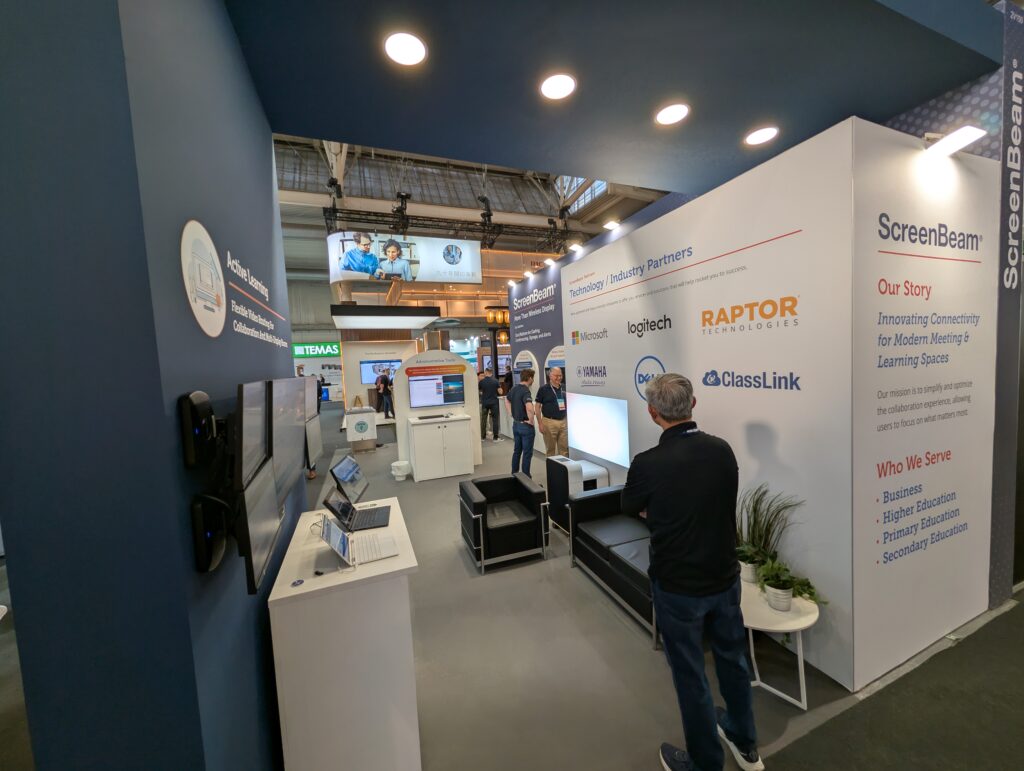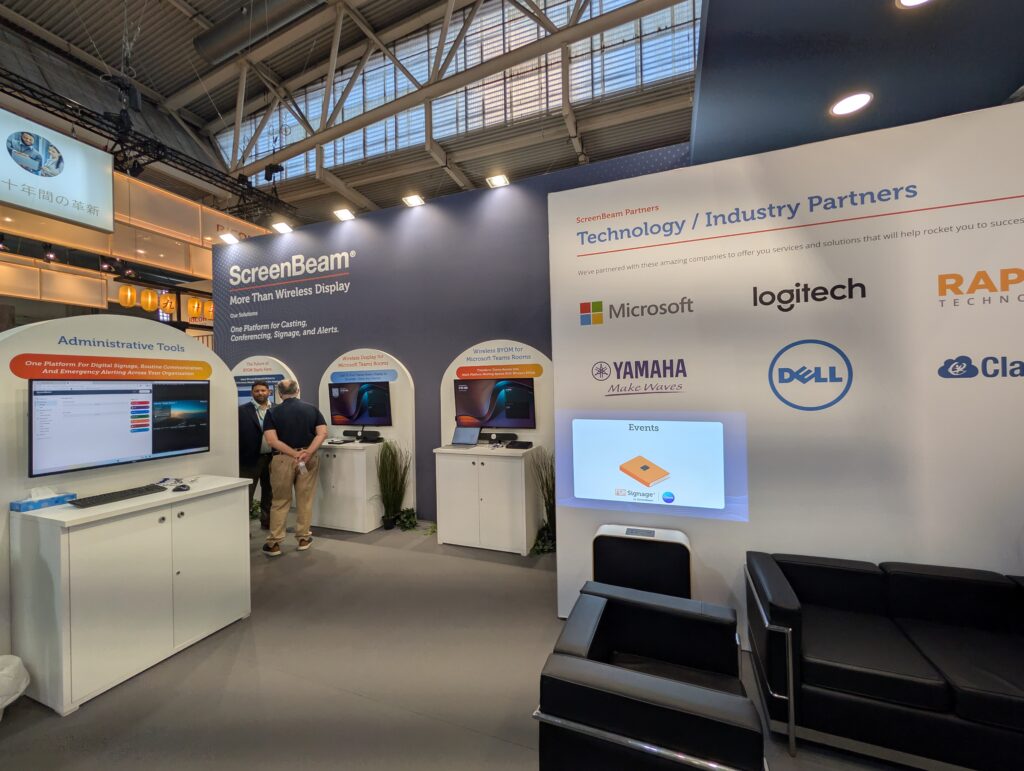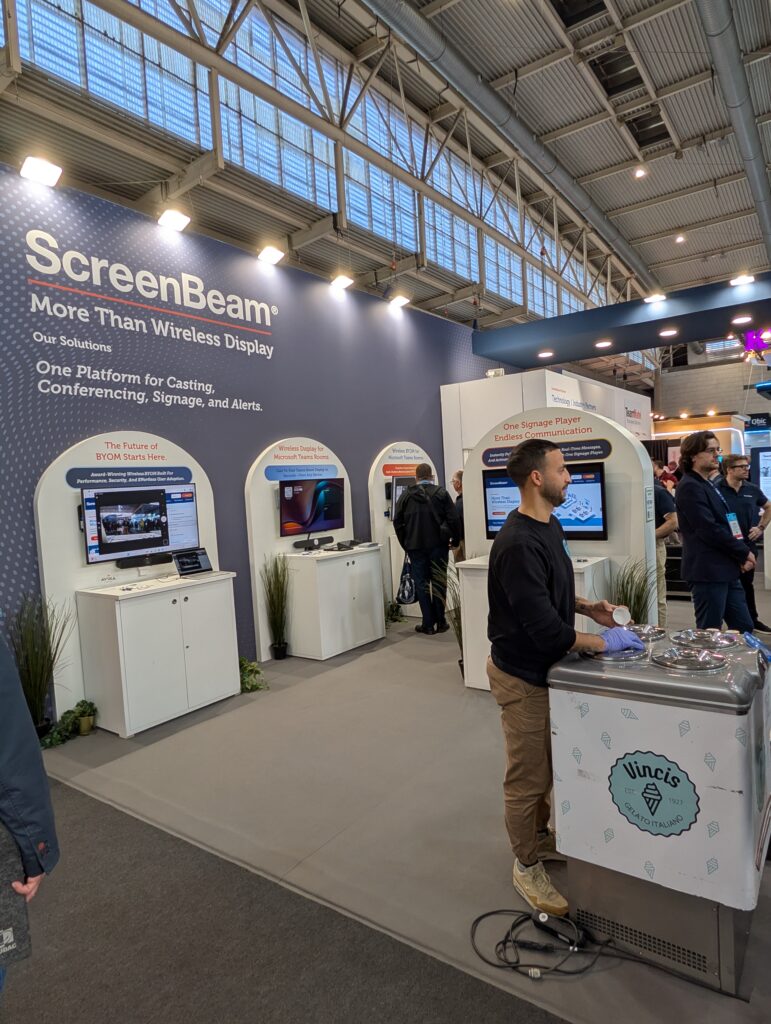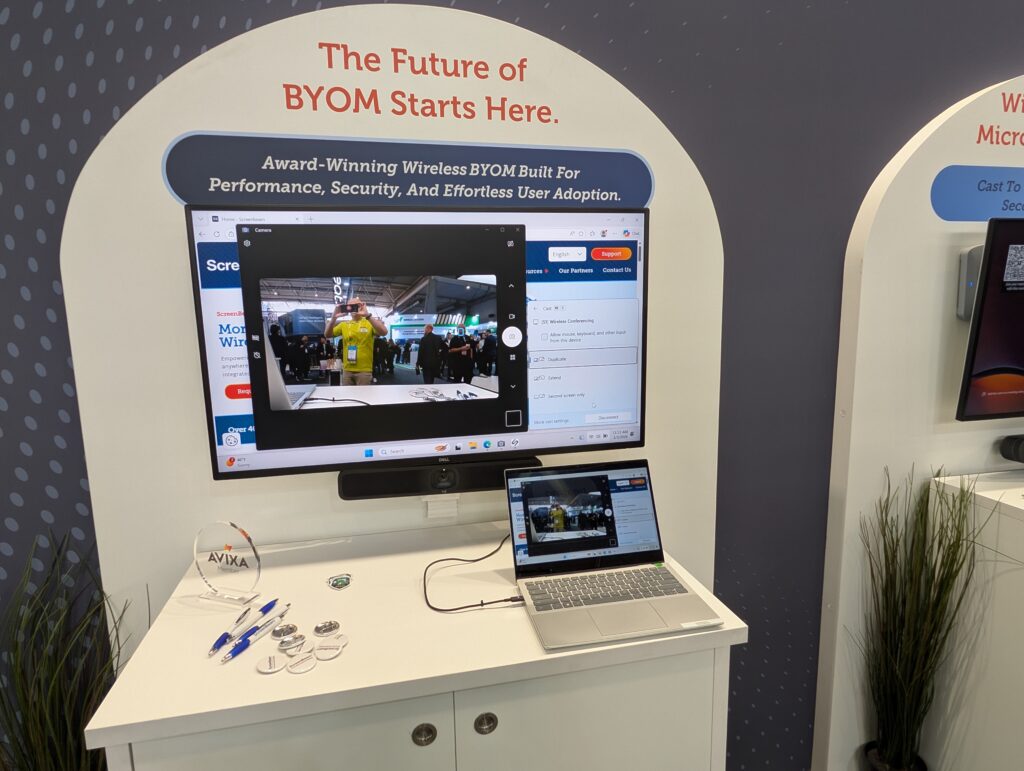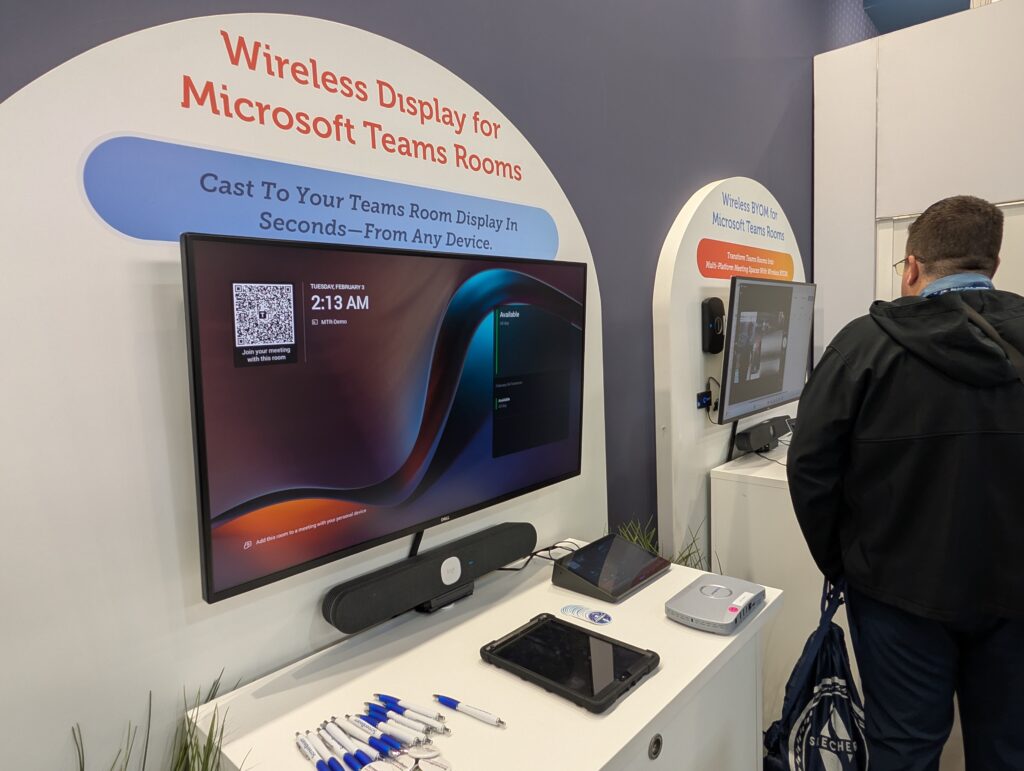
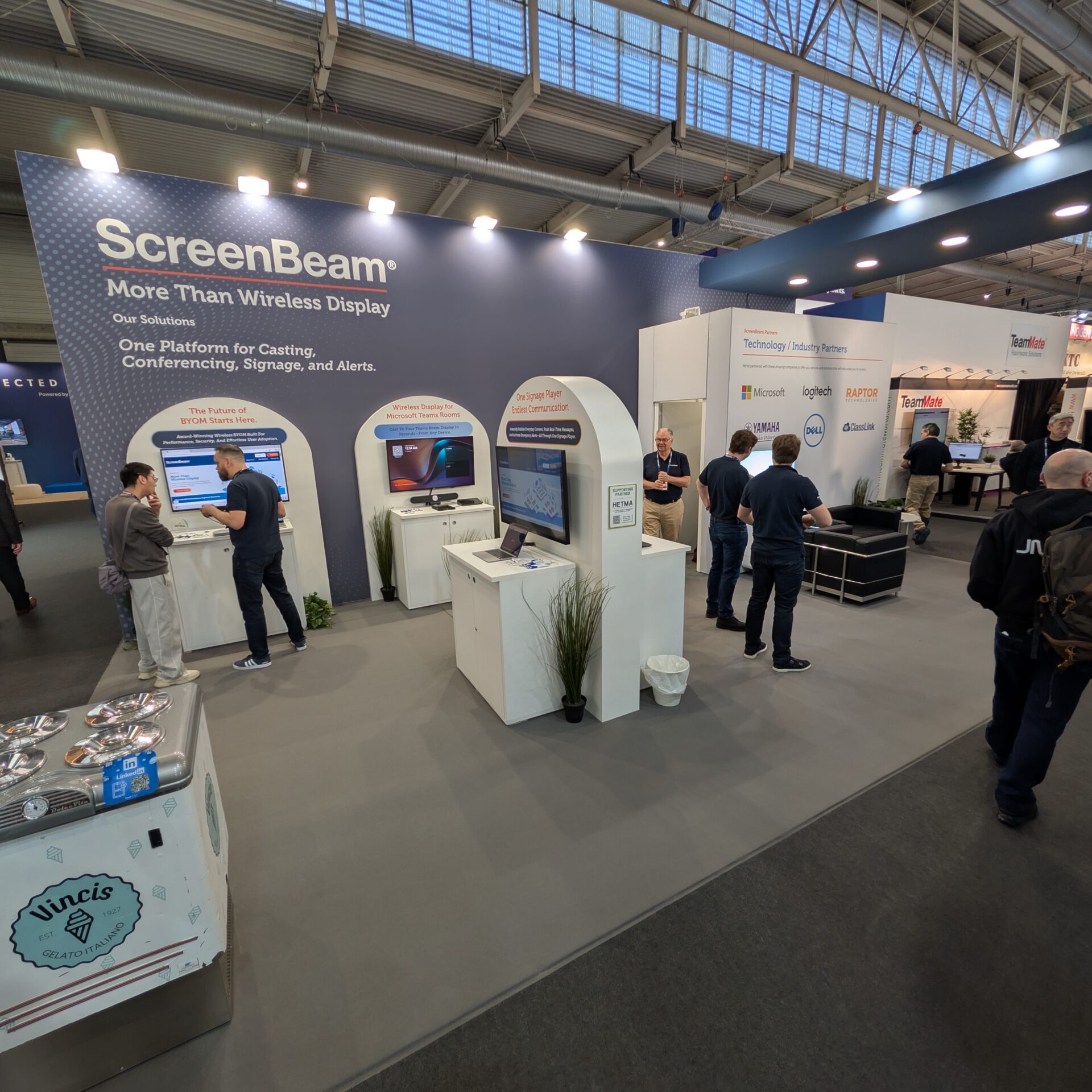







ScreenBeam is at ISE 2026 with a familiar starting point for higher ed AV teams: get content to the screen reliably, from whatever device shows up in the room. The difference this year is what they are building on top of that foundation. The conversation on-site kept circling back to the idea that once you have screens everywhere, those screens become part of campus communication, not just classroom presentation.
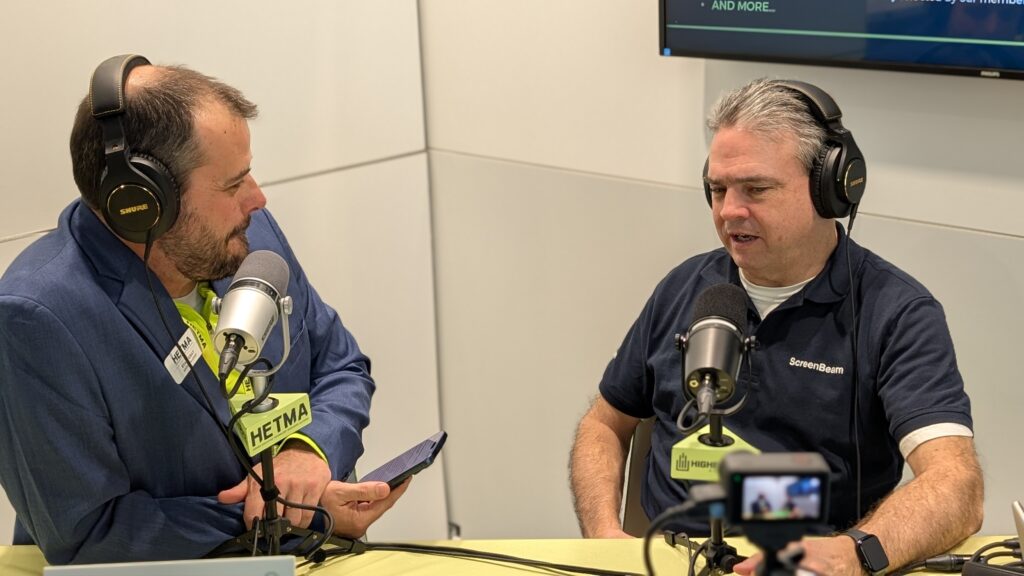
ScreenBeam is a Diamond sponsor of HETMA, and the placement on the show floor made the collaboration feel literal. The interview was recorded with ScreenBeam as “neighbors” to the HETMA booth, which led to a practical discussion about what campuses actually need when a technology has to work at scale. Jay Taylor, vice president of technical marketing and strategic alliances, describes his role as owning the roadmap and spending time with customers to understand what is not working, then translating that into product direction. That posture matters in higher ed, where a solution is only as good as how predictable it is when it hits the live schedule.
“I’ve spent the past year really revamping our roadmap.”
Where to find them, and what is new at the booth
ScreenBeam is exhibiting at Booth 2V150 at Integrated Systems Europe.
The booth focus is a mix of instructional workflows and campus-wide messaging, centered on a “one platform” approach that covers casting, communication, and collaboration. ScreenBeam also leans heavily on interoperability through partnerships. In the interview, Jay calls out Microsoft and Intel, and their partner ecosystem also includes AMD.
On the show floor, the “new since last year” list includes:
- Advanced Video Routing tied to active learning and flexible spaces
- A signage-only player device
- BrowserCast, positioned as a no-driver path for getting devices onto the display
- A set of tools aimed at signage, messaging, and alerts that ScreenBeam groups under Administrative Tools
Make sure you take a look at BrowserCast and the Administrative Tools bundle made up of Signage+, Alert+, and Message Manager.
Administrative Tools: the part that felt most “higher ed”
The most cohesive story in the conversation was not a single feature. It was who the tools are for. Jay points out that “admin tools” is meant for administrative staff, not IT administrators. That distinction is important because campuses often end up routing basic communications through AV or IT simply because those teams “own the screens.” ScreenBeam is trying to make that less necessary by giving campuses a way to target messages where they matter, without blowing up instruction.
“one of the things I’m probably most excited about that we’re showing here at the show is our new admin tools, which is a package of digital signage capabilities, emergency alerts, and messaging.”
Under the hood, that bundle is three distinct functions that map cleanly to higher ed reality.
Alert+ is the emergency layer. The scenario that came up in the interview was a building evacuation, where you need a message on screens immediately, with the ability to take over the display. That aligns with how many campuses already think about emergency communications: redundant channels, high visibility, and fast delivery.
Message Manager is the everyday operational layer. Jay’s example was facilities, specifically an AC outage in a building. A campus text blast is too broad and too disruptive, and it frequently hits people who are not impacted. The alternative he describes is targeted messaging by building or even down to a single receiver, delivered visually in a way that can stay out of the way of the lesson plan.
“This is a very non-disruptive way, but it still catches the eyeballs and it still gets the message out.”
Signage+ is the content layer. The interview talks about playlists, scheduling, and targeting content to groups of receivers such as hallways versus classrooms. Some institutions treat classroom displays as a captive-audience space and experiment with monetization, but even if that is not your campus, the operational need is the same: if you have displays everywhere, you need a consistent method to manage what appears, when it appears, and where it appears.
Why this matters for higher ed AV teams
Wireless display is often evaluated like a single-room feature. Does it connect quickly? Does it work across device types? Does it behave consistently? In practice, higher ed teams quickly end up managing a much larger surface area: classroom screens, meeting spaces, public displays, and the overlap between instructional AV and campus communications.
The value proposition here is not just “more features.” It is a consolidation argument. If the same endpoints that support casting can also support targeted messaging, signage, and emergency alerts, that can reduce the number of separate systems a campus has to deploy, integrate, document, train, and support. That matters when you are trying to standardize across buildings, keep faculty experiences consistent, and avoid creating a patchwork that only a few specialists can maintain.
The conversation also touched on a practical procurement angle: bundling software capabilities with device purchases to reduce friction for campuses balancing CapEx and OpEx. ScreenBeam offers specific bundles that include a three-year subscription to the Administrative Tools suite.
Finally, the most telling moment was not a product claim. It was Jay describing how he approaches roadmap decisions with customers.
“tell me what problems do you need me to solve?”
That is the right question to bring to the booth. If you are evaluating ScreenBeam at ISE, the best use of time is to talk through workflows, not just demos. Ask how Advanced Video Routing fits an active learning room with multiple displays. Ask how BrowserCast behaves with guest devices on segmented networks. Ask who can send messages and alerts, how targeting works, and what “non-disruptive” looks like in the middle of a live class.
Learn more and talk with ScreenBeam
If you are at ISE 2026, visit ScreenBeam at Booth 2V150 and ask for a walkthrough of Advanced Video Routing, BrowserCast, the signage-only player device, and the Administrative Tools bundle (Signage+, Alert+, and Message Manager). Make sure to check out all of this and more at their website www.screenbeam.com and reach out to Jay at jtaylor@screenbeam.com.