

ScreenBeam Flex and Admin Tools earn HETMA Approved status, validating reliable wireless presentation and centralized management for higher education IT teams.
In today’s higher education environments, flexibility and reliability are no longer nice-to-haves—they are operational requirements. As hybrid instruction expands, classrooms become more dynamic, and expectations for seamless connectivity rise, IT and AV leaders are under increasing pressure to deploy technologies that work consistently, scale efficiently, and integrate cleanly into campus infrastructure.
ScreenBeam, a long-standing leader in wireless collaboration technology, continues to meet those expectations.
The ScreenBeam Flex wireless presentation system and ScreenBeam Administrative Tools centralized management platform have officially earned HETMA Approved status, joining the ScreenBeam 1100P as endorsed solutions for higher education environments.
This growing portfolio of HETMA-approved products reinforces ScreenBeam’s commitment to delivering scalable, secure, and easy-to-manage collaboration tools designed specifically for the realities of college and university campuses.
Designed for Education, Validated by Higher Education
ScreenBeam has built its reputation in education by prioritizing native wireless presentation—eliminating dongles, reducing friction, and supporting broad device compatibility without proprietary software. Its solutions are designed to integrate seamlessly into existing campus networks while minimizing support overhead, a critical consideration for IT and AV teams responsible for hundreds of shared spaces.
With HETMA approval of Flex and Administrative Tools, institutions now have a validated, unified approach that supports instruction and campus communication from the same ecosystem, reducing the need for separate point solutions.
Administrative Tools: Campus Communication,Safety, and Control Built In
ScreenBeam Administrative Tools are designed to extend ScreenBeam deployments beyond classroom presentation by enabling campus-wide communication through three core capabilities: Signage+, Alert+, and Message Manager.
Together, these tools help IT and AV teams deliver consistent messaging, rapid safety notifications, and scheduled communications across ScreenBeam-enabled displays—without adding separate platforms or hardware players.
Admin Tools are the communication layer that turns displays into operational assets across campus.
Signage+ and Admin Tools: Campus Communication at Scale
Signage+ is a core component of ScreenBeam Administrative Tools. It transforms every ScreenBeam-enabled display into a dynamic digital signage endpoint, allowing higher education institutions to deliver timely, targeted messaging across campus.
With Signage+, universities can:
- Broadcast emergency alerts and urgent notices across campus displays
- Share event promotions, wayfinding, and campus announcements
- Update content centrally through the Admin Tools platform without additional hardware or players
- Leverage existing classroom and common-area displays for dual-purpose use
For higher education, this means fewer systems to manage, faster communication, and better ROI on existing AV investments.
Why Signage+ Matters for Higher Education
From residence halls and student centers to lecture halls and libraries, Signage+ ensures consistent messaging reaches students, faculty, and staff in real time.
By embedding signage directly into the ScreenBeam ecosystem through Administrative Tools, IT teams avoid fragmented signage platforms, reduce hardware sprawl, and simplify campus-wide communication.
The result: a smarter, more connected campus where instruction, operations, and communication work together seamlessly.
By combining device flexibility with enterprise-grade management and security, ScreenBeam positions itself not as a one-off classroom solution, but as a long-term partner for institutions navigating evolving instructional technology demands.
Beyond Communication: Supporting Modern Instruction with Instructional Tools and Active Learning
Higher education classrooms are evolving toward active, collaborative models—but many institutions struggle to implement these approaches consistently without adding cost and complexity.
ScreenBeam’s Instructional Tools and Active Learning help lower that barrier by enabling structured collaboration across multiple displays using ScreenBeam receivers already deployed in classrooms and learning spaces.
Active Learning supports station-based instruction, group collaboration, and multi-display workflows without requiring major AV rebuilds, specialized switching hardware, or new vendor ecosystems. For faculty, this means more flexibility in how they teach. For IT and AV teams, it means instructional modernization that can scale without multiplying support burden.
When paired with Flex’s app-free wireless presentation, Active Learning helps institutions deliver an untethered, collaborative classroom experience that works across devices, rooms, and teaching styles.
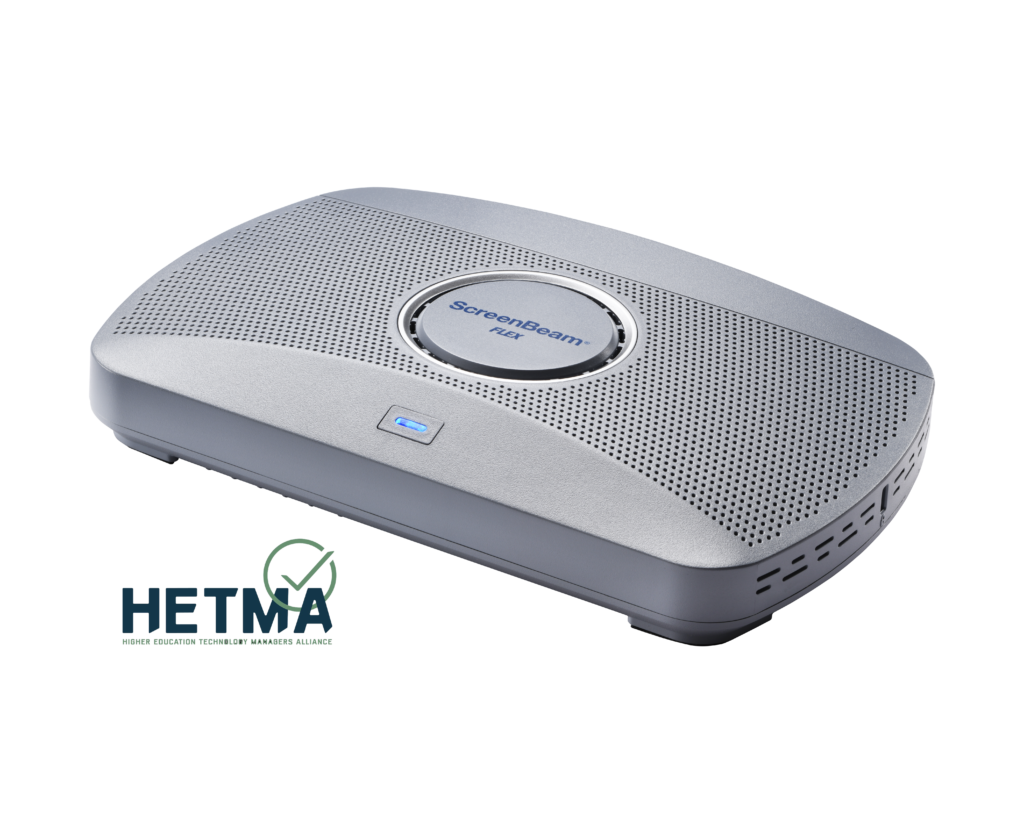
ScreenBeam Flex: Reliable Wireless Presentation Without Friction
ScreenBeam Flex is designed to bring intuitive, dependable wireless presentation to classrooms, conference rooms, and collaboration spaces across campus.
Flex enables users to present wirelessly from Windows, macOS, iOS, and other compatible devices using native protocols such as Miracast and AirPlay—without requiring proprietary applications, adapters, or dongles.
During HETMA’s evaluation, Flex was deployed in both instructional and administrative settings. Evaluators reported:
- Reliable cross-platform connectivity: Native wireless casting worked consistently across supported devices without additional hardware.
- Quick, stable connections: Users could connect and present with minimal delay or interruption.
- Enterprise and guest flexibility: Flex supported secure enterprise configurations alongside guest-friendly access, an essential balance in higher education.
- Ease of use: Faculty and presenters connected intuitively, reducing support requests and minimizing disruptions during instruction.
Flex met manufacturer claims for performance and usability, demonstrating stable wireless presentation in real-world academic environments.
ScreenBeam Administrative Tools: Signage+, Alert+, and Message Manager
Complementing Flex is ScreenBeam Administrative Tools, a suite built for campus communication at scale, composed of Signage+, Alert+, and Message Manager.
HETMA evaluators tested Administrative Tools across AV operations and administrative use cases, validating its ability to support campus-wide communications through ScreenBeam-enabled displays. Key findings included:
- Messaging capabilities: Scheduled messages and scrolling tickers performed as expected using Message Manager, supporting both academic and administrative communication.
- Emergency notifications: Alert+ takeover messaging performed as expected, supporting urgent campus-wide communication and safety protocols.
- Digital signage enablement: Signage+ allowed institutions to repurpose existing displays for communication without separate signage players.
- Operational visibility: Campus teams gained confidence that communications could be delivered consistently across distributed spaces.
- Security and network alignment: Deployment options aligned with higher education IT standards, including secure authentication, enterprise wireless configurations, and role-based administrative access.
For institutions managing large numbers of displays and collaboration spaces, Administrative Tools delivers practical, scalable communication capabilities that align with HETMA’s evaluation criteria.
A Growing Portfolio of HETMA-Approved Solutions
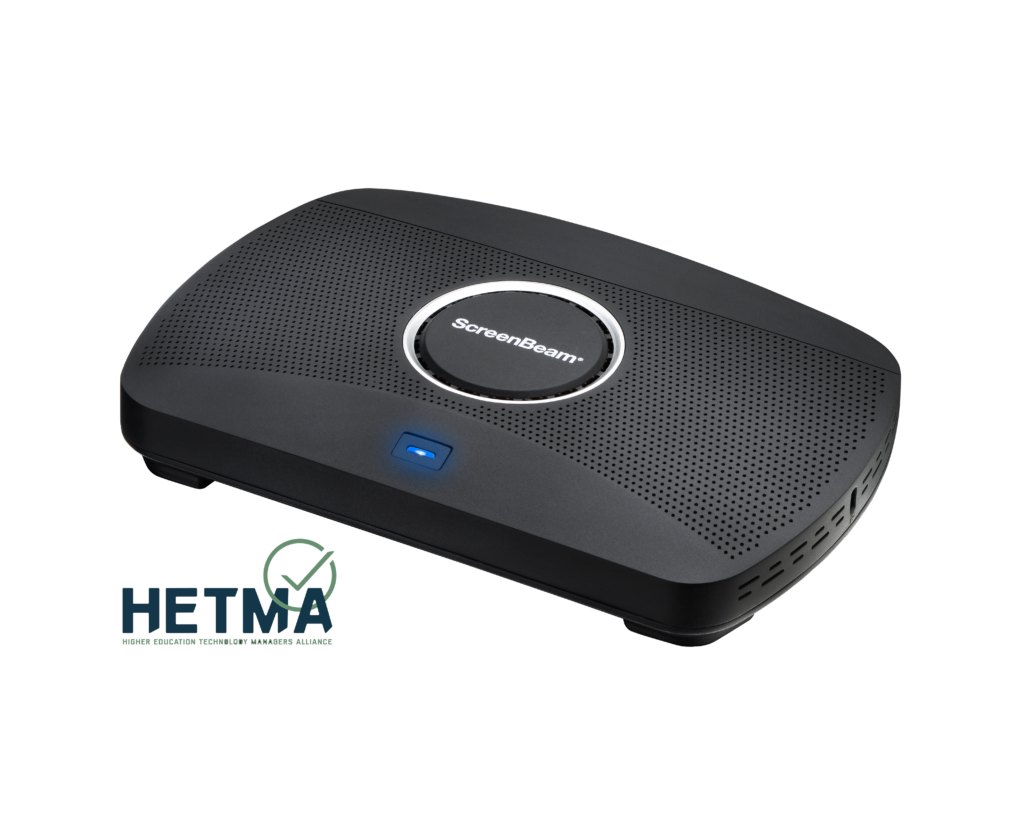
With Flex and Admin Tools now earning HETMA Approved status, they join the ScreenBeam 1100P—further strengthening ScreenBeam’s presence within the higher education technology ecosystem.
The 1100P’s earlier approval established confidence in ScreenBeam’s enterprise-grade wireless presentation approach. The addition of Flex and Admin Tools extends that confidence into flexible classroom deployments and campus communication tools embedded into the ScreenBeam ecosystem.
Together, these solutions enable institutions to:
- Native wireless presentation without adapters or dongles
- Secure, enterprise-ready deployment
- Campus-wide communication via Signage+, Alert+, and Message Manager
- Support for modern instructional models through Instructional Tools and Active Learning
- Scalable remote management
- Reduced support overhead
- Improved user experience for faculty, staff, and guests
The HETMA-approved designation reflects evaluation by experienced higher education AV and IT professionals who assess products for usability, performance, security, integration, and long-term institutional viability.
Earning approval signals that ScreenBeam’s solutions are not only feature-rich but practical, scalable, and aligned with real-world campus deployment needs.
As higher education continues to prioritize flexibility, hybrid instruction, and centralized technology management, ScreenBeam’s expanding portfolio of HETMA-approved products positions the company as a trusted partner for institutions seeking dependable, standards-based wireless collaboration.
More than Wireless Display
ScreenBeam is a collaboration technology solutions provider empowering educators, IT leaders, and organizations to streamline and standardize classroom and meeting technology. A HETMA Diamond Sponsor, ScreenBeam delivers standards-based wireless display, digital signage, and classroom management tools through a unified platform combining hardware, SaaS solutions, and responsive support—creating confidence and inclusion across learning and collaboration environments.Learn more at www.screenbeam.com.