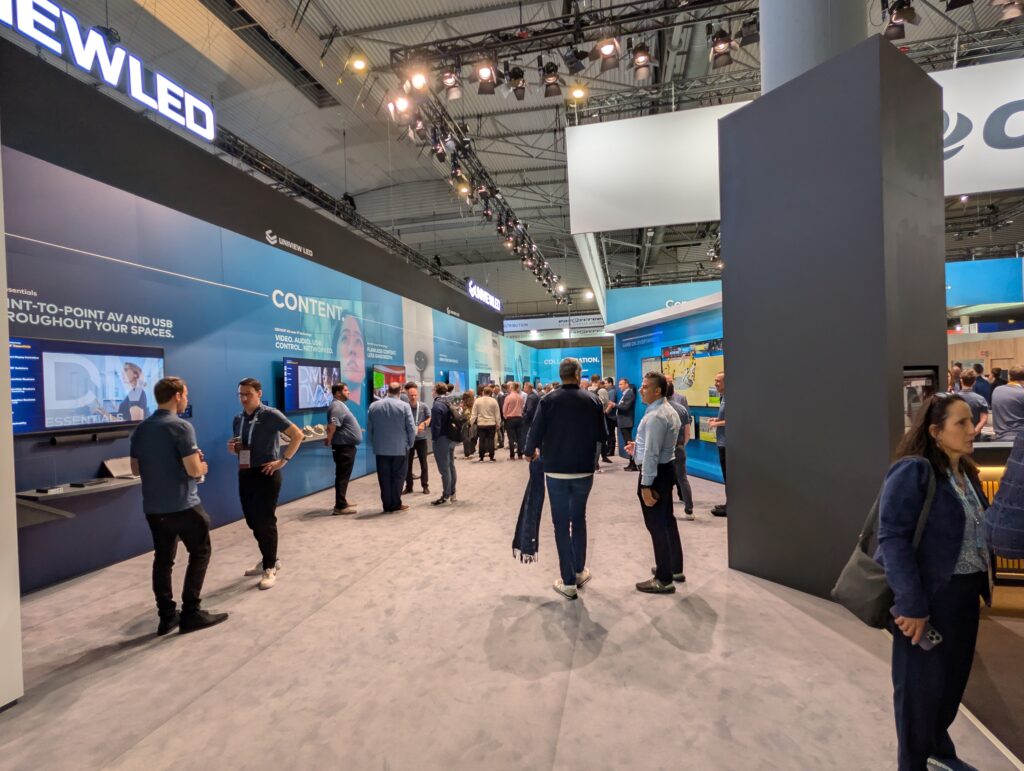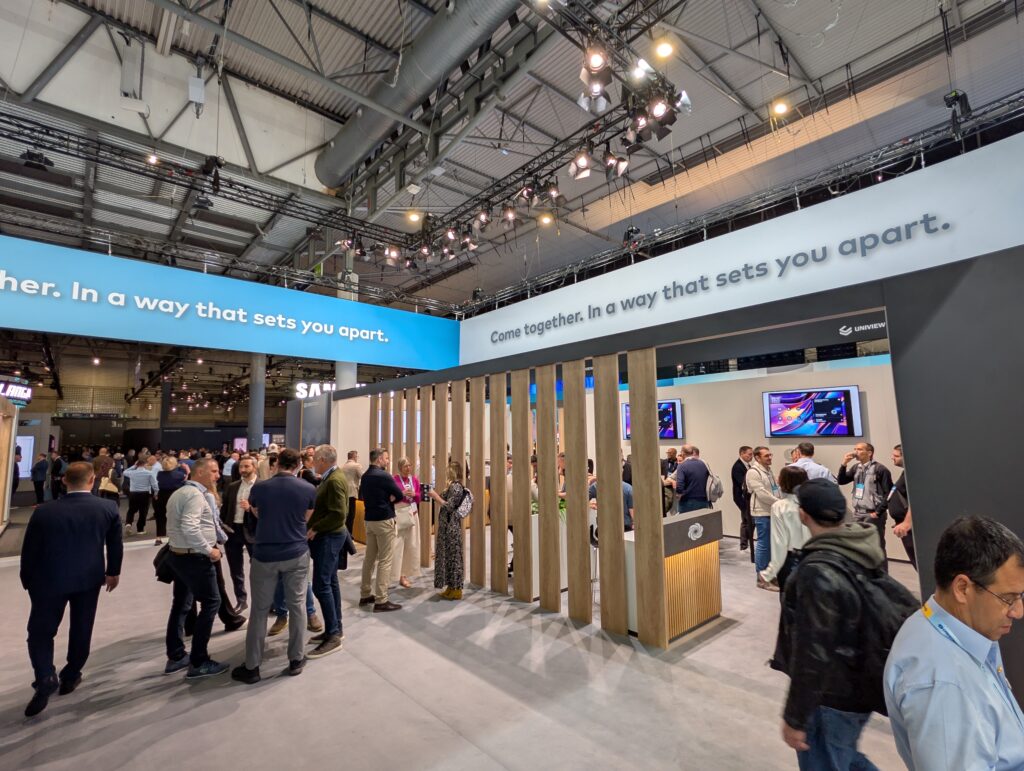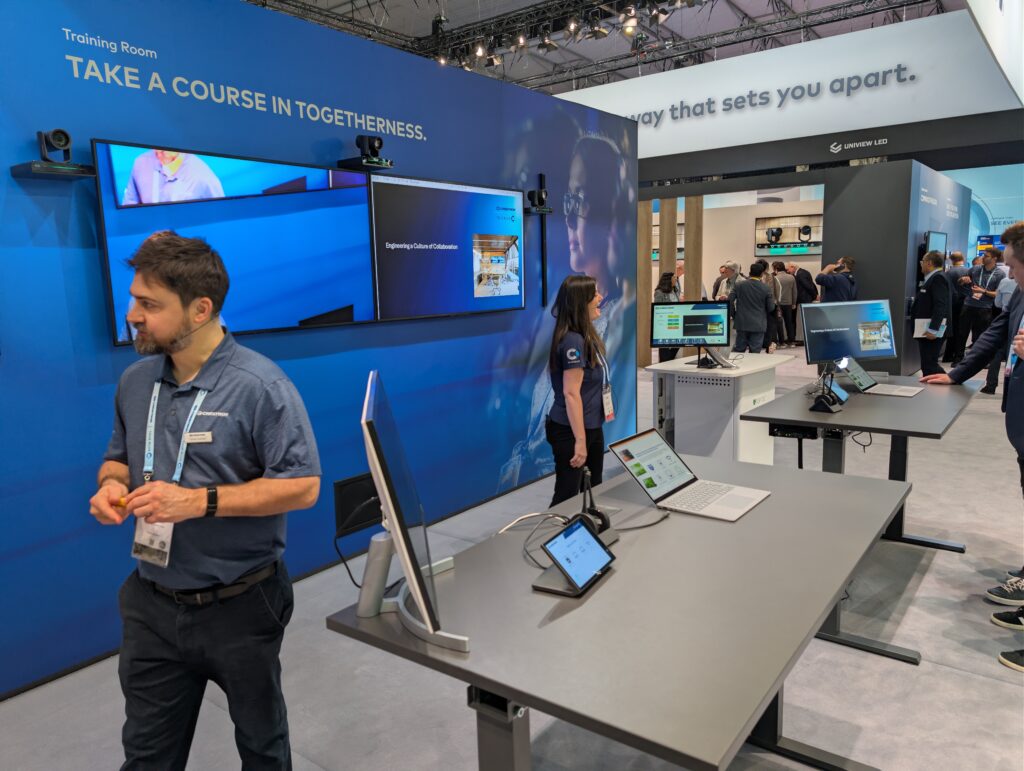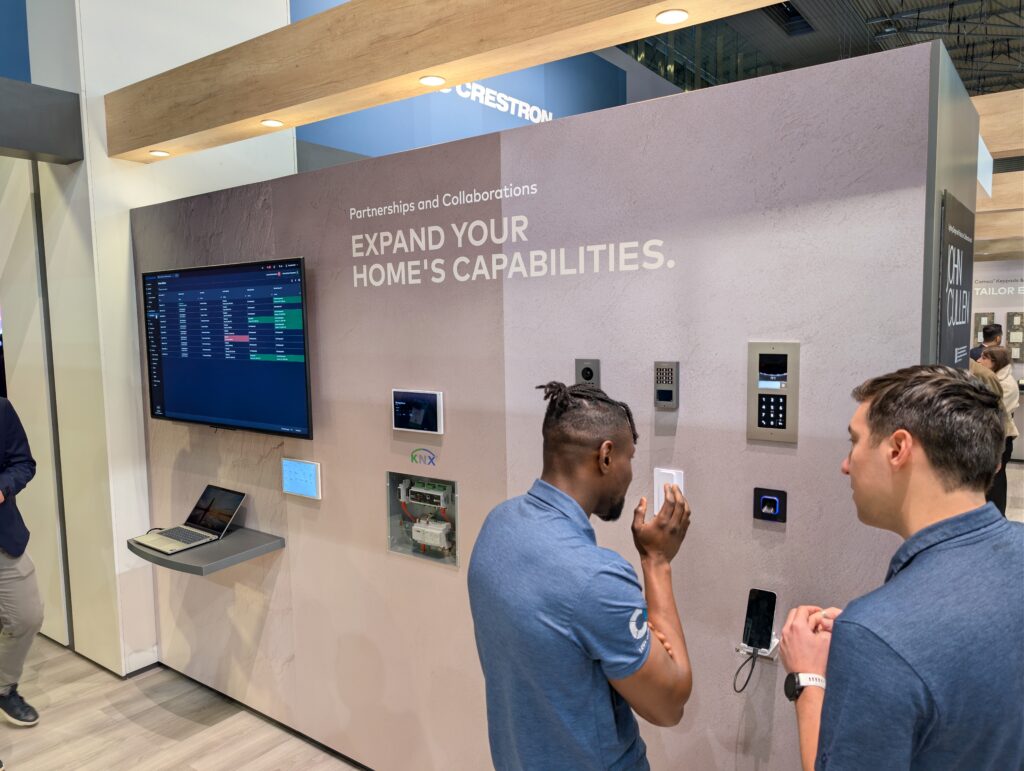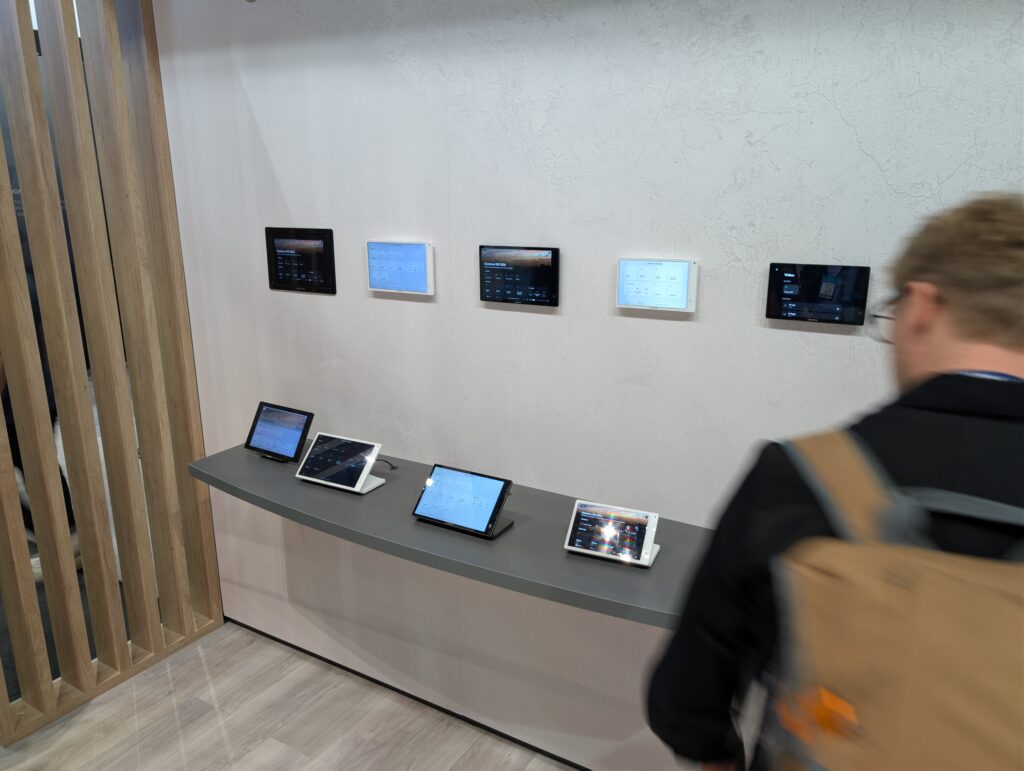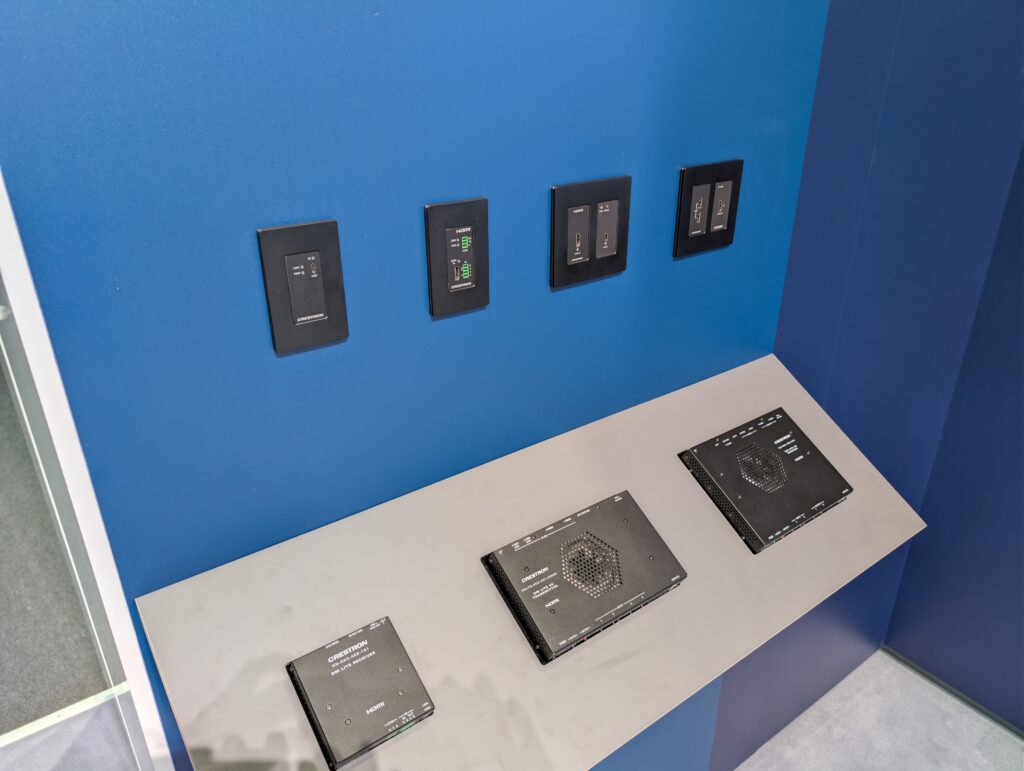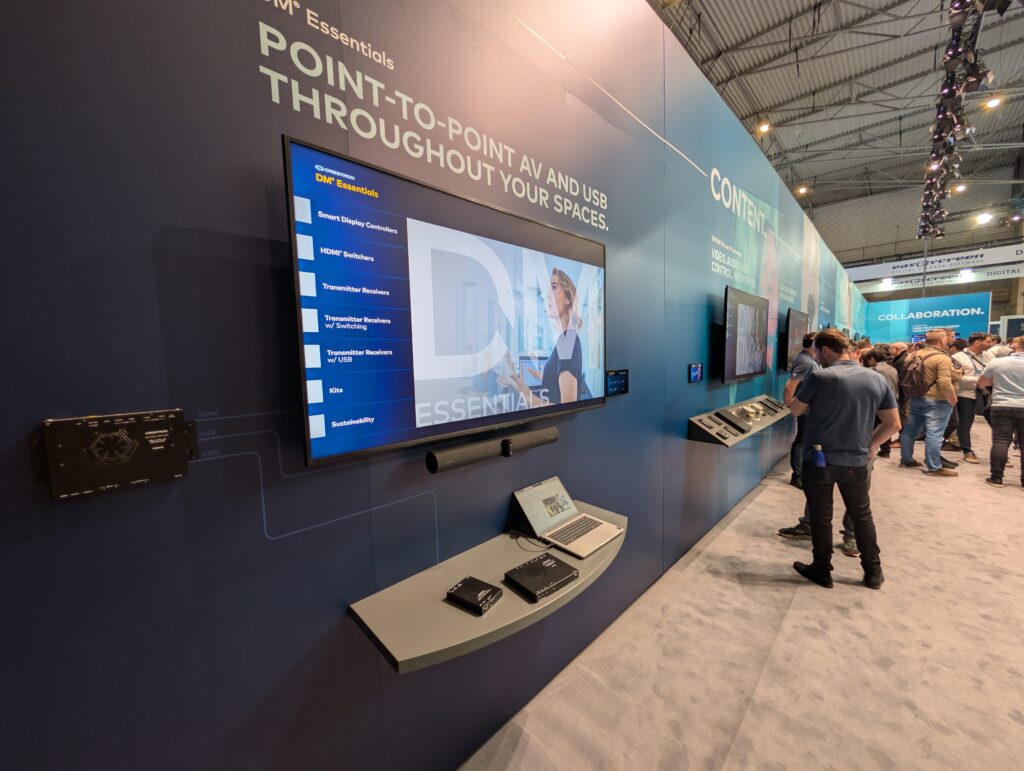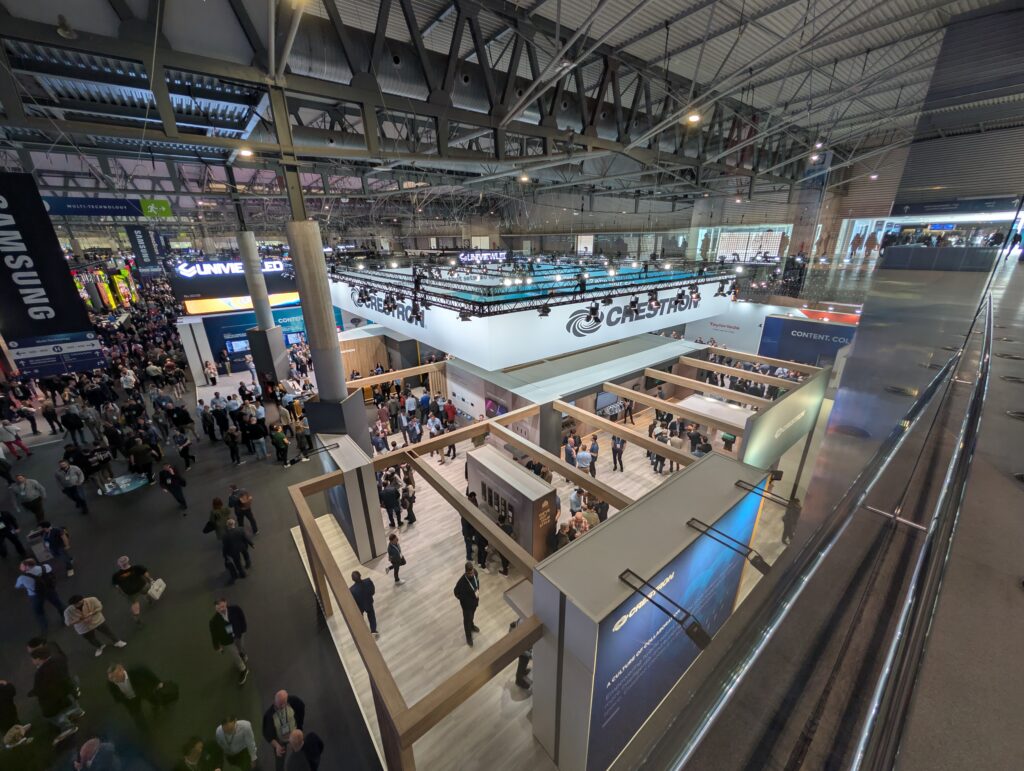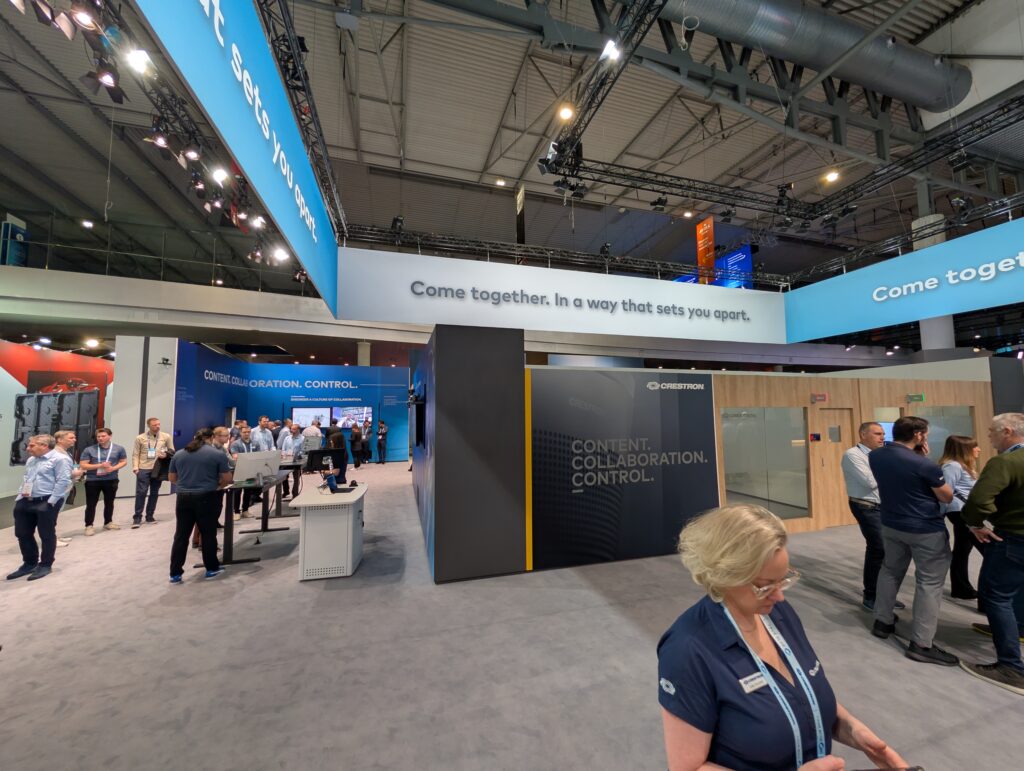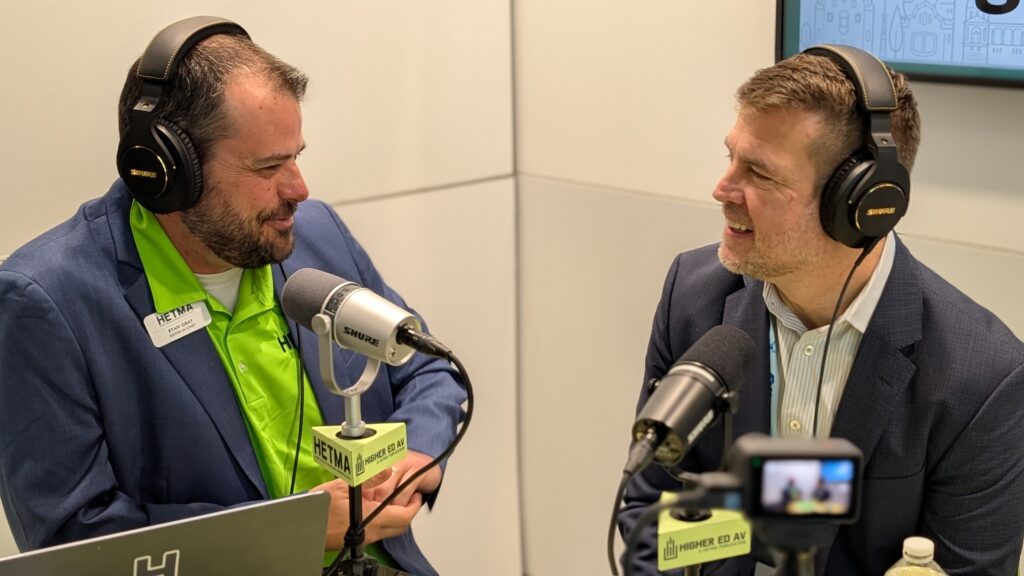
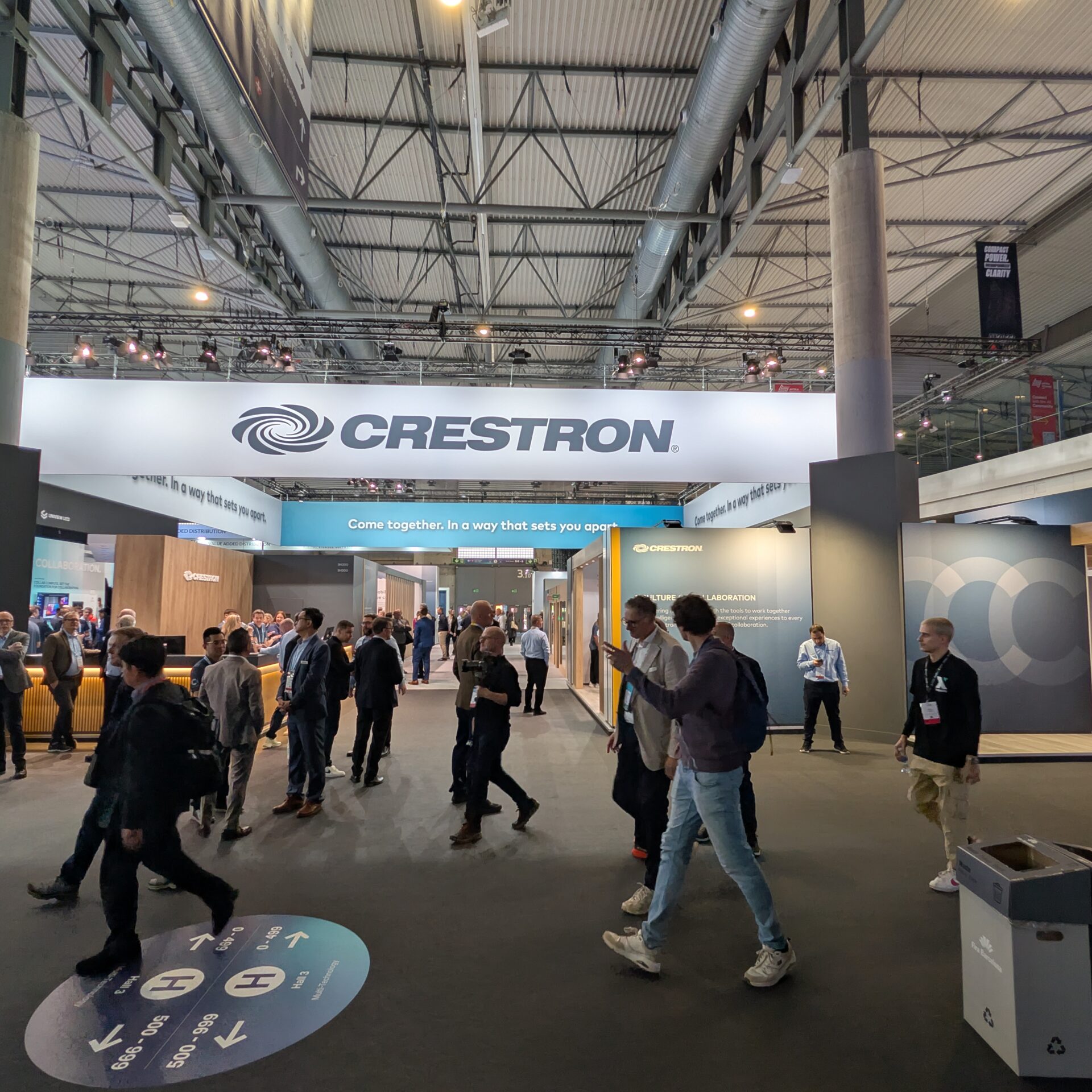







Crestron is always a centerpiece booth at ISE and this year is no exception. In this show-floor conversation with Brad Hintze, EVP of Customer Success and Marketing, we chat about how classrooms and collaboration spaces need building blocks that make good outcomes easier to repeat. The “cool demo” is not the finish line. The finish line is a room that works the same way on day 1000 das it did on day one.
Crestron’s ISE 2026 presence is anchored in a few product lanes that map directly to what higher ed teams wrestle with every week: UC compute that fits ProAV realities, intelligent video that does not require an installer with a tape measure and a sixth sense, and audio that can flex with the room without becoming a DSP science project.
“Within this channel, that means creating really engaging classroom experience, enabling all of the people within an institution to be successful, and I think it’s really exciting.”
Collab Compute: a UC core that is designed for real rooms
Brad spent time on Collab Compute, Crestron’s purpose-built compute platform for Microsoft Teams Rooms and Zoom Rooms deployments. The biggest point is not that it is “a PC.” It is that it is engineered to behave like an AV building block, with mounting and cable-management thinking baked in. For higher ed, that matters because the install details become the long-term support reality. Clean installs tend to stay stable. Messy installs tend to become mystery problems later.
“We call it the Collab Compute, which is a compute engine that you can put in any space to bring in Zoom or Teams. But it’s engineered for building out the AV infrastructure and enabling that kind of collaboration.”
The other practical point is connectivity. In the conversation, Brad called out DM Essentials as part of the content ingest story, described as an HDBaseT path for getting content into the system in a way that aligns with how many campuses already wire rooms. It is the kind of option that keeps standards flexible. You can build modern UC rooms while still respecting the infrastructure decisions already in place across buildings.
The most useful way to evaluate Collab Compute at the booth is to think in standards, not one-offs. Ask how it fits your typical room stack: UC platform, presentation ingest, touch interface, switching needs, and what you want a technician to be able to service quickly when something gets weird mid-semester.
Intelligent video: less measuring, faster setup, more predictable outcomes
Crestron’s intelligent video story keeps expanding, and Brad framed it as a push to simplify deployments while keeping the experience strong. The piece worth paying attention to this year is AutoMeasure, Crestron’s AI-powered configuration feature for Automate VX systems. The idea is simple: reduce manual measurement and speed up the setup process so multi-camera intelligent video can be deployed more consistently.
AutoMeasure uses computer vision and ArUco marker technology to detect reference cubes and calculate device positions and angles, feeding that directly into the Intelligent Video Room Designer workflow. That matters because the failure mode in intelligent video is often not the camera. It is the setup. If the setup is inconsistent, the experience is inconsistent, and higher ed teams end up supporting a “special” room instead of a standard room.
“The cameras will figure out where they’re at, configure all of the positions and distance to get a really smooth experience.”
Brad also talked about scaling. Higher ed does not need the same level of complexity in every space. A campus might want a robust multi-camera experience in a flagship room, and simpler tracking and framing in high-volume classrooms. The ability to stay within one family and scale the approach up or down is part of what makes a standard sustainable.
There was also a practical ecosystem point embedded in the discussion: fewer manufacturers can mean fewer integration surprises. For campus teams that are trying to keep support predictable across dozens or hundreds of rooms, reducing cross-vendor seams matters.
Audio pods and AV over IP: flexible rooms without the configuration burden
Audio was another area where the conversation stayed grounded in reality. Not every room can justify high-end ceiling arrays, and many higher ed spaces reconfigure frequently. Crestron’s approach here centers on Flex Pods and the broader DM NAX intelligent audio ecosystem, including microphone and speaker pods that connect over audio-over-IP to a processor like the DM-NAX-AP-100.
Brad described the intent as flexibility without creating a configuration mess. Distributed DSP concepts, pods that can be placed where they need to be, and a design that helps reduce the amount of manual tuning required to get to a usable outcome. That aligns to higher ed support constraints.
True Blue: support and community as part of the product
Before wrapping, the conversation shifted to the long tail after install. Brad talked about expanding the “True Blue” idea beyond traditional support, into a broader support and community posture that includes self-service resources, peer-to-peer knowledge exchange, and stronger feedback loops.
That matters because higher ed support is not just break-fix. It is change management, training, documentation, lifecycle planning, and the work of keeping rooms usable through constant pressure. A stronger community layer does not solve everything, but it can shorten the time from “we hit something weird” to “we have a working answer.”
Crestron Masters also came up as a key community moment, with the next event set for November 10–12, 2026 in San Antonio.
Make sure to check out all of this and more at their website and reach out to the Crestron team at support@crestron.com.