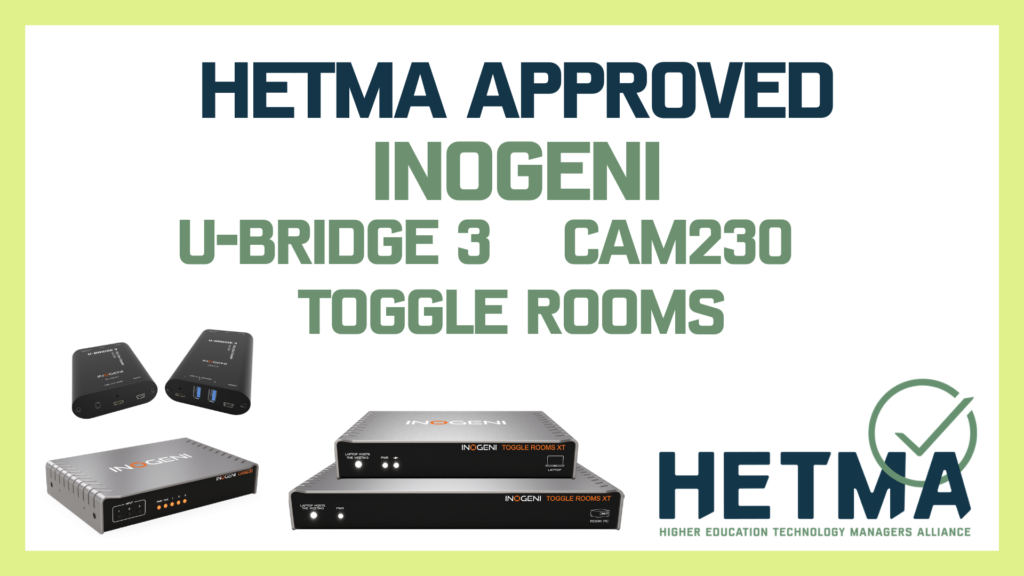
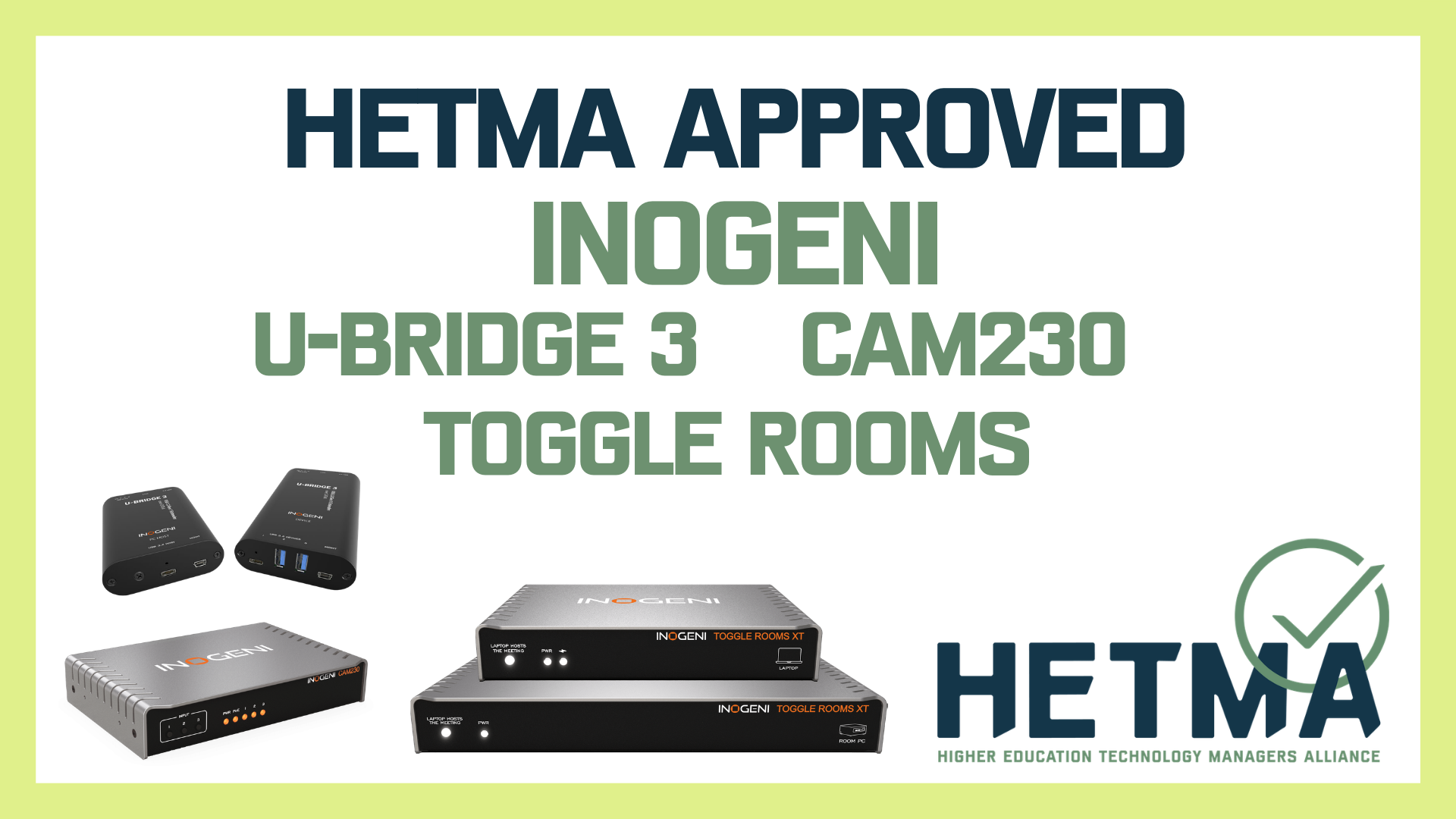

INOGENI has expanded its presence in the HETMA Approved program with three additional products designed to solve common connectivity challenges in classrooms and collaboration environments. The U-BRIDGE 3, CAM230, and TOGGLE ROOMS XT have successfully completed the HETMA Approved evaluation process following real-world testing conducted by higher education technology professionals.
These new approvals join several previously recognized INOGENI devices in the program, including the SHARE2U plug-and-play mixer, the TOGGLE USB 3.0 Pro AV switcher, and the 4KXUSB3 HDMI-to-USB capture converter. Together, the growing portfolio highlights the company’s continued focus on simplifying AV connectivity workflows frequently encountered across campus environments.
The HETMA Approved program is designed to provide higher-education institutions with independent insights into how AV technologies perform in real academic settings. Products are deployed and evaluated by campus technology managers in classrooms, conference rooms, and hybrid learning spaces to determine how well they align with the operational realities of higher-education technology environments.
Solving the Distance Problem with USB
One of the most persistent integration challenges in classroom AV systems is the distance limitation of USB connectivity. Standard USB cables typically support only short runs, which can complicate installations where cameras, microphones, and computers must be located far apart.
The U-BRIDGE 3 addresses this challenge by extending USB 3.0 signals over standard category cable infrastructure. During evaluation, higher-education reviewers deployed the system in classroom lab environments where long cable runs are common.
Testing confirmed that USB cameras could operate at full USB 3.0 speeds over extended Cat6 cabling, keeping peripherals fully functional even when placed far from the host computer. Evaluators successfully connected multiple cameras and conferencing devices, verifying that the system maintained stable connections across long distances typical of lecture halls and larger classrooms.
For campus technology teams, the ability to extend USB devices up to approximately 330 feet opens new deployment possibilities. Cameras can be positioned at optimal angles for lecture capture while computers remain securely installed in lecterns, racks, or equipment closets.
Simplifying Multi-Camera Workflows
Hybrid learning and modern lecture capture often require more than a single camera. Instructors may need one camera for the presenter, another for the classroom audience, and a third for demonstrations or document cameras. Managing these inputs within conferencing platforms can become complex, particularly when multiple USB devices are involved.
The CAM230 addresses this scenario by allowing multiple camera sources to feed a single USB connection to a host computer. During testing, evaluators connected both USB and HDMI cameras,
including webcams, document cameras, and camcorders, to the device while monitoring output through conferencing platforms such as Zoom.
Switching between camera inputs using the front-panel controls was found to be fast and reliable. From the computer’s perspective, the system presents itself as a single USB camera device, which prevents operating systems and conferencing software from needing to re-detect hardware when switching sources.
This design can simplify multi-camera deployments in classrooms and meeting spaces. Instead of managing multiple USB devices directly on a computer, instructors and technicians can select the appropriate camera from the switcher while the conferencing platform continues to see only one device.
Evaluators also tested integration with control platforms, confirming that the system can be incorporated into automated AV environments where cameras may switch automatically based on room conditions or presenter activity.
The primary limitation identified during testing was that the USB output operates at USB 2.0 speeds rather than USB 3.0, which may restrict maximum video resolution for certain camera configurations. However, in typical classroom workflows, the device performed reliably and provided smooth camera switching.
Enabling Flexible Meeting Spaces
As hybrid collaboration becomes more common, many institutions are designing meeting spaces that support both installed room systems and BYOD devices. Switching between these devices while maintaining access to cameras, microphones, and displays can be challenging without dedicated hardware.
The TOGGLE ROOMS XT is designed to address this need by allowing users to easily switch between a room PC and a connected laptop while sharing the same AV peripherals.
During testing, evaluators deployed the system in conference room environments equipped with displays, conferencing bars, and a dedicated room computer. A laptop was connected through the included USB-C extender, and switching between the two sources was tested using multiple methods, including hardware buttons, automatic device detection, and software control.
Across these scenarios, switching between the room system and laptop proved consistent and reliable. Evaluators also tested available control modules for integration with AV automation platforms, confirming that the system can be incorporated into managed classroom and meeting room environments.
Reviewers highlighted the included mounting hardware and robust cabling as thoughtful design choices that simplify installation. The accompanying configuration software also received positive feedback for presenting clear system status information and providing quick access to configuration settings.
For higher-education technology teams, the ability to provide both a dedicated room computer and easy laptop connectivity can be particularly valuable in spaces used for guest lectures, committee meetings, and hybrid collaboration sessions.
Designed for Practical AV Integration
Across all three products, evaluators consistently noted the company’s focus on solving practical AV integration challenges rather than introducing unnecessary complexity. The devices emphasize reliability, simple workflows, and compatibility with existing AV infrastructure, qualities that align well with the operational priorities of campus technology teams.
Each product targets a specific integration challenge frequently encountered in higher education:
· U-BRIDGE 3 extends USB devices across long classroom distances
· CAM230 simplifies multi-camera management for conferencing platforms
· TOGGLE ROOMS XT enables seamless switching between room systems and laptops
When combined with previously approved devices such as the SHARE2U mixer, TOGGLE switcher, and 4KXUSB3 capture converter, INOGENI’s portfolio provides institutions with a broad toolkit to address AV connectivity challenges across classrooms, conference rooms, and hybrid collaboration spaces.
Continued Growth in the HETMA Approved Program
The addition of these devices reflects the continued growth of the HETMA Approved program, which aims to provide transparent, experience-based feedback on AV technologies used in higher education.
By relying on evaluations conducted by campus technologists rather than solely on internal testing, the program helps institutions better understand how products perform in the environments where they will be deployed.
As universities continue expanding hybrid learning and collaboration capabilities, solutions that simplify connectivity and integration will remain a key part of campus technology strategies. With the approval of these additional devices, INOGENI further strengthens its role in supporting the evolving AV needs of higher-education institutions.