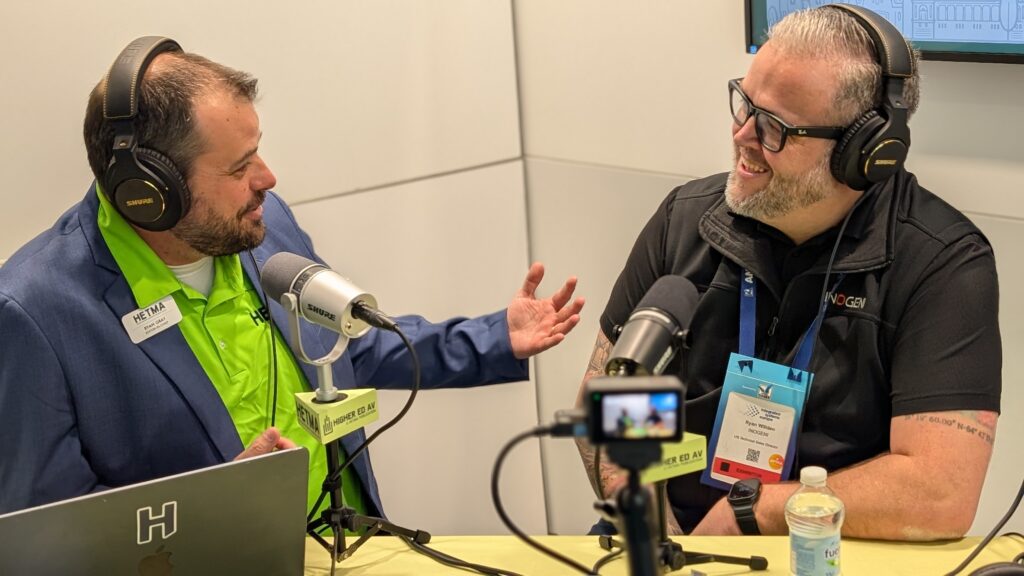





INOGENI is one of those brands a lot of higher ed teams learn to trust in a real practical way. In this show floor conversation, Ryan Willden (US Technical Sales Director) leaned into that reputation and described the company’s lane as intentionally focused: find the gaps in real room workflows, then build the small, reliable pieces that make everything else easier to use.
“We really try to find niche solutions in the market where there’s a demand and we find ways to solve those problems.”
That is the through-line at ISE 2026. INOGENI is about making modern rooms behave predictably when you have a room PC, an instructor laptop, multiple cameras, and a mix of USB and IP signals that all need to land cleanly in Teams, Zoom, and lecture capture.
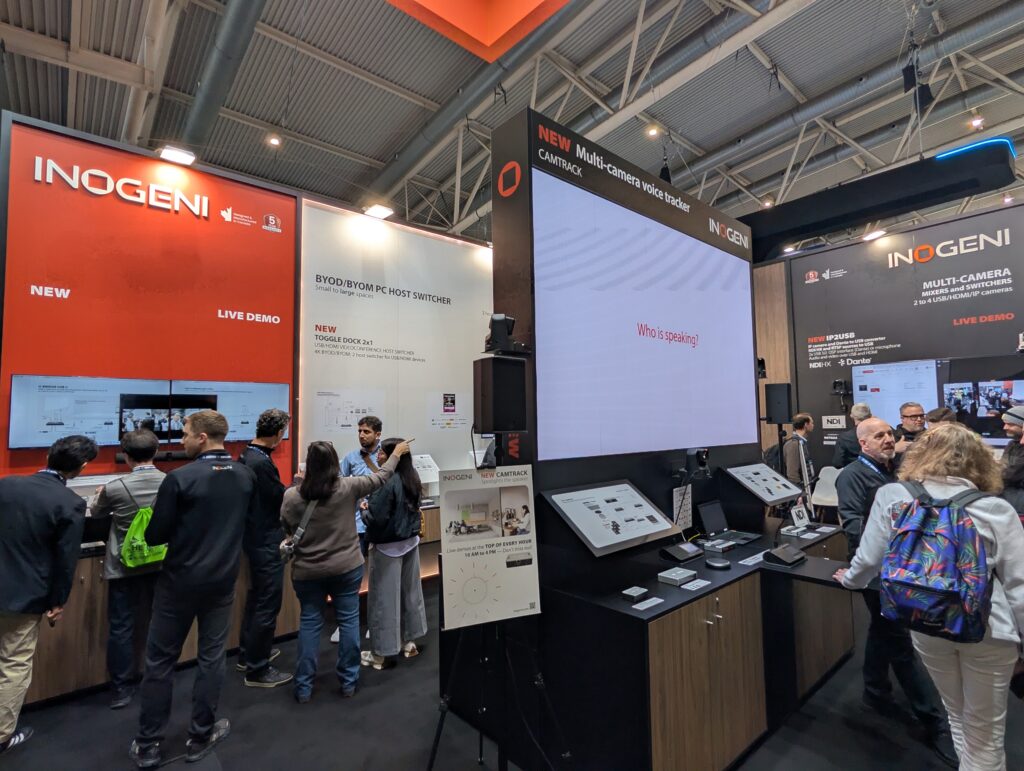
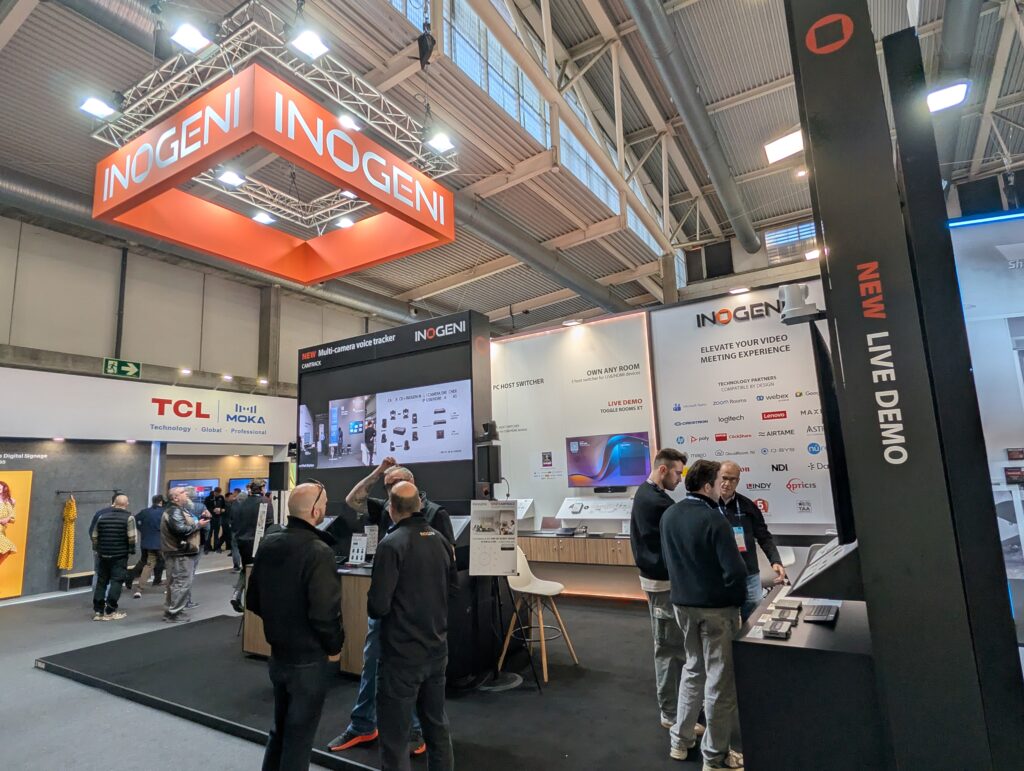
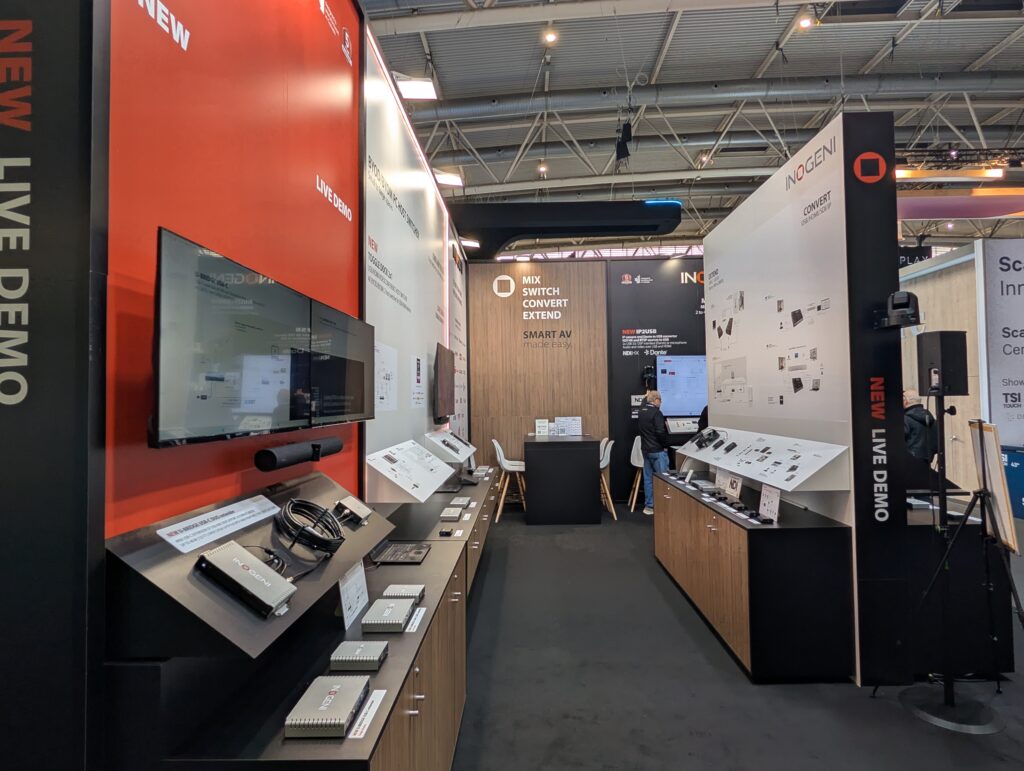
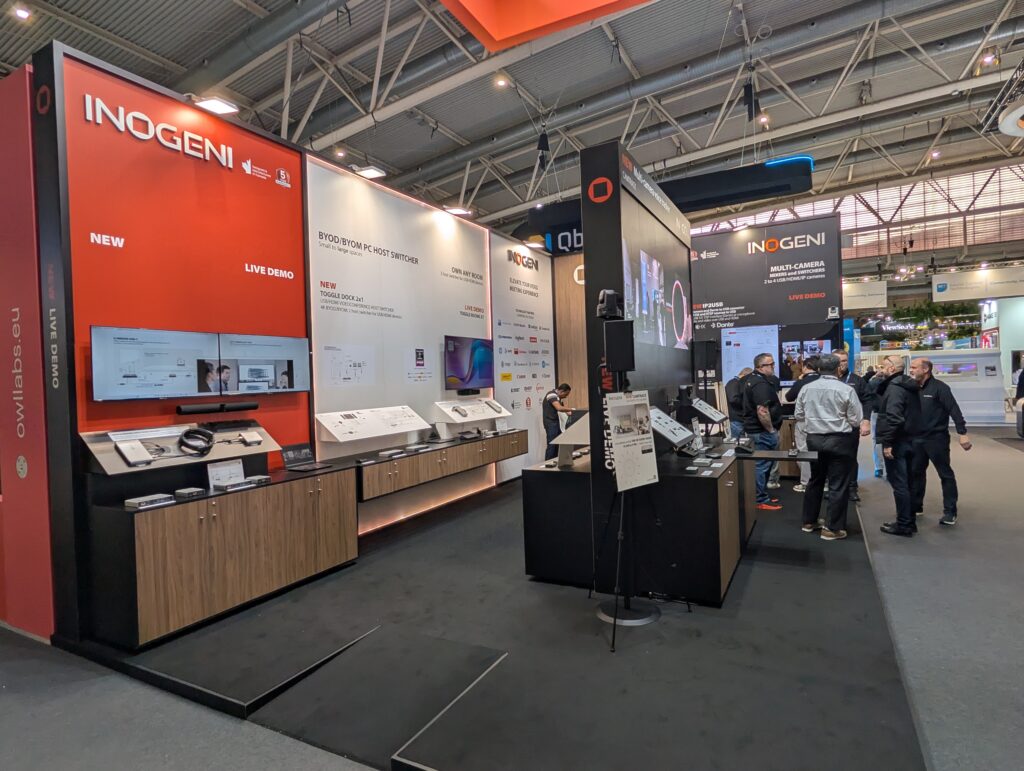
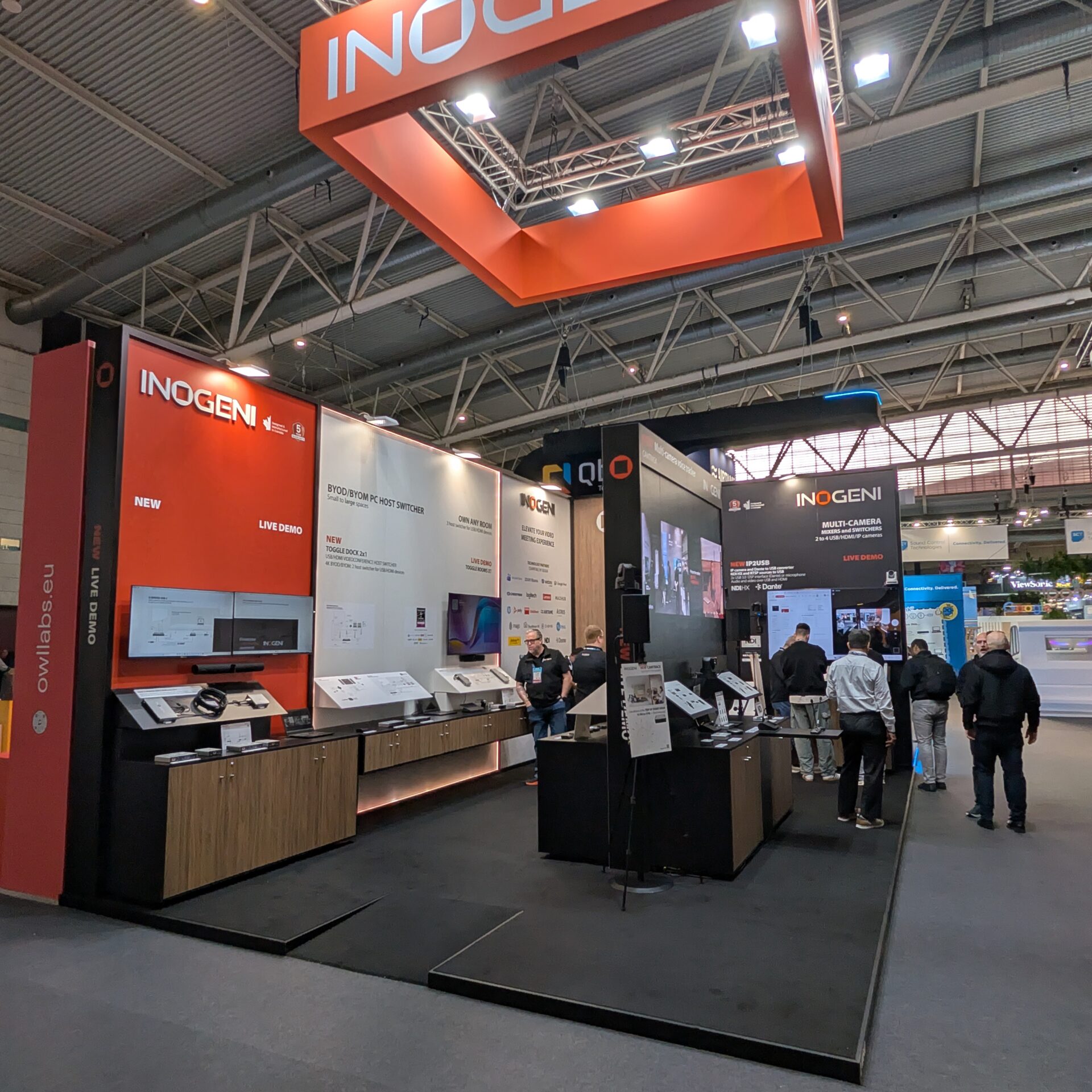
Booth 2W640: the ecosystem view, not a single product demo
INOGENI is at Booth 2W640, and they have live demos built around “Smart AV made easy,” with working room ecosystems instead of isolated endpoints. On the show floor, that usually means you will see how TOGGLE and TOGGLE ROOMS support multi-host BYOD/BYOM workflows, plus how their camera and conversion products fit into real hybrid rooms.
Ryan talked about the evolution from the original TOGGLE to TOGGLE ROOMS, and why it keeps showing up on campuses. A lot of higher ed rooms still have a dedicated room PC, and a lot of instructors still want to walk in with their own laptop and run the meeting the way they are used to. The value is that the room can support both without forcing a rebuild every time the workflow changes.
“Toggle Rooms has been very popular for us. It’s allowed us to be able to provide flexibility in classrooms and also conference rooms.”
That includes the practical stuff instructors actually notice: USB-C single-cable connection with charging, and a predictable way to “own the room” with their own device when that is the right workflow.
CAMTRACK: camera tracking without forcing a locked ecosystem
The star at the booth is CAMTRACK. The way Ryan described it will sound familiar to any campus that has tried to standardize on camera tracking: there are a lot of options, but many live inside locked ecosystems that force you into a specific camera family, a specific I/O design, or switching that is baked into one vendor’s box.
INOGENI’s approach is to keep CAMTRACK focused on the camera tracking job and let the rest of the system be “bring your own.” In other words, it is designed to integrate with existing cameras and switching approaches instead of replacing them. Today, the audio trigger side is centered on Shure microphones, with more microphone integrations on the roadmap.
“One thing that’s really unique about Camtrak is Camtrak is really just it’s just a camera tracking solution.”
Ryan also framed CAMTRACK as a way to bring a more broadcast-like feel into classroom and meeting workflows, keeping active speakers framed in a way that stays engaging for remote participants.
IP2USB: turning NDI and RTSP into something your room PC can actually use
The other big product Ryan highlighted is IP2USB, an IP-to-USB converter built for a reality a lot of campuses are in right now. Cameras are increasingly networked. They often already support NDI or RTSP. But the conferencing endpoint is still USB, because the UC platform expects USB peripherals.
IP2USB is designed to bridge that gap. Ryan described it in the simplest possible terms: bring in IP video, output USB, and keep the switching fast and clean. That is what enables distributed camera designs without running USB extenders everywhere, and it also creates a clearer path for mixing and matching cameras that already exist on campus.
A key addition he called out is Dante audio support, including the ability to combine an NDI stream with Dante audio so a room can bring camera video and microphone audio together into a simple USB feed for the room PC. The practical result is a cleaner architecture: network cameras on a switch, Dante audio on the network, then one simple connection into the conferencing computer.
U-BRIDGE USB-C DUO: dual-display BYOM over distance
INOGENI is also showing U-BRIDGE USB-C DUO, a USB-C extension solution built for modern “one cable” rooms where USB-C is doing video, data, and power. The key update here is supporting dual-screen workflows and DisplayPort Alt Mode while extending the connection over distance.
The higher ed angle: reduce friction, increase adoption
Ryan kept returning to a point that is easy to miss when we talk about “room tech.” People use what feels familiar. They avoid what feels tricky. BYOM and BYOD are not just features. They are adoption strategies. If instructors can walk in, plug in one cable, and use the software they already know, the room gets used more, and support tickets tend to drop.
“It needs to be transparent to people, and the more transparent it is, the more useful technology is to us, right?”
That is the value of INOGENI’s niche approach. They are not trying to be the whole room. They are trying to make the parts between devices behave reliably, so the room can stay simple even as hybrid workflows get more complex.
Make sure to check out all of this and more at their website.