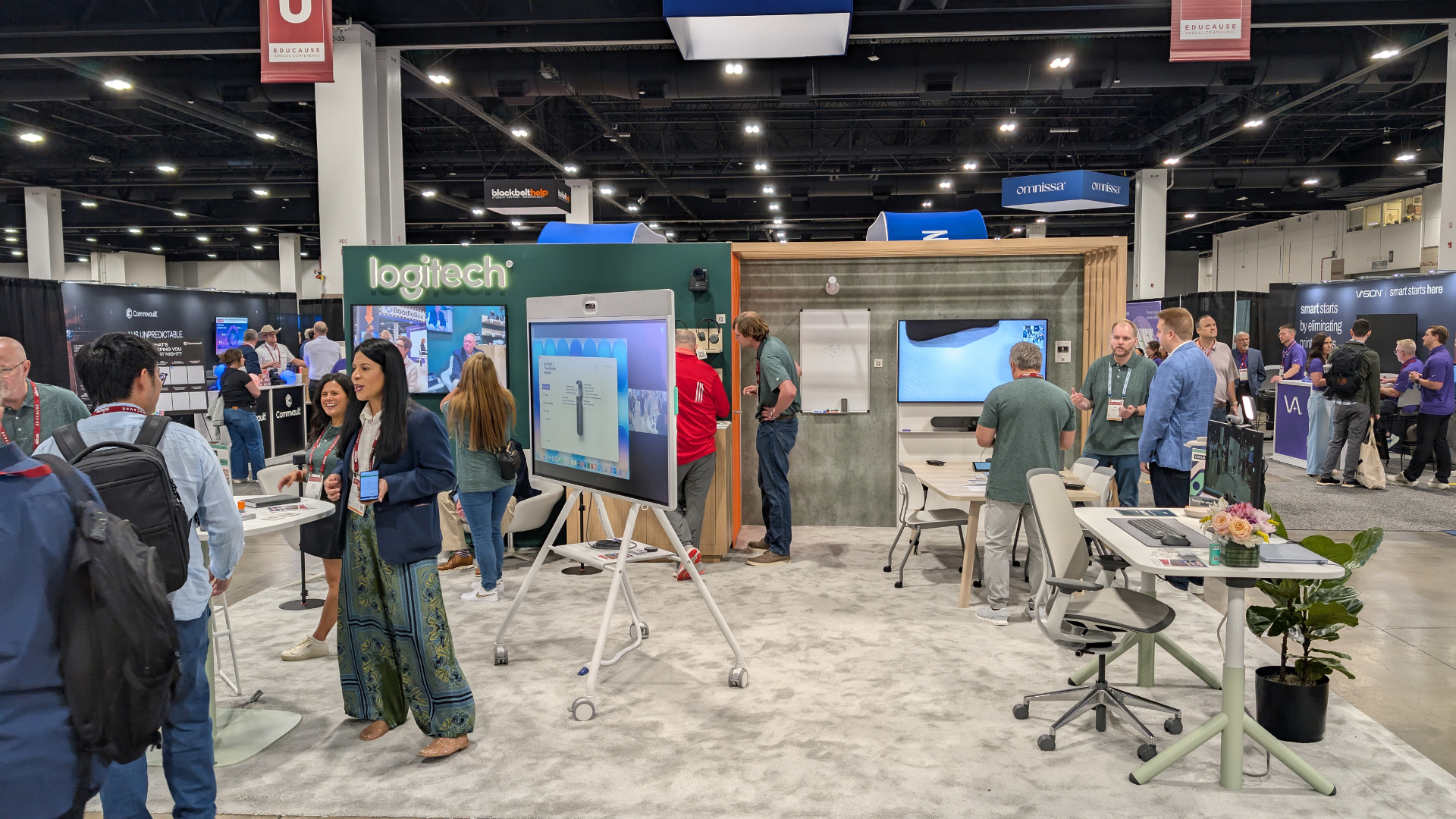







Logitech at EDUCAUSE 2026: Making the Technology Easier to Forget
For higher education AV teams, one of the best measures of classroom technology may be how little a faculty member has to think about it.
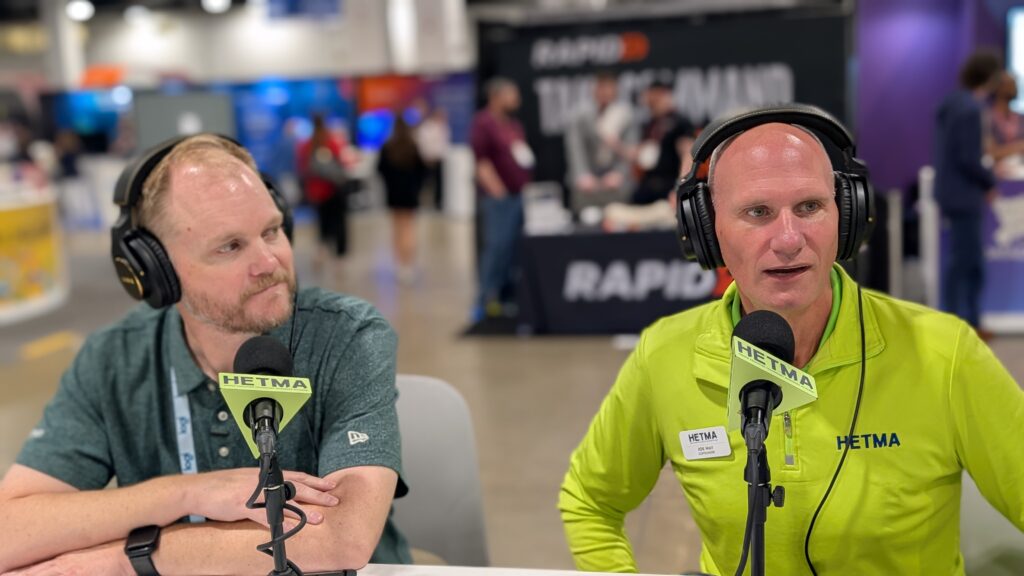
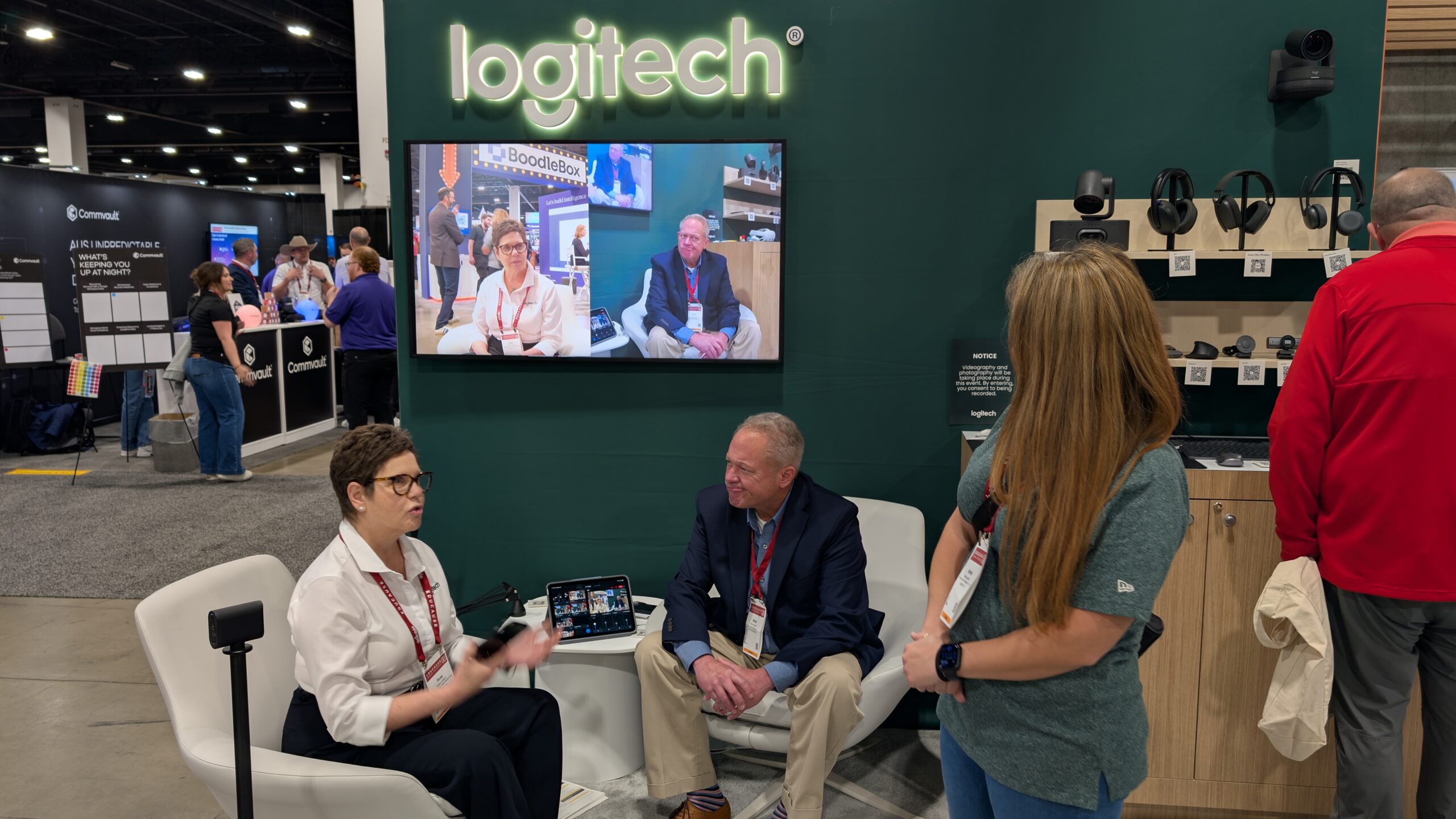
That idea kept surfacing during our EDUCAUSE 2026 conversation with Jay Lyons, Product & Portfolio Manager for Education at Logitech. While the Logitech booth offered plenty of new technology to explore, Lyons kept bringing the conversation back to something much more familiar to anyone supporting classrooms: faculty members should be able to walk into a room and teach without first figuring out how the room works.
For Lyons, one warning sign is something many higher ed AV professionals have seen countless times.
“When I go into higher ed institutions, I get a chance to look at classrooms, I see these laminated instructional pages that are almost impossible to follow,” he said.
The goal, he explained, is to get rid of the need for them.
“If I have to put a one-pager to tell someone how to use it, I’ve already failed.”
Learning From the People Using the Rooms
Lyons’ role gives him an interesting perspective on that challenge. He spends time visiting higher education institutions, sitting in classrooms, observing how technology is being used, and talking with the people responsible for those environments.
That feedback then helps shape where Logitech focuses its education portfolio.
“We do a lot of research, a lot of visiting higher ed institutions to figure out what it is that they need and what we need to focus on and simplify,” Lyons said.
That last word matters: simplify.
For campus AV and IT teams, simplicity is not necessarily about installing less technology. It can mean creating a consistent experience from room to room, making it obvious when cameras and microphones are working, reducing the amount of training faculty need, and finding systems that can be deployed across more spaces without making every room its own support challenge.
Those were also the kinds of conversations Lyons said Logitech was having with technology directors and institutional leaders at EDUCAUSE.
“They’re like, I need to make this simpler. I need to make this more cost effective, because we want to put it in more of these spaces. And how do I make it consistent?”
Starting With the Presenter
One of the products Lyons was particularly excited to demonstrate was the new Logitech Spotlight 2 presenter.
A presentation remote might seem like a small part of the classroom technology ecosystem, but Lyons’ explanation of the product provided a good example of Logitech’s approach. Instead of only asking what additional features could be added to a presenter, the company looked at what the person standing in front of the room actually experiences.
Spotlight 2 includes digital highlighting tools that can draw attention to material on a display, along with haptic feedback and customizable controls. Logitech also incorporated a guided breathing exercise intended to help presenters manage the nerves that can come with standing in front of a room.
Lyons pointed to another seemingly small feature: the ability to freeze a digital highlight in place. An instructor can identify something on the screen, leave the highlight there, and turn their attention back toward the students rather than continually holding and moving a pointer.
It is a small interaction, but it illustrates the larger point. The question is not simply what the technology can do. It is whether the technology allows the faculty member to spend more time focused on teaching.
Building Around Different Campus Spaces
That same emphasis on simplicity carried into the larger systems Logitech brought to EDUCAUSE.
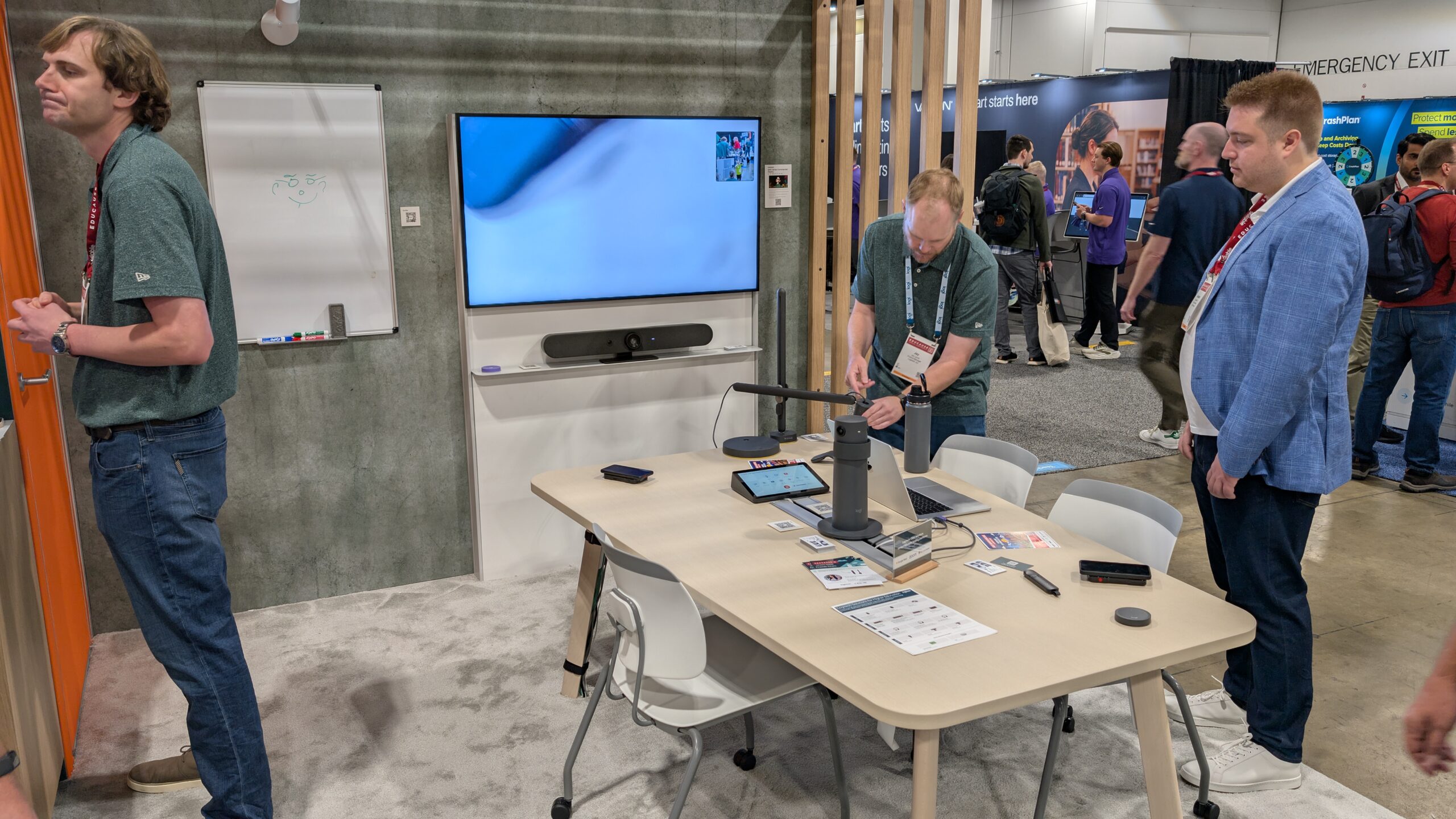
The Rally Board 65 combines a 65-inch touchscreen with integrated video and audio and can be deployed in several configurations. Logitech positions the device as an all-in-one collaboration platform designed for relatively quick deployment, including configurations where the camera can be placed above or below the display.
For HyFlex and larger instructional environments, the Rally Camera Streamline Kit takes a different approach. The USB PTZ solution uses wireless preset buttons that can be placed around a room, allowing an instructor to switch among predetermined camera views. A category cable can connect the camera up to 100 meters from the AV equipment, giving campus teams more flexibility in larger learning spaces.
Logitech Reach addresses another familiar instructional need: getting physical material in front of remote or in-room students. Its adjustable camera is designed to let an instructor reposition the view with one hand to show documents, objects, demonstrations, or other non-digital content.
There is also a facilities and space-management component to the portfolio. Logitech Spot uses presence and environmental sensing to provide data about room utilization and conditions. Depending on the services and integrations being used, that data can support functions such as room booking and release as well as utilization, environmental, and energy insights.
Lyons also pointed to the Rally AI Camera Pro, which Logitech currently lists as coming soon. The camera uses the company’s RightSight 2 technology for intelligent framing of groups, individuals, and presenters, and is designed for larger and more complex spaces, including single- and multi-camera deployments.
The individual products solve different problems, but the more interesting higher education question is how they can fit into an existing campus environment.
Interoperability Matters
Higher education classrooms rarely live inside a single manufacturer’s ecosystem.
Campuses have existing DSPs, control systems, conferencing platforms, capture systems, cameras, microphones, and other infrastructure. Lyons said some of the most useful conversations at EDUCAUSE happen when a campus tells Logitech that it likes one of its products but needs it to work with something else already being used at the institution.
Sometimes that leads directly to conversations among Logitech, the institution, and another manufacturer.
“We want you to work together,” Lyons said of the feedback Logitech receives from higher education customers. “This is where you do it.”
That is an important consideration for campus technology teams. A product does not become useful simply because it performs well by itself. It has to fit into the larger environment the institution already supports.
Logitech’s current Rally AI Camera Pro materials, for example, specifically describe integration with professional audio systems from companies including Biamp, Q-SYS, and Shure.
Making Higher Ed a Deliberate Focus
Perhaps the most interesting part of the conversation came when Lyons explained why Logitech has been putting more attention toward higher education.
The company already found its products being used on campuses, even when those products had not necessarily been designed specifically around higher education workflows.
That created a reason to look more closely.
“If our product’s going to exist here, we’ve got to make sure that it works the way it should and that it helps them solve problems,” Lyons said.
That means understanding the other technologies commonly found in higher education environments, but it also means understanding the people expected to use them.
Lyons described seeing faculty members become overburdened by classroom technology when their primary goal was simply to walk into a room and deliver a lecture.
“That shouldn’t be that difficult,” he said. “It should be easier.”
For higher education AV professionals, that may be the most useful takeaway from Logitech’s presence at EDUCAUSE.
There will always be another camera, collaboration display, presenter, sensor, or classroom device to evaluate. The harder question is whether all of those pieces ultimately make the room easier for the person who needs to teach in it and easier for the campus team responsible for supporting it.
Logitech is asking institutions to be part of that conversation. Lyons specifically encouraged higher education teams to reach out, particularly campuses the company has not visited yet, so Logitech can see how the technology is actually being used and where it can improve.
For more information about Logitech’s higher education solutions, visit Logitech’s Higher Education resources online.