





Crestron at InfoComm 2026: Content, Collaboration, and Control Across the Campus
Some InfoComm booth conversations feel bigger than the room system. Crestron is one of those this year.
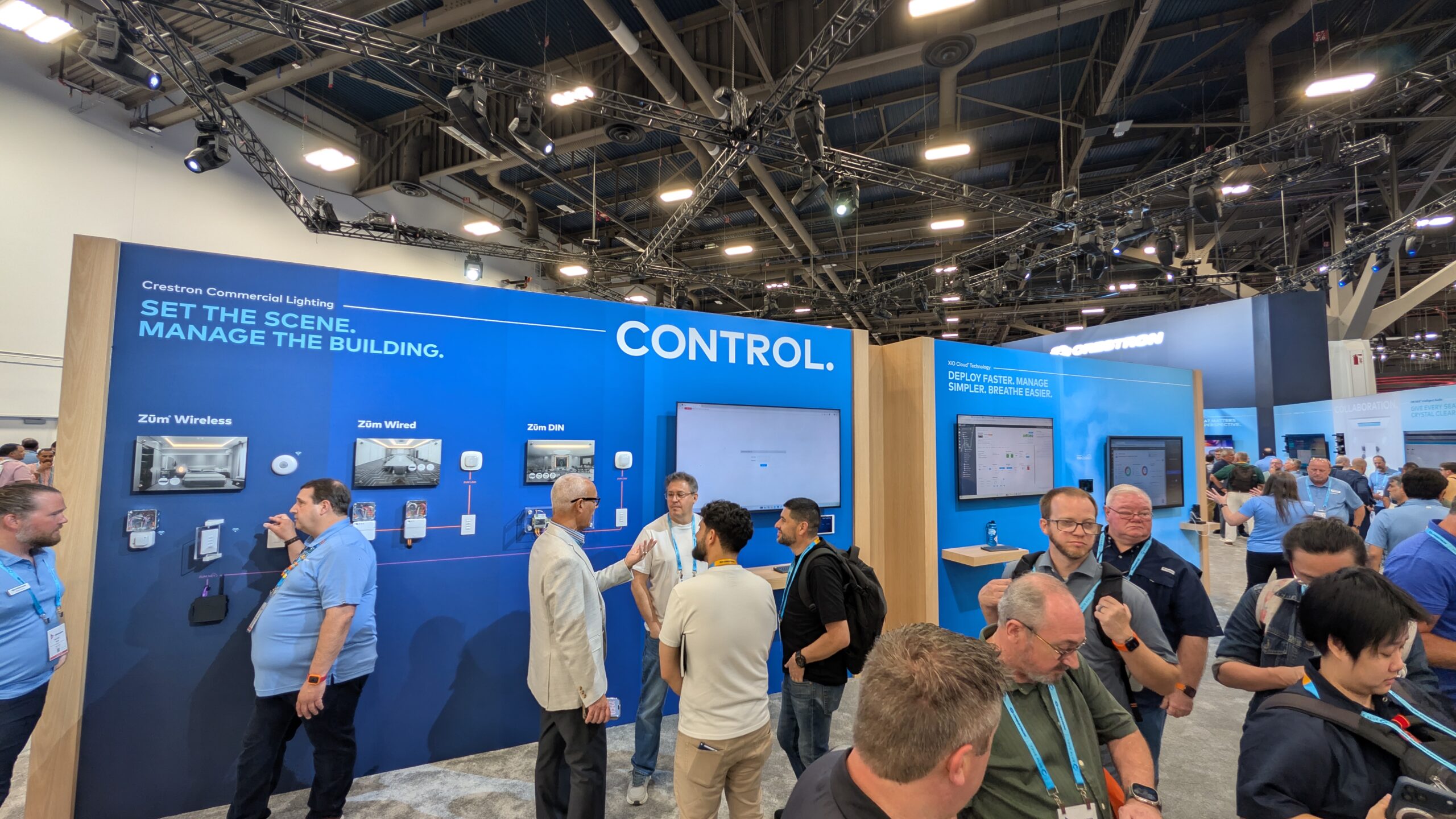
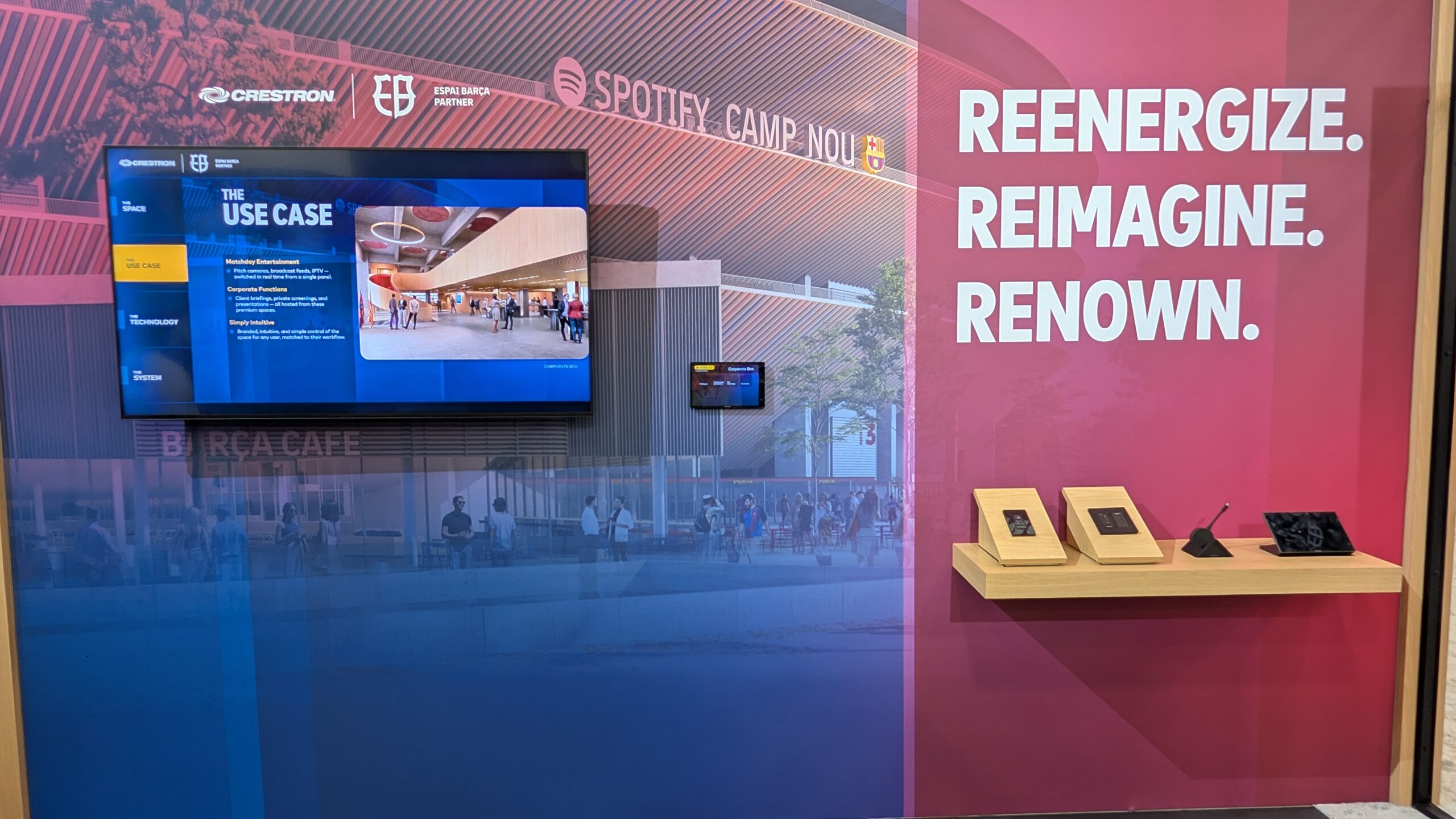
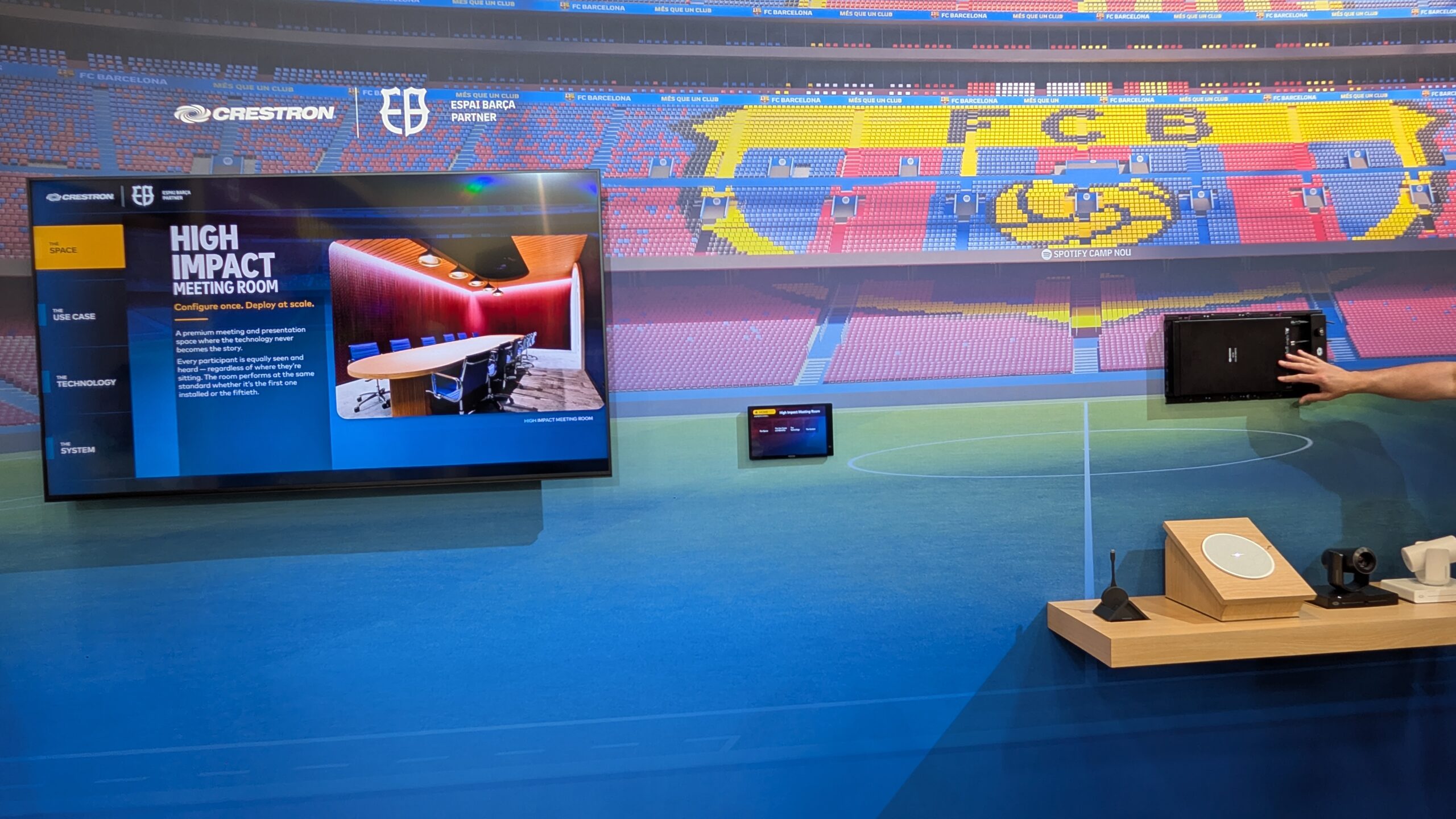
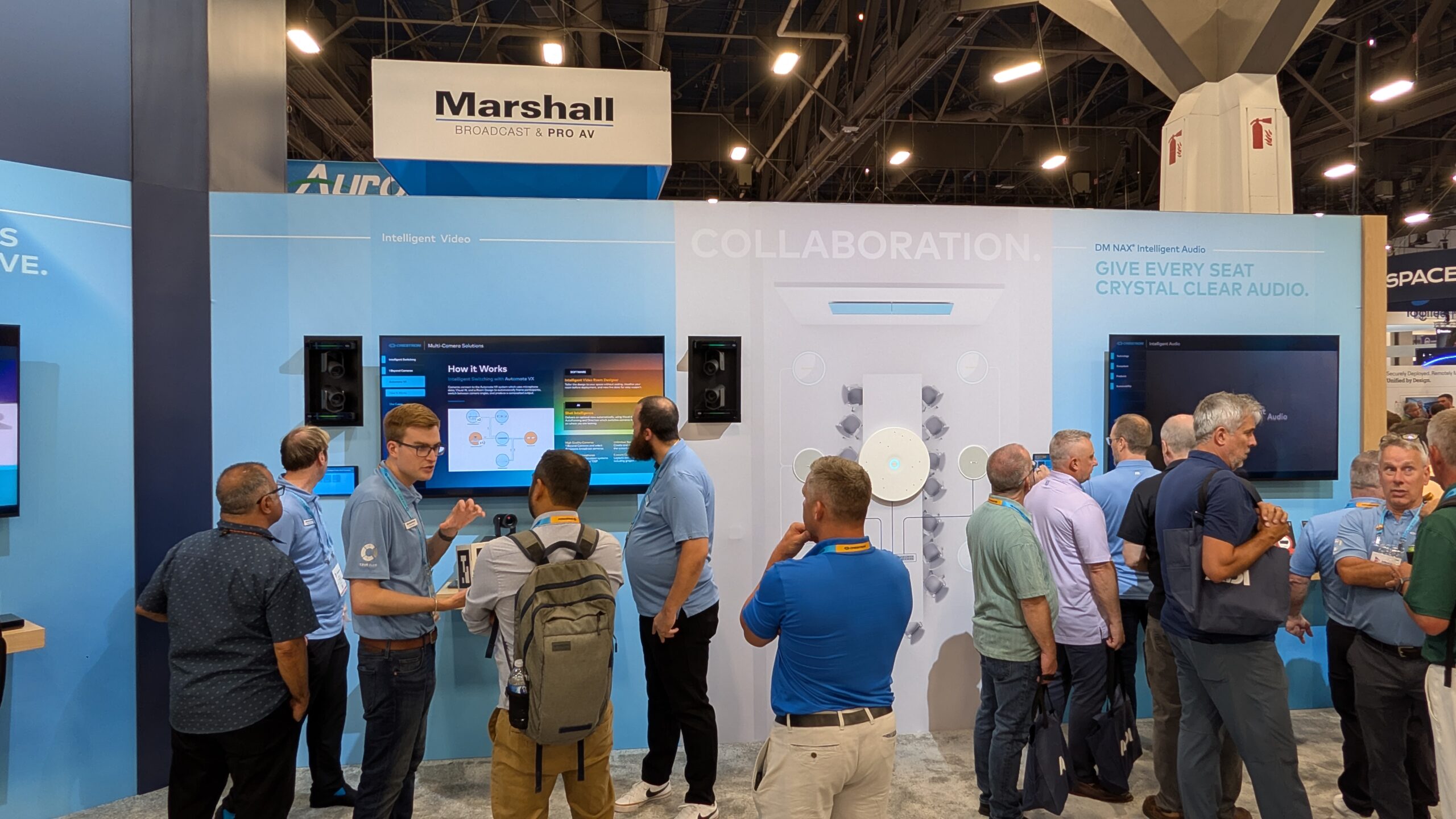
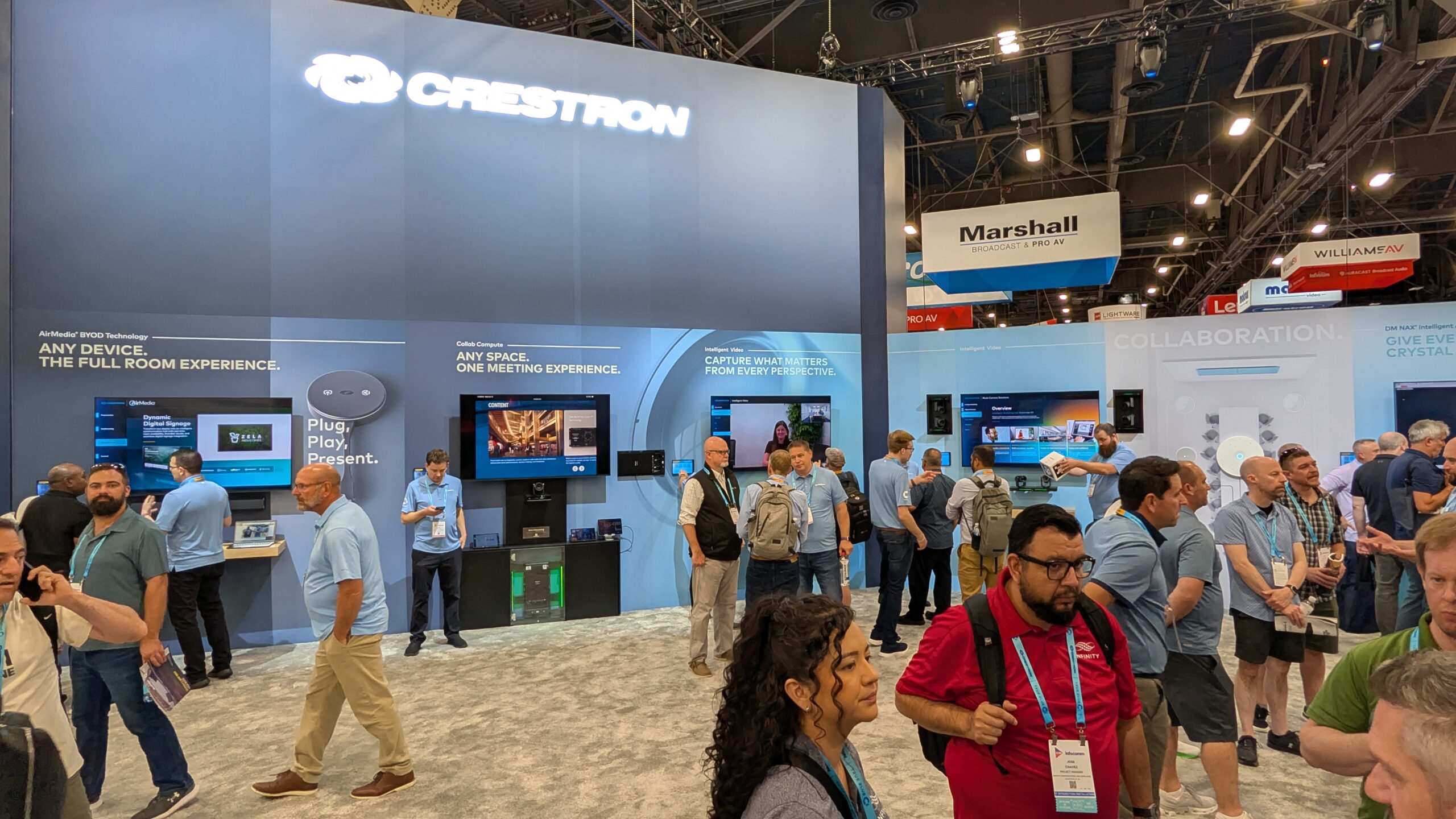
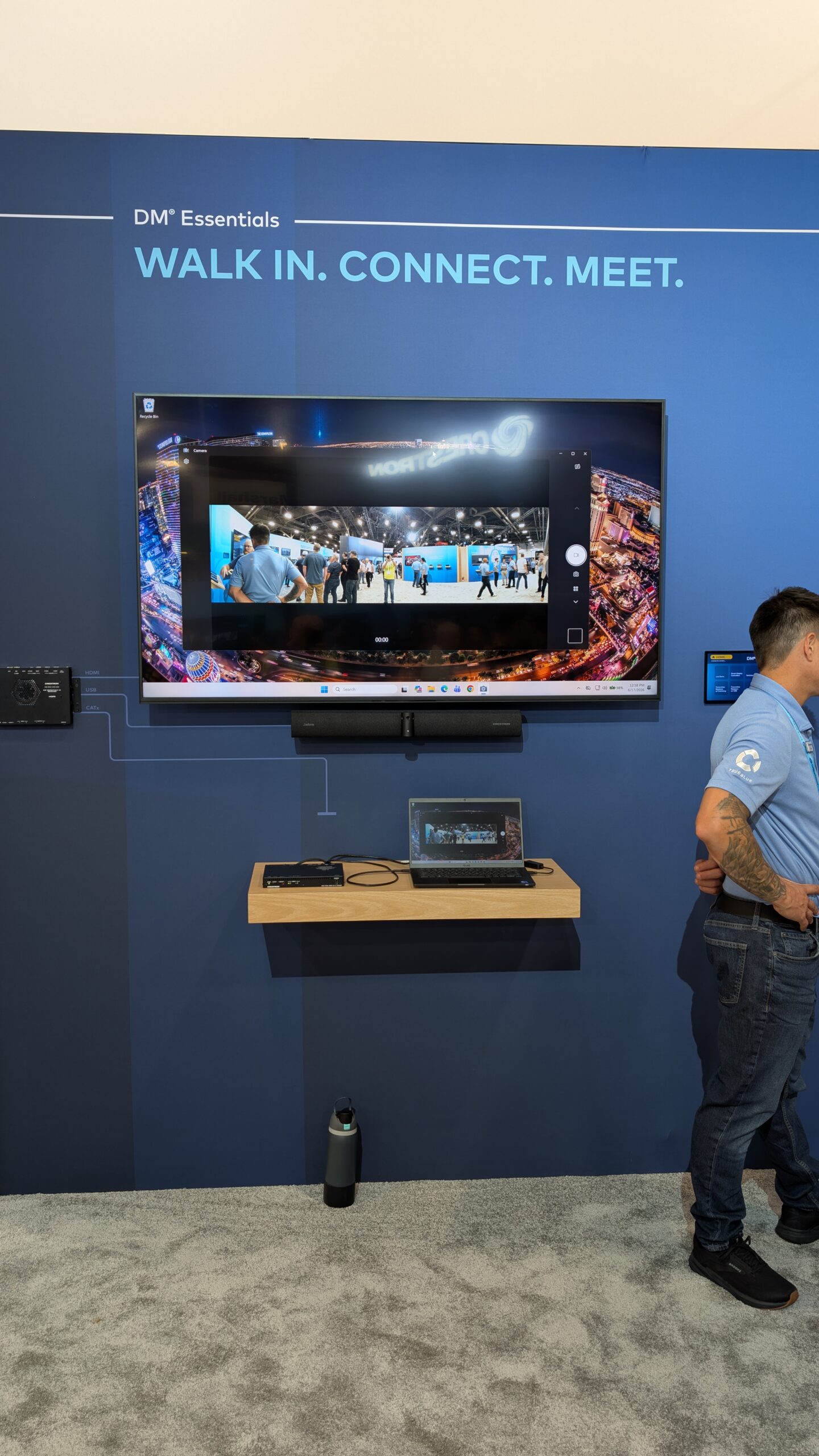
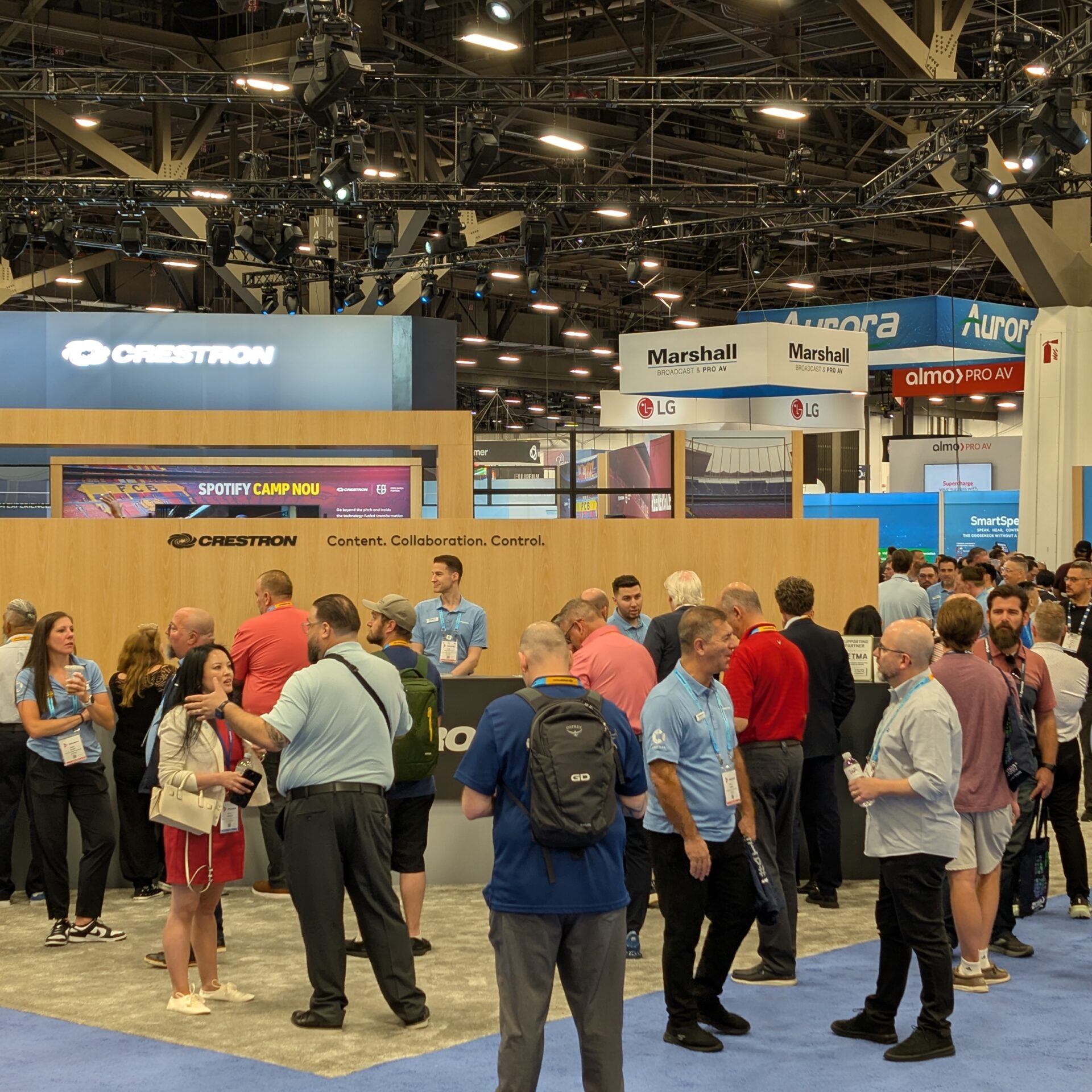
At Booth C7300, Crestron is showing a broad education-focused portfolio that includes BYOD and native Zoom and Microsoft Teams solutions, Collab Compute, 80 Series touchscreens, 4-Series MPCs, intelligent modular audio, DM NAX, 1 Beyond camera enhancements, multifunctional touchscreens, and automated switching capabilities. The booth also features a Spotify Camp Nou exhibit showing how Crestron technology is being used in one of Europe’s largest stadium environments.
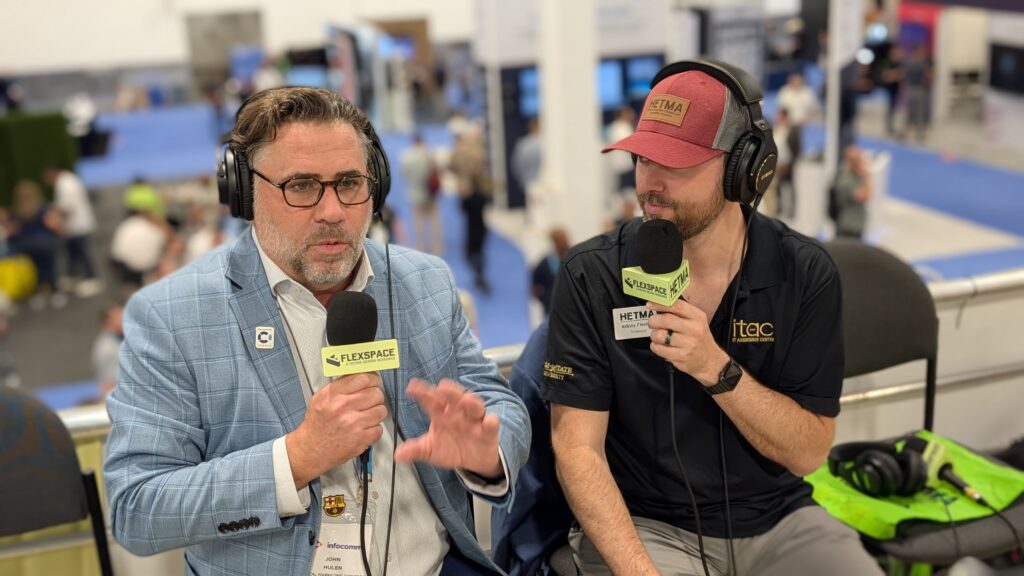
That stadium story may not sound like a higher-ed classroom conversation at first, but John Hulen made the connection quickly in the interview.
“the AV groups are starting to get pulled into athletics.”
That is a real campus shift. Higher ed AV teams are increasingly involved beyond traditional classrooms: athletics, event spaces, donor areas, broadcast workflows, meeting rooms, student collaboration spaces, and revenue-generating venues. The lines between classroom AV, enterprise collaboration, digital media, signage, control, production, and venue technology are not as clean as they used to be.
Crestron’s InfoComm message is built around that overlap.
Booth C7300
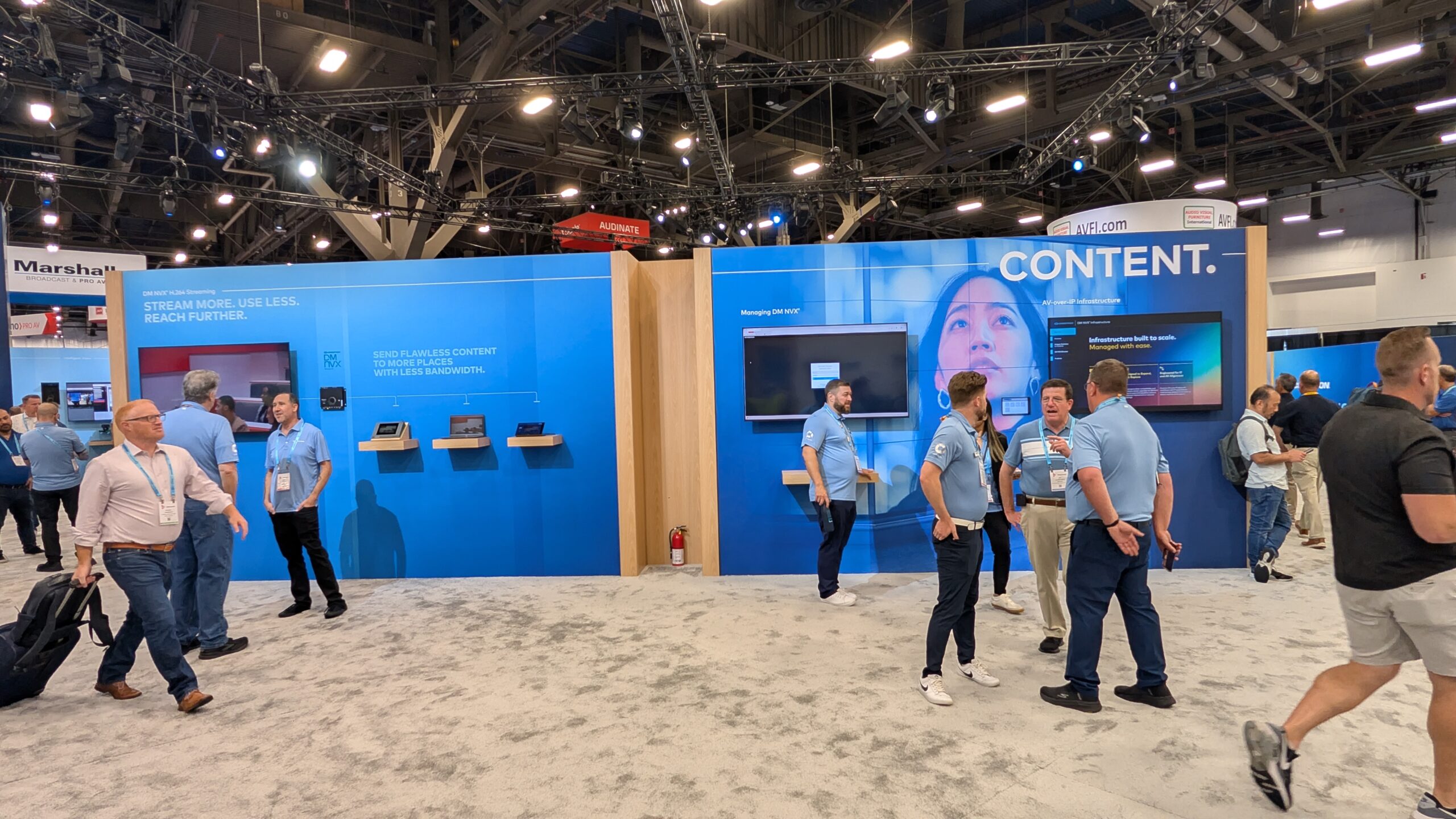
Crestron is exhibiting in Central Hall at Booth C7300, and the booth is organized around the company’s current education theme: content, collaboration, and control. John described it in exactly those terms.
“content, collaboration, and control.”
That is a useful frame for higher ed because it maps closely to how campus AV/IT teams think about spaces. Content has to move from source to display, from room to recording, from faculty device to student experience, and sometimes from campus to remote audience. Collaboration has to support in-room and remote participants without making the technology the focus. Control has to make the room understandable to users and manageable for support teams.
A classroom may need all three. So may a boardroom, stadium club, lecture hall, hybrid seminar room, simulation space, active learning room, or student collaboration area. The value is not in treating each of those as completely unrelated projects. The value is in having enough consistency that the campus can support them at scale.
Collaboration Is Not Just a Meeting Button
Crestron’s booth includes Collab Compute, and John spent time connecting it to the way instructors and meeting users actually work.
“I do feel like our collab compute is not a soundbar or anything like that.”
That distinction matters. Higher ed has many rooms where a simple video bar is enough. It also has many rooms where that approach does not fit the teaching workflow, the physical space, the microphone plan, or the support standard. Collab Compute is positioned as the collaboration engine that can live behind the display or in a lectern, with cameras and microphones feeding into it. John described it as a solution for lecture capture, recording, meetings, BYOD, and platform choice.
That platform flexibility matters because faculty do not always teach in one mode. A room may need Zoom one day, Teams another day, lecture capture every day, and BYOD when a guest speaker arrives. A rigid room can force the session to match the technology. A better room lets the technology support the session.
The higher-ed question is not whether Collab Compute is a single answer for every space. It is where it helps campuses build a repeatable collaboration pattern for rooms that need more than a basic endpoint.
BYOD, Native Platforms, and the Faculty Experience
Crestron is also showing BYOD and native solutions for Zoom and Microsoft Teams. That mix reflects the reality on campus. Some institutions want dedicated room experiences. Some want faculty to bring their own devices. Some need both. Some spaces have a primary platform standard but still need to support guests, departments, and changing academic use cases.
John described the goal from the instructional side: faculty want to teach effectively without the technology becoming a distraction. That point should not be overcomplicated. The room has to start. The content has to appear. The meeting or capture workflow has to work. The controls have to be understandable. The instructor should not have to spend the first five minutes of class negotiating with the system.
This is where Crestron’s broader ecosystem matters. Touchscreens, button panels, camera control, audio, signal distribution, room compute, and management software all affect the user experience. The room either behaves like one system, or it feels like a stack of parts.
The Seat at the Table
One of the strongest higher-ed moments in the interview was not about a product. It was about the role of the AV group.
John said:
“our destiny is our own.”
He followed that by talking about getting a seat at the table with the school architect, consultant, and project stakeholders. That will resonate with campus AV/IT teams because so much of the work depends on being involved early enough to shape the outcome. Once the room is designed, funded, and built around bad assumptions, the support team inherits the consequences.
Crestron occupies an interesting position in that process. Manufacturers often have relationships with consultants, integrators, architects, campus stakeholders, and AV teams. John talked about using that position to help bring the right people into the conversation.
He framed the challenge this way:
“why aren’t you involving your main group who’s going to support all this?”
That is a higher-ed issue, not just a Crestron issue. The people who support the technology need to be part of the planning. They know the standards. They know the users. They know the failure patterns. They know what will be serviceable in five years and what will become a one-off burden.
Athletics, Venues, and Campus Experience
The Spotify Camp Nou exhibit gives Crestron a way to talk about large-scale technology environments, but the campus connection is practical. Colleges and universities are not only building classrooms. They are operating stadiums, arenas, performance venues, event spaces, alumni spaces, boardrooms, esports rooms, and revenue-generating facilities.
John pointed out that AV groups are being asked to support locker room areas, coach viewing areas, and spaces that may be used for corporate or sponsored events when games are not happening. That is exactly where the campus support model starts to stretch. A space may be athletics on Saturday, advancement on Monday, student experience on Wednesday, and external events by the weekend.
That kind of space needs content, collaboration, and control as much as a classroom does. It may also need more visibility, more stakeholder management, and more consistency with campus standards.
For higher ed AV/IT teams, the stadium exhibit should not be read only as a sports story. It is a reminder that campus technology expectations are expanding into more places, and those places still need to be designed, supported, and governed.
Control Has to Scale
Control is one of Crestron’s longest-running campus conversations, and the booth continues that thread with multifunctional touchscreens, 80 Series touchscreens, 4-Series MPCs, and campus-scale management tools.
The higher-ed value is consistency. A professor should not need a new mental model in every classroom. A support team should not need a completely different troubleshooting path for every building. A campus standard should allow room variation without becoming chaos.
Control also reaches beyond the lectern. It affects remote support, monitoring, management, scheduling, automation, and how AV teams respond when a room does not behave. John framed control as including both the user-facing room control and the support team’s ability to manage calls and systems.
That is where Crestron’s story fits the campus scale problem. It is not just whether the touchscreen looks good. It is whether the control layer helps users start class and helps AV/IT teams keep the room predictable across a large estate.
The Higher Ed Takeaway
Crestron at InfoComm 2026 is worth seeing because the booth conversation is not limited to one product category. At Booth C7300, Crestron is showing collaboration compute, control, touchscreens, audio, DM NAX, 1 Beyond camera capabilities, BYOD and native platform support, and a stadium-scale technology story that connects to the expanding role of campus AV teams.
The higher-ed takeaway is content, collaboration, and control as a campus-wide pattern. Classrooms need it. Athletics spaces need it. Meeting rooms need it. Event spaces need it. Hybrid learning environments need it. The more those spaces overlap, the more important it becomes to build systems that are consistent, supportable, and shaped by the people who will maintain them.
John’s message about AV visibility may be the most important part. The tools matter, but the planning process matters too. Higher ed AV groups need to be in the room early, not after the room is already defined.
Make sure to check out Crestron at Booth C7300 at InfoComm 2026, or visit www.crestron.com to learn more.